


Question
Problem with downloading and enabling flash on chrome.
Hello
I have tried many times now to download and use flash player on my chrome but without luck.
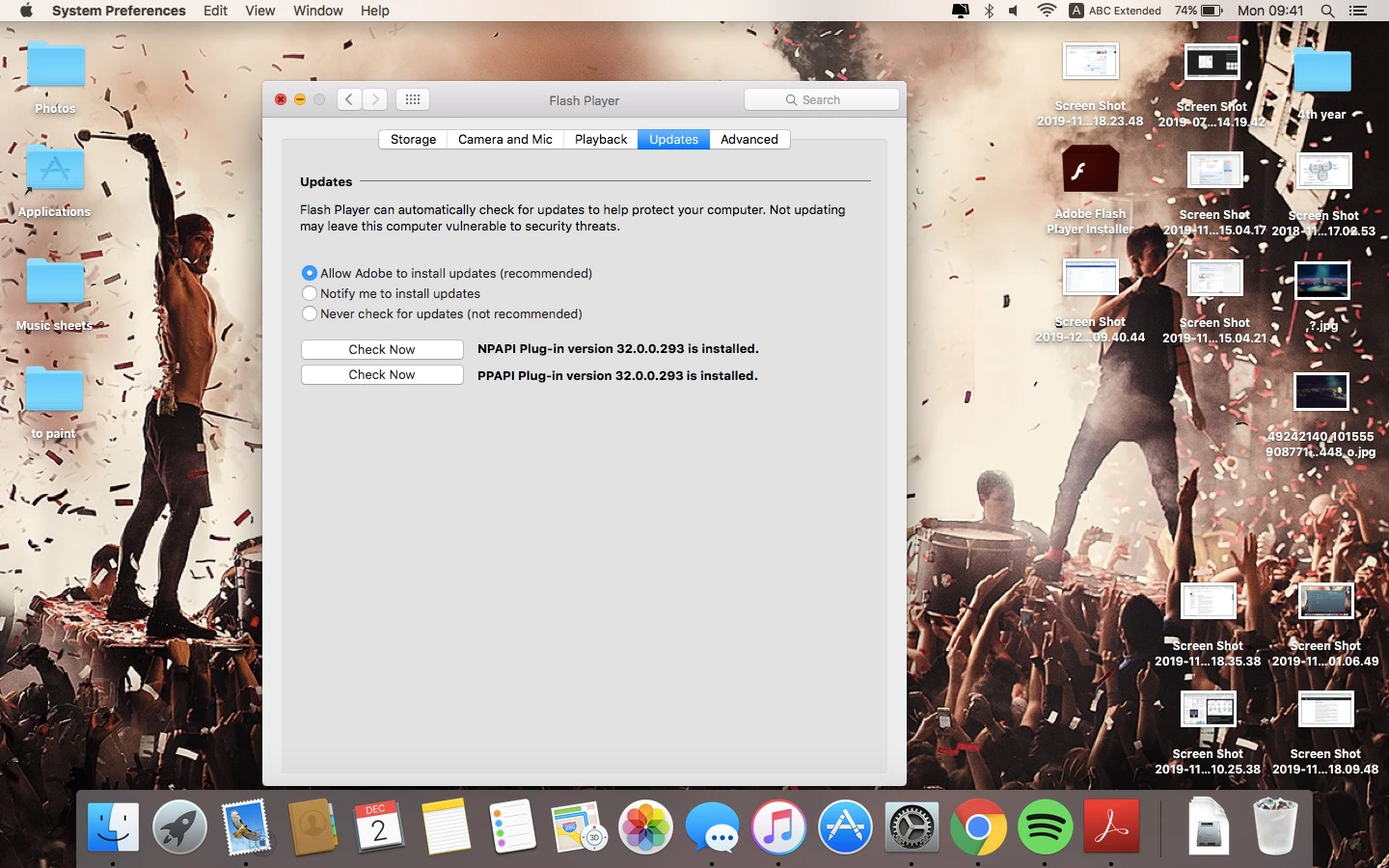
Now I can see that it is installed, but again the website that I need to open shows "download flash player".
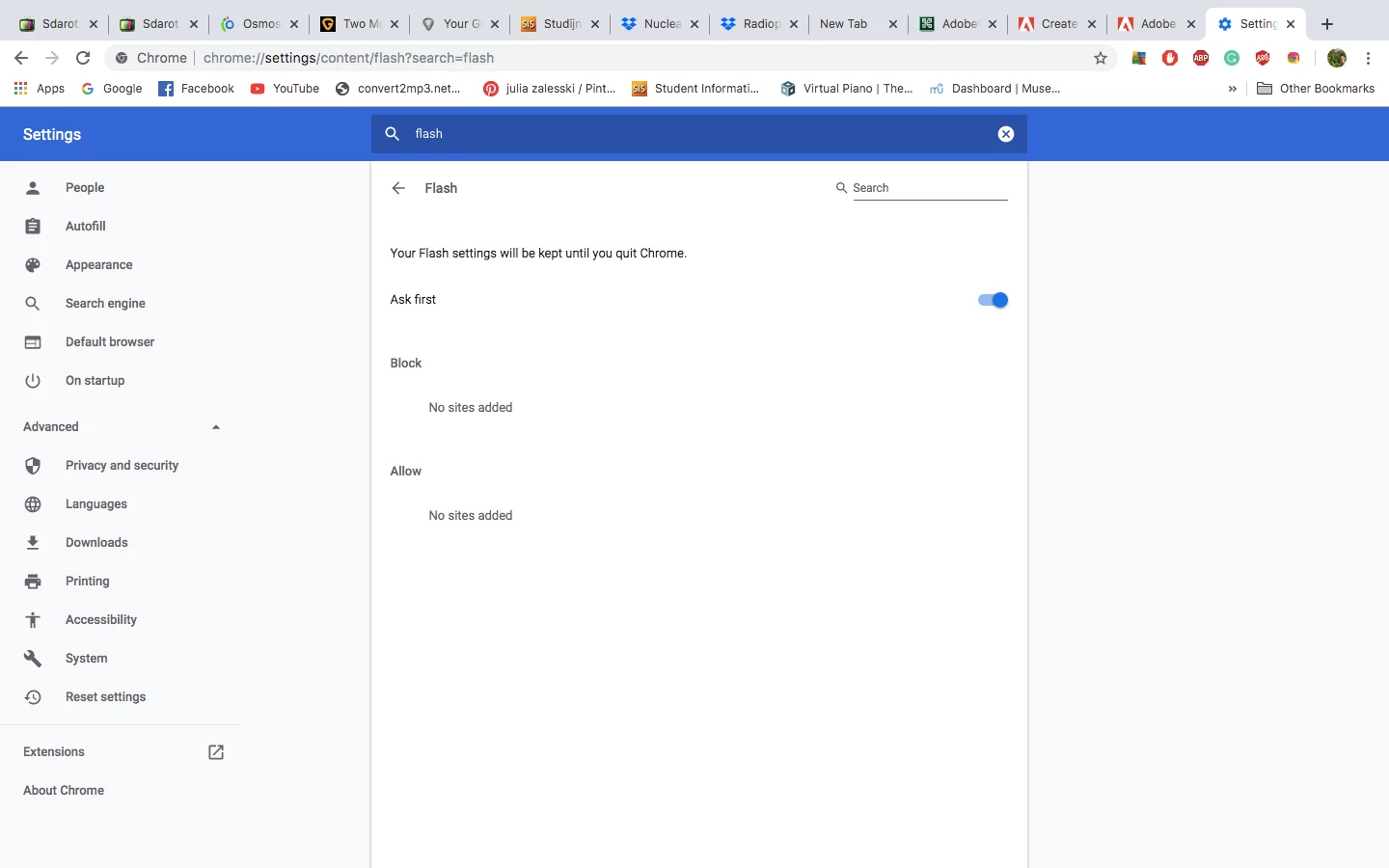
I have tried to add "https://*" to the chrome settings but for some reason, I can't (pictures below)
I am using Macbook Air, OS X, El Capitan. version 10.11.16
The website that I'm trying to open is a page with a university lecture that requires a password, so I don't know If I can even send a link.
Please help, this is very frustrating as I need flash to open many university presentations.
(in the first picture, the presentation I'm trying to access with the notice) 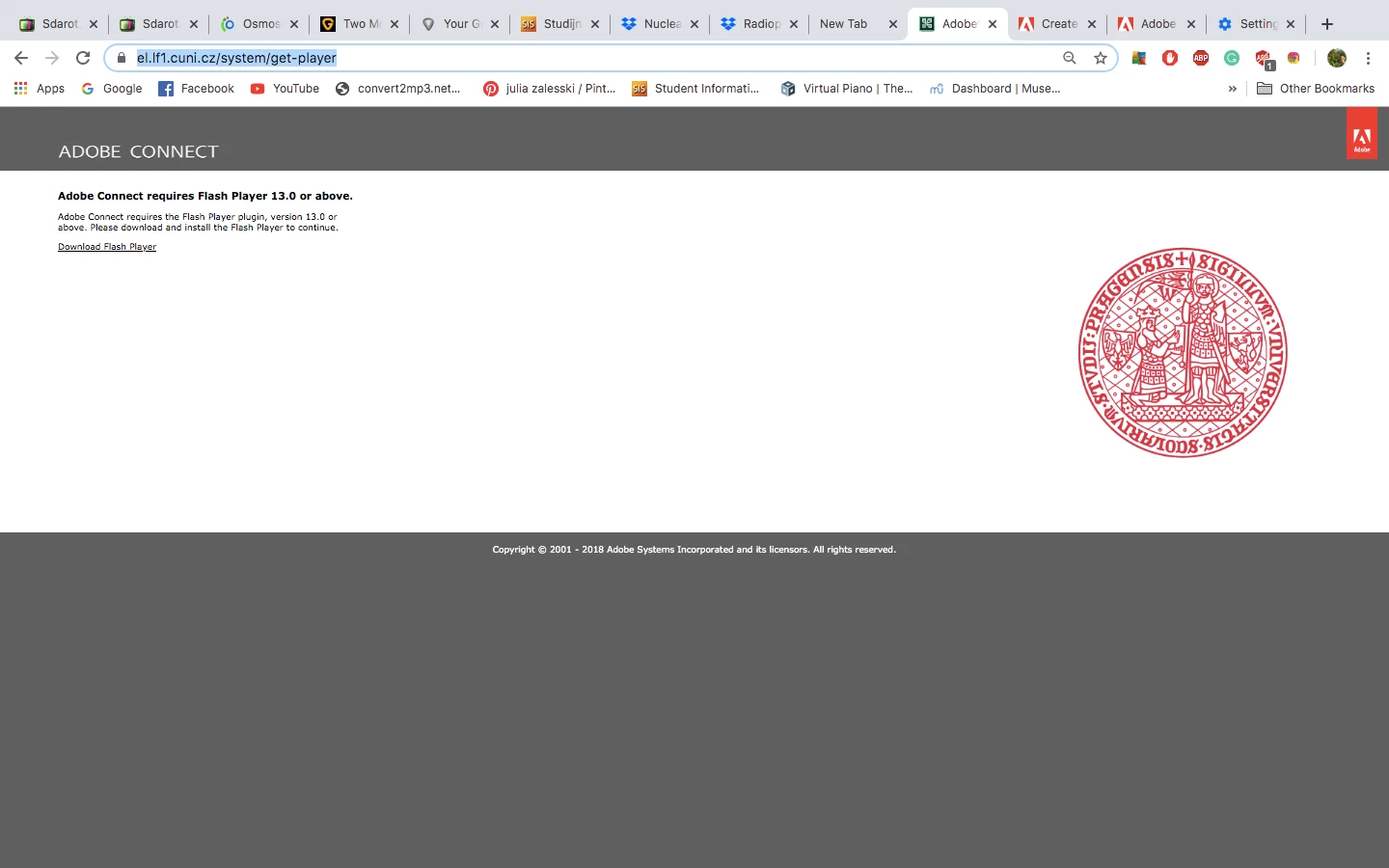
 AdChoices