


problems with installation and uninstallation of Flash Player
Yesterday I tried to update Flash Player, but when I ran the installation file, it came to the point where installation process was 90% complete - then stopped for quite a long time, and then said that installation was unsuccessful.
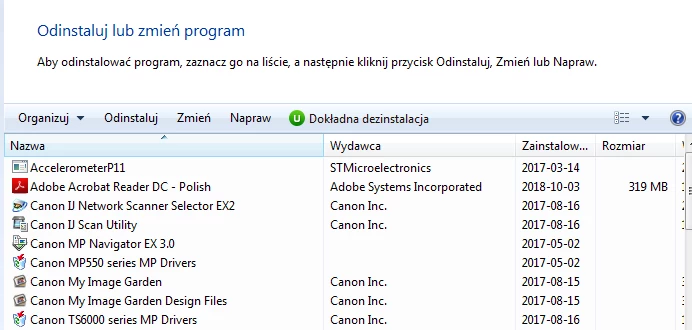
So I decided to uninstall FP. Doing it from the Windows Control Panel proved impossible so I used IObitUninstaller. Yes, probably I should have used Adobe uninstaller for Flash, but I didn't think of it. IObit uninstalled Flash Player, but not completely - when I checked at you webpage, it showed that I still have on my computer 31.0.0 version of Flash Player. And installing it failed again - in the same way as described above with a halt at 90% completion.
Then I tried using your uninstaller, but it didn't work: I clicked "yes" to allow it to run and then just nothing happened. So I deleted all the files you list here: Odinstalowanie programu Flash Player dla systemu Windows and then your page showed that I don't have Flash on my computer any more. However, the installation halted at 90% again, and then I noticed that somehow this uninstaller was still running, because when I tried deleting the file fpb.tmp from windows/sysWOW64/Macromed/Temp/{something}, it said it's impossible, because Adobe® Flash® Player Installer/Uninstaller 31.0 r0 was using it.
When I restarted the computer the uninstaller was stopped - and I was able to delete fpb.tmp. But the problems described above still persisted: your uninstaller doesn't work (also with the files from windows macromedia folders restored from the bin), installation fails.
I'm using Windows 7 Professional and Firefox 62.0.3.

 AdChoices