July 21, 2015
Answered

Пустое окно Adobe Download Manager. Как бы обновить Flash Player для Windows 7?

  • July 21, 2015
  • 3 replies
  • 22072 views

После запуска flashplayer18pp_fa_install появляется пустое окно Adobe Download Manager и всё. Как бы обновить Flash Player для Windows 7?

This topic has been closed for replies.
Correct answer _maria_

Hi Maria

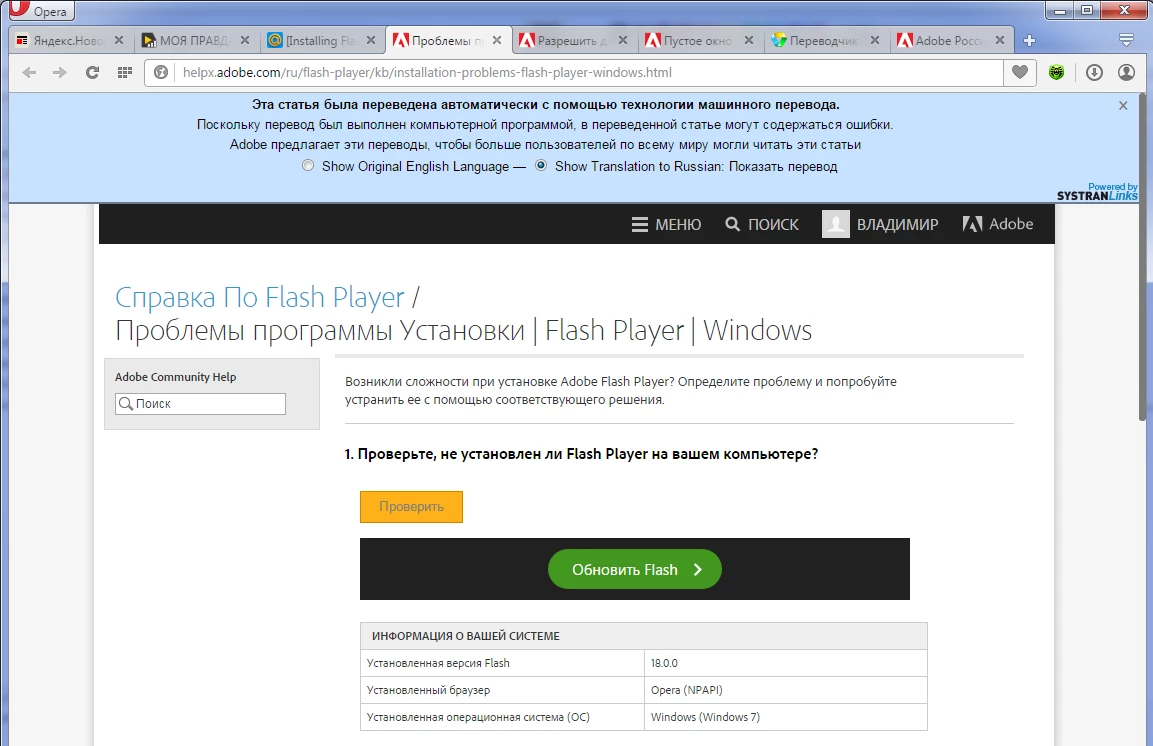
Сайт Проблемы установки | Flash Player | Windows выглядит странно

The site looks strange


Hi vlad200204,


That's because you installed the NPAPI plugin.  You need the PPAPI plugin for Opera.  I included the link to download the PPAPI installer file in my previous post.

--

Maria

3 replies

irina-84604500
Participant
January 24, 2018

Спасибо помогло!!        _   _     

                                      /    \/   \

                                        \     /

                                           \/

Participant
July 24, 2015

Она говорит: После скачанного экзешного файла в паке Загрузки (показать в папке) нажать правой КМ - Свойства - Разблокировать ! Теперь запустить установку.

_maria_
Legend
July 24, 2015

Hi akakaiaraznitzad44009062,

Thank you for the translation.

--

Maria

_maria_
Legend
July 24, 2015

Hi vlad200204,

Did you move the installer file from one machine to another? If so, please try the following:

  1. Right-click on the installer file and select Properties
  2. In the General tab click the Unblock button
  3. Click Apply
  4. Click OK to close the window
  5. Double-click on the installer file to launch the installer

--

Maria

July 25, 2015

К сожалению, это не помогло. Спасибо за мысль.

Unfortunately, it didn't help. Thanks for thought.

_maria_
Legend
July 27, 2015

Hi,

I'd like to get the log files for the online installer from you.  Please do the following

  1. Create an empty text file named ADM.trace inside the %temp% directory (usually C:\Users\<YourUserID>\AppData\Local\Temp\).  The file extension itself is .trace, not .txt or anything else.
    1. To create the empty text file, navigate to the %temp% directory, right-click in an empty area and select New > Text Document
    2. Rename the new file to ADM.trace
  2. Run the online installer again until it stops
  3. When it stops upload the two log files, Adobe_ADM.log and Adobe_GDE.log, saved at C:\Users\<YourUserID>\AppData\Local\Temp\Adobe_ADMLogs using the instructions How to share a document
  4. Post the URL to the uploaded files in your reply

The offline installer, posted at the bottom of the Installation problems | Flash Player | Windows in the 'Still having problems' should work.  Please do provide the online installer log files so that we can investigate further.

Thank you.

--

Maria