


Safari Plugin Failure Related to Adobe Flash Player
Safari Plugin Failure Related to Adobe Flash Player
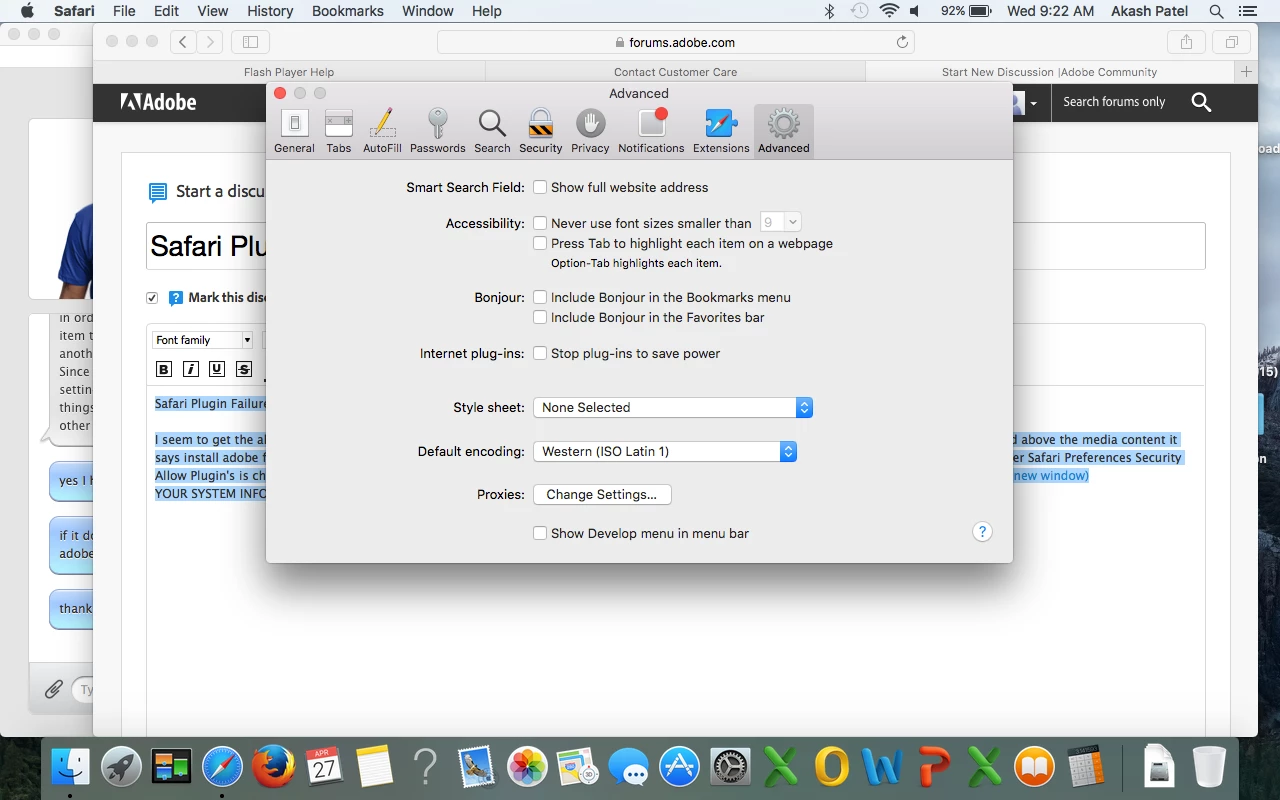
I seem to get the above error whenever I try to load adobe flash content it seems. It seems that safari is not picking up my flash player installed and above the media content it says install adobe flash player but I have already tried removing adobe flash and reinstalling. I have made sure per apple recommendation that under Safari Preferences Security Allow Plugin's is checked and under manage website setting's Allow Always is selected. Under Advanced stop plugin's to save power is not checked. https://helpx.adobe.com/flash-player/kb/enabling-flash-player-safari.html(Opens in new window)(Opens in new window)
YOUR SYSTEM INFORMATION Your Flash Version 21.0.0.226
Your browser name Safari (NPAPI) Version 9.1 (11601.5.17.1)
Your Operating System (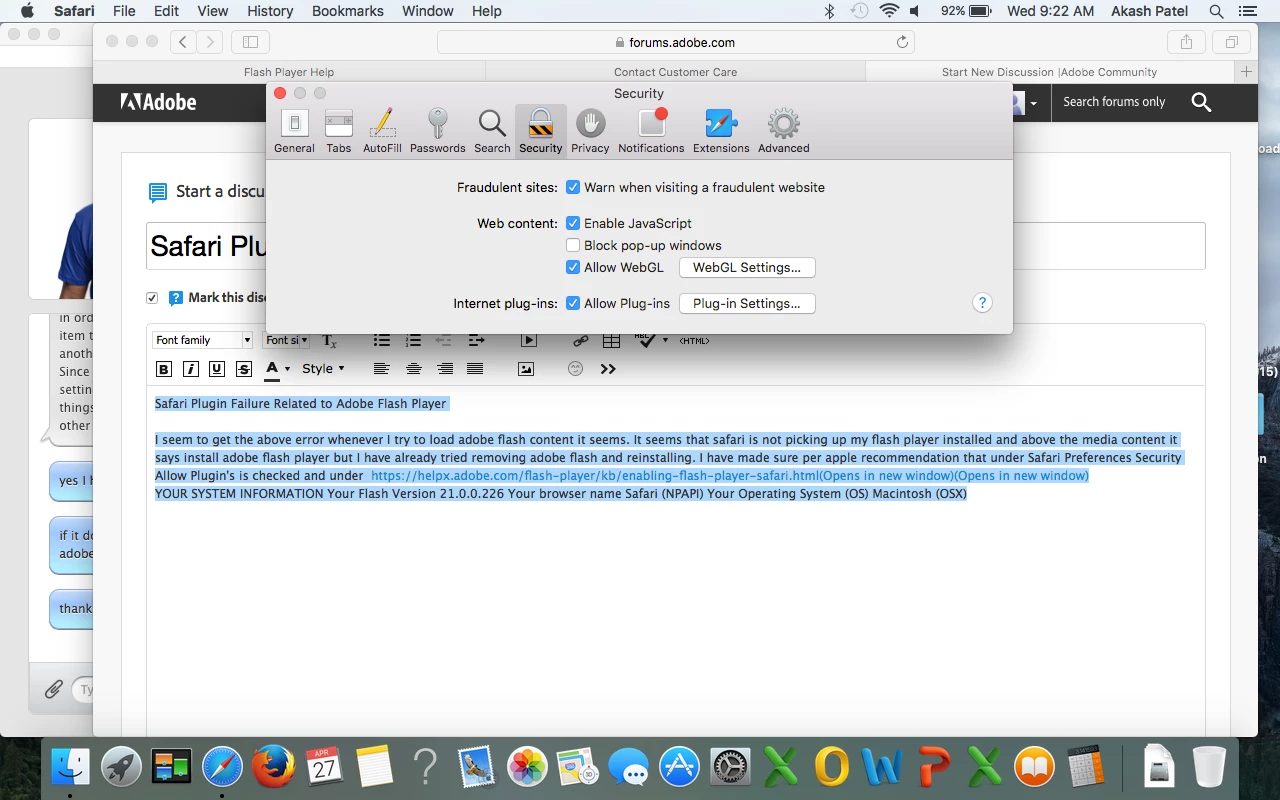 OS) Macintosh (OS X) El Capitan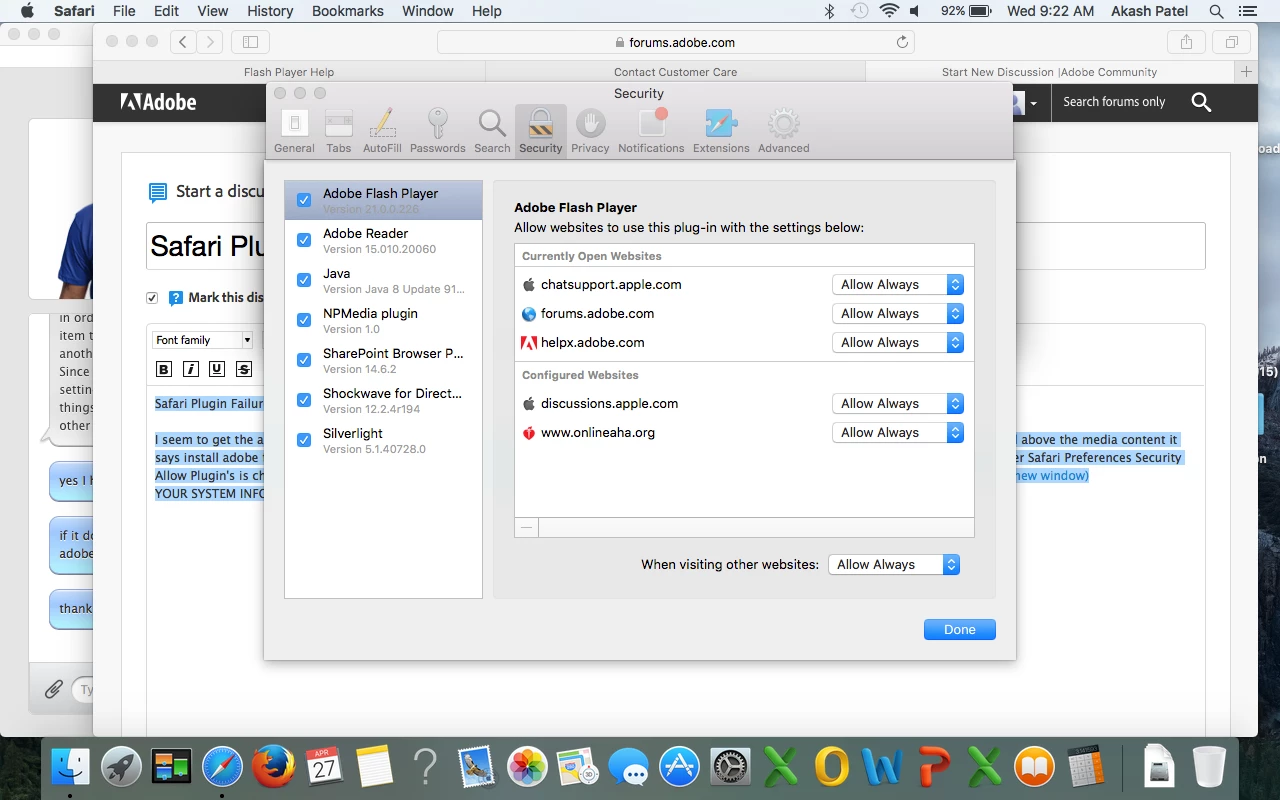
 AdChoices