darthFromBath
Participant
July 18, 2017
Question

SEVERAL TIMES A WEEK!
  • July 18, 2017
  • 1 reply
  • 539 views

For some weeks now, Flash has tried to update on my Mac several times a week - sometimes several times a day! After the first couple of updates I decided to ignore the attempts - worried that they were viruses!!!

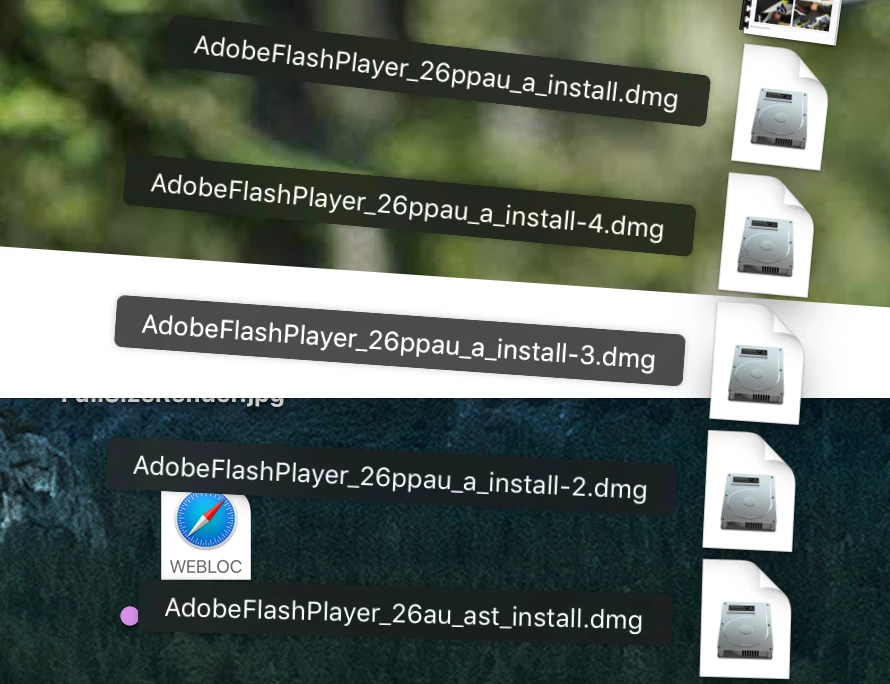
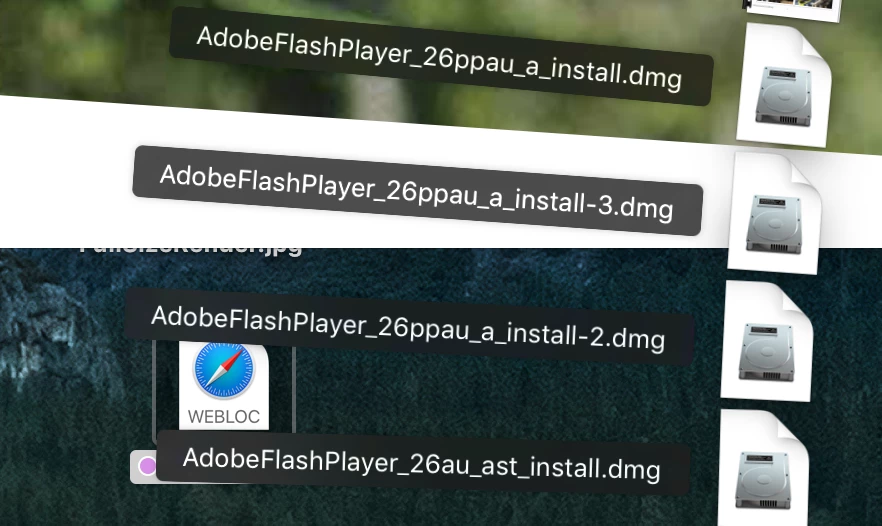
Today, an update popped up so I closed Safari and installed it... That was the '26au' (as shown in the screen grab). Then a short while later, Adobe's update window popped up again! This time it was for the '26ppau' file. As you can see from the second screen grab, this file was its 4th attempt!!!

What is going on? Why is Flash trying to update with differing file names?

darth.

This topic has been closed for replies.

1 reply

_maria_
Legend
July 18, 2017

The file with '26au' in the file name is for the NPAPI plugin, used by Safari and Firefox.  The file with '26ppau' in the file name is for Chromium-based browsers.  Please provide the following:

  • Screenshot of the Flash Player Settings Manager - Updates tab:
  • FlashPlayerInstallManager.log file saved at ~/Library/Logs (this is the user's Library directory, not the system Library directory).  For assistance on navigating to this location, see the 'File #2: FlashPlayerInstallManager.log' section of the Where do I find the Flash Player installation log on the Macintosh? FAQ
    • Upload the FlashPlayerInstallManager.log file to cloud.acrobat.com/send using the instructions at How to share a document
    • Post the link to the uploaded file in your reply

Thank you.

darthFromBath
Participant
July 19, 2017

Thanks for that help! And here is the screen-shot & link... I can only guess, that the 2 versions shown in Sys Prefs are for; Safari and Chrome? It would be good if it stated what the two Plug-ins were for!

darth.

Shared Files - Acrobat.com

_maria_
Legend
July 19, 2017

Hi

Thank you for posting the log file and screenshot.  Essentially, you have both the NPAPI plugin (for Firefox and Safari) and the PPAPI plugin (for Chromium-based browsers) installed.  You updated the NPAPI plugin, but not the PPAPI plugin, thus the notification dialog displaying was for the PPAPI plugin, which wasn't being updated.  According to the log file, and the screenshot, you now have the latest version for both installed.

To prevent confusion in the future, I recommend deleting all previously downloaded Flash Player installation log files.

--

Maria