

DC 6
Participant
September 17, 2020
Answered

ShellShock.com/flash/

  • September 17, 2020
  • 2 replies
  • 977 views

I've been gaming here for a while.  

I was playing recently, and access to the game has stopped. 

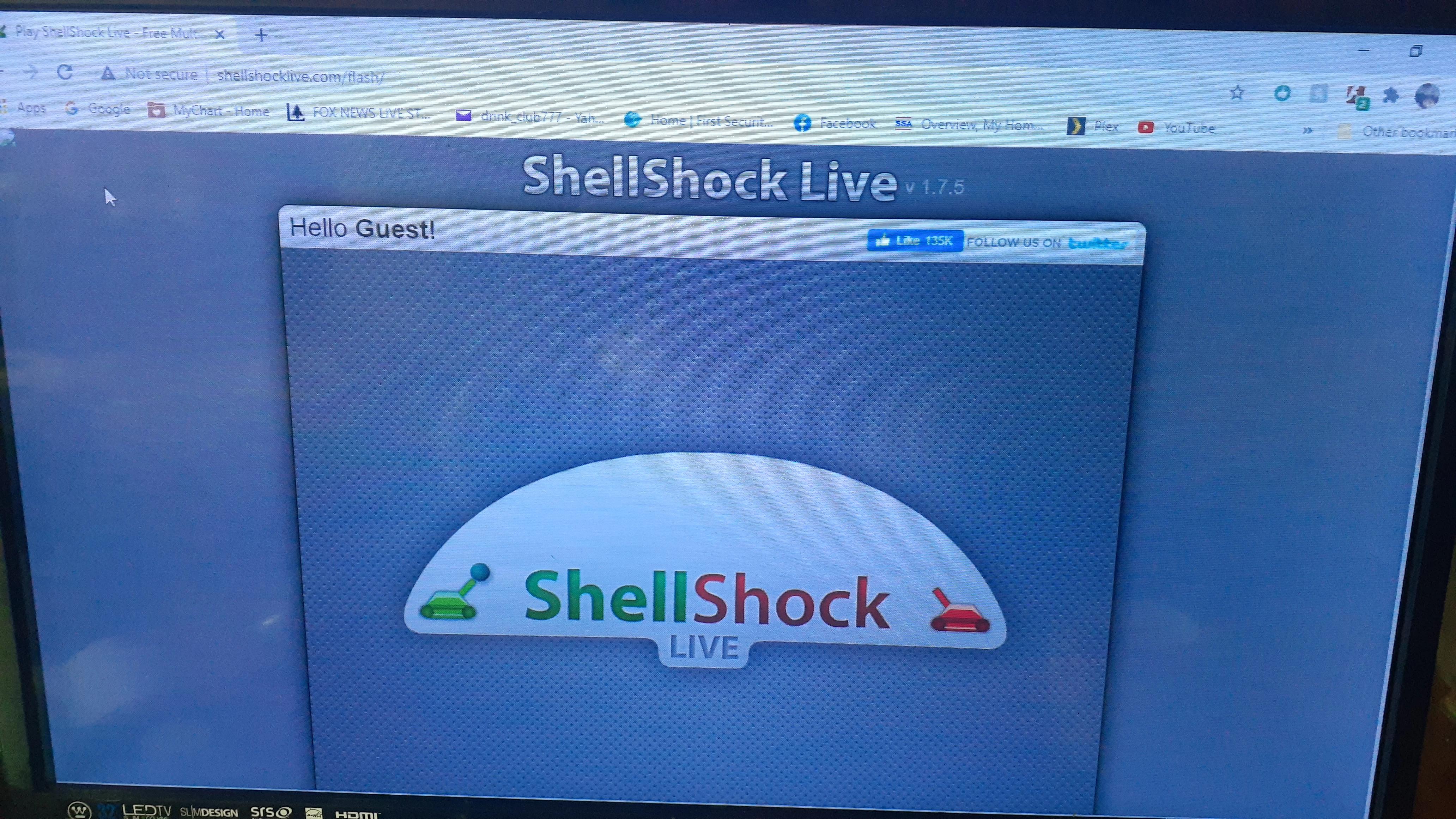
It loads, then the page does nothing. 

I've updated Flash, and Shockwave, and stopped acceleration on the site. 

Any help on getting back online would be deeply appreciated.

I've contacted Player.io , who handles password renewal,  but they're stumped.

Please advise me on further actions.

I appreciate your assistance and knowledge, and would like to thank you in advance.  
    This topic has been closed for replies.
    Correct answer jeromiec83223024

    No, that circled thing is not Adobe Flash Player.  We don't create a browser icon like that (and that's a pretty clumsy rendering of the logo).  I'm assuming it's a flash blocking extension or something.  You should be able to right-click on it to get more info.  The other possibility is that you got tricked into downloading some weird fake Flash Player along the way.  Since everyone uses Flash, it's a good thing to impersonate if you want to get someone to install malware on your behalf... 

    2 replies

    _maria_
    Legend
    September 17, 2020

    Loads fine to the login dialog, after enabling Flash (all browsers block Flash by default).


    I noticed you have some sort of Flash add-on in the browser that is alerting 2 items.


      The item marked in red square - have you checked this?


    DC 6
    DC 6Author
    Participant
    September 17, 2020

    Try typing in my account information. 

    [moderator: deleted personal information as per forums policy]

    I appreciate your assistance.  

    The circled app is Flash player, with ShellshockLive.swf and MiniLeaderboard.swf 

    Right click on "Select flash for play" cant be used.

    _maria_
    Legend
    September 17, 2020

    I deleted your account information from your post.  These are public forums.  Please do not ever, ever post your account information to ANY site on a public forum, especially when so many people re-use the same user ID and password on multiple sites. Anyone who comes across it will use it.


    Based on the latest screenshot, you're now at the login window.  I'm not going to log into your account and continue to troubleshoot something that doesn't appear to be a Flash Player problem as Flash content is clearly playing on your system.  The issue is with the content provider, not Flash Player.  You'll need to contact them again for assistance.

    DC 6
    DC 6Author
    Participant
    September 17, 2020