


Some problems with Flash
Hello. Will try to be brief but informative.
After reinstalling Windows, Flash started to work incorrectly.
First, the gifs stopped play correctly and it did not depend on the browser. When viewing gifs, the image is incredibly distorted, lots of noise, the image appear unstable. But this was overcome by disabling in experimental settings Opera hardware-accelerated video decoding.
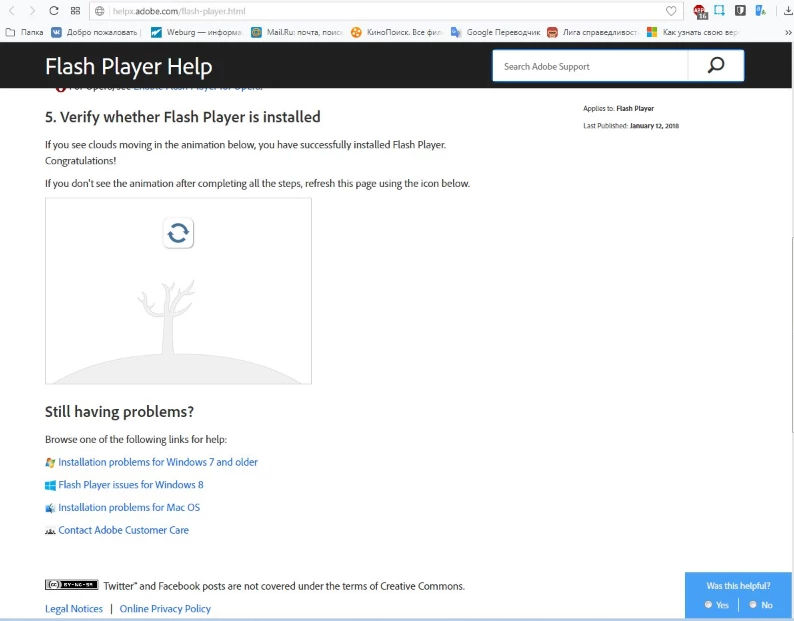
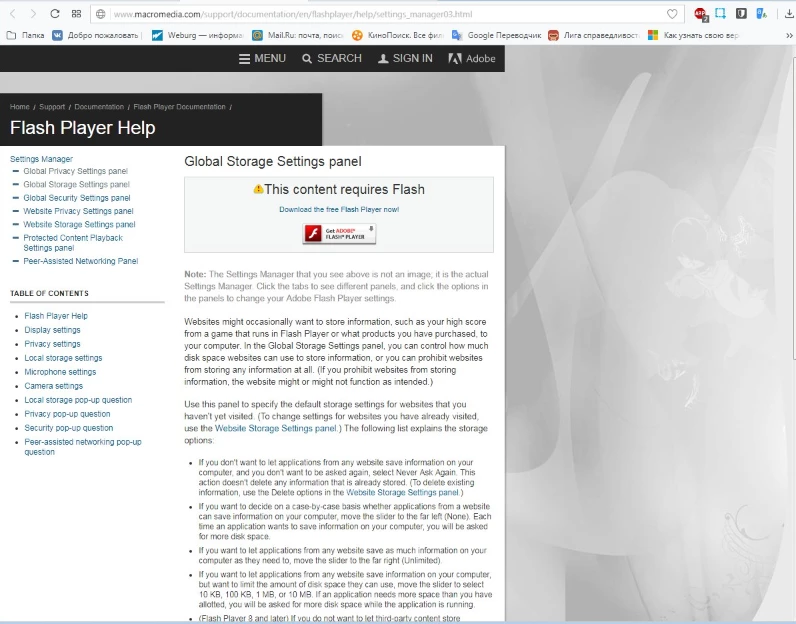
Secondly, I cannot see some plugins. First, gif to check the operation of the Flash Player. Second, the plugin with the settings of the Flash Player on the official website. They are not displayed. The plugin does not see installed on your computer Flash Player and requires to install it. I tried to fix it yourself, re-installed the video card drivers (downloaded from different places, not once). Re-installed Directx, browsers, download Flash Player of different versions, trying even archived versions from 2016. Absolutely no changes. This seems a small problem, because video and everything played correctly. But it may lead about a big problem. Or to talk about it. I would like to understand. Below I attach the system data. Sorry for my English and especially for the punctuation, I'm Russian, and commas in English I have a lot of problems. Thank You.
Here does not display the tree.
Adobe - Flash Player : Settings Manager - Global Storage Settings Panel
Not shown here Global Storage Settings panel
These were all gifs in all browsers
Problem with gifs describe, just in case. It might be useful.
<...>
Version of Opera 50.0.2762.67(PGO)
Version Adobe Flash 28.0.0.137
Windows 7 Ultimate SP1 version 6.1.7601
 AdChoices