


Participant
February 3, 2019
Question

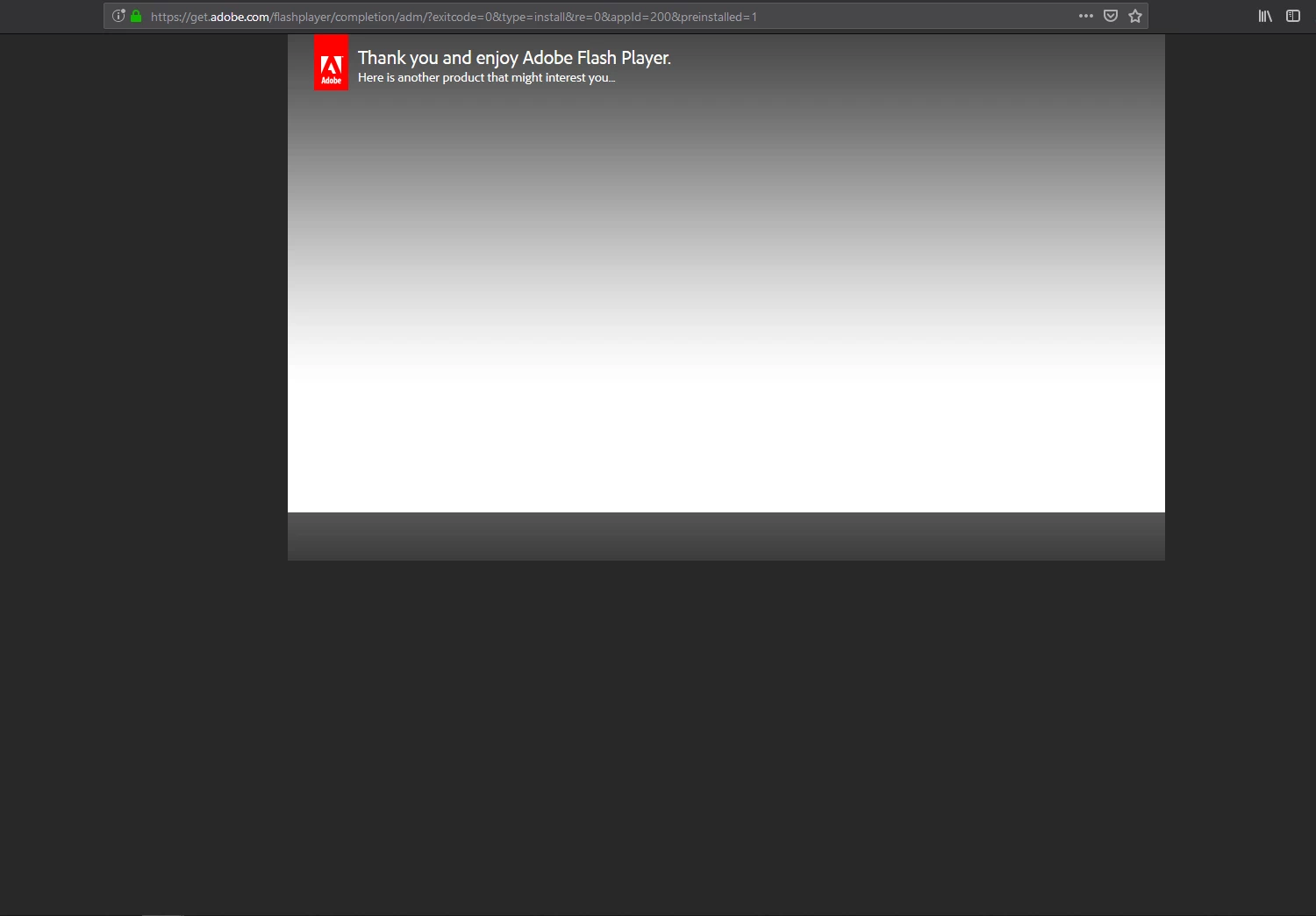
"Thank you" tab every time I open my browser

  • February 3, 2019
  • 1 reply
  • 1504 views

OS:

Windows 10

10.0.17134

Browser:

Firefox Quantum

65.0 (64 bit)

Flash player:

NPAPI

32.0.0.114

Issue:

I updated my flash player a few days back on my browser. Ever since then whenever I open my browser a tab opens saying "Thank you and enjoy Adobe Flash Player. Here is another product that might interest you...". I can't say I'm very interested. I know you get this when you update your flash, but I doubt there are updates pushed out every time I close my browser. All I have to do is close the tab, but the fact that it opens up every single time I open the browser is getting really annoying. It's been going on for a few days now. So how can I get Adobe to stop thanking me for updating Flash?

Screenshot:
Link:

Adobe - Download Adobe Flash Player

This topic has been closed for replies.

1 reply

jeromiec83223024
Inspiring
February 6, 2019

Firefox is going to this page.  It's not something we're making happen.  It's not clear to me why that's the case, except that it was the last thing opened.

I'd try this:

Go to Firefox > Preferences (or the gear icon in the upper right) > Restore Previous Session and then uncheck the box

Close the browser

Open it back up

It should probably go to the default homepage at that point

If you want Firefox to start resuming the session again, just go back and check that box.

If the problem persists, something is messed up with your Firefox profile.

Refresh Firefox - reset add-ons and settings | Firefox Help