Participant
November 11, 2012
Answered

The new version of Adobe Flash Player 11.5.502.110 does not display images in the flash movie.

  • November 11, 2012
  • 4 replies
  • 14351 views

In the new version  of Adobe Flash Player 11.5.502.110 the images are not displayed. In previous versions they are displayed. Tested on several computers. This is not a local problem. This is a problem of Adobe. The bad news is that the early versions are very hard to find and reinstall it.

Many different systems tested. And all browsers.
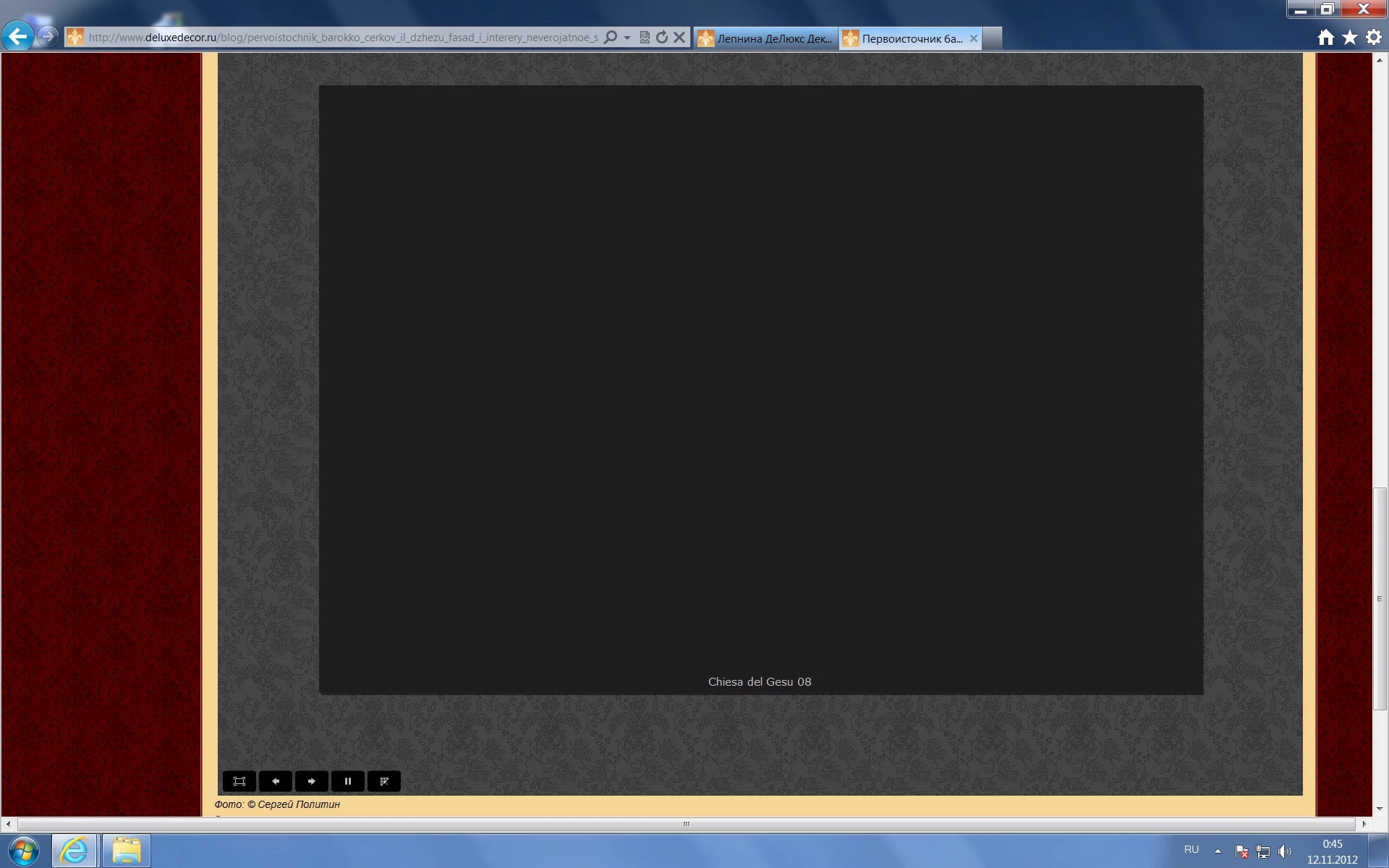
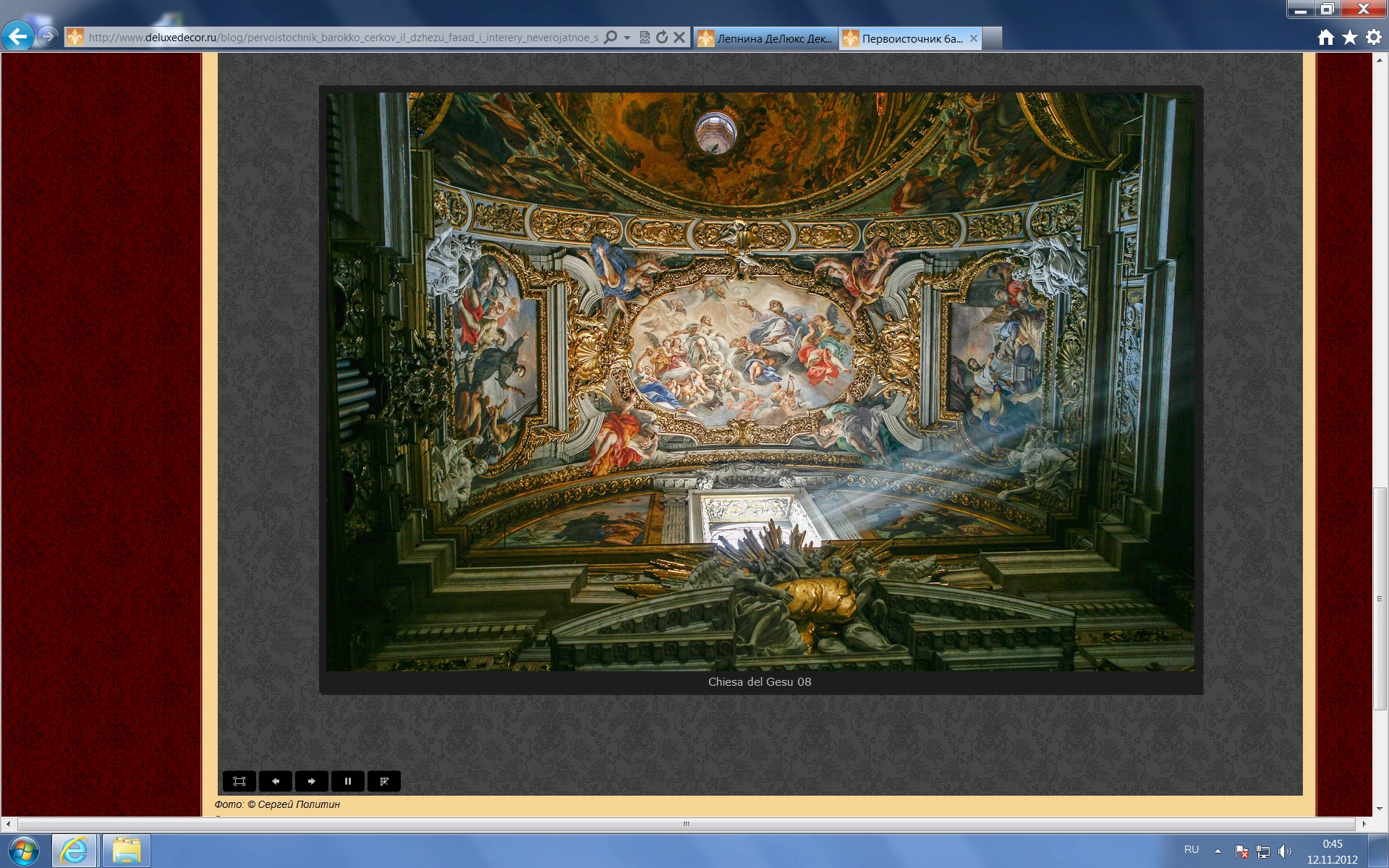
Now there is no big image.

Example:

http://www.deluxedecor.ru/blog/dvorec_san_susi_letnjaja_rezidencija_fridrikha_velikogo_rokoko/2012-11-01-12

http://www.deluxedecor.ru/index/kollekcija_lepniny_barokko_ehrmitazh/0-45

http://www.deluxedecor.ru/index/karnizy/0-12

and many others.....

This topic has been closed for replies.
Correct answer jeromiec83223024

Any word on the update of this problem. My site does not work correctly and my clients keep emailing me saying they can't see their pictures.


Last week's beta channel release (11.5.502.123)  includes a fix that should resolve this.

More details over here:

http://forums.adobe.com/message/4863297#4863297

You can download the beta here: http://www.adobe.com/go/flashplayerbeta

If you continue to experience the issue after installing the beta, please let me know.

4 replies

Participant
December 11, 2012

hi i have noticed the same problem. also with Chrome and FP ver 11.5.31.2and Firefox and Safari with FP 11.5.502.110

it seems that MovieClipLoader class not returning onLoadInit event. I use to add a fadein function on loadInit to fade in the loaded images. with the latest Flash PLayer versions this is not activated so you cannot see the loaded images.

I have tested this on 3 different systems and the problem is the same. I have not updated my FP for IE. There, the older FP still works well.

test systems

  1. Mac OS Lion
    1. Safari and FP 11.5.502.110 --- DOES NOT WORK WELL
  2. Windows 7 64 bit
    1. chrome 23.0.1271.95 with FP 11.5.31.2  - DOES NOT WORK WELL
    2. Firefox 16.02 with FP 11.5.502.110  - DOES NOT WORK WELL
    3. IE 9 with FP version 11.4.402.287  - WORKS
  3. Windows XP SP3
    1. Firefox 16.02 with FP 11.5.502.110 - DOES NOT WORK WELL
    2. IE 8 wth FP 11.4.402.287  - WORKS
    3. chrome 23.0.1271.95 with FP 11.5.31.2  - DOES NOT WORK WELL
chris.campbell
Community Manager
Community Manager
December 12, 2012

We released an update to Flash Player today that should resolve this problem.

12/11/2012 - Flash Player 11.5 Update

November 14, 2012

Our slideshow on this page quit working completely after 11.5.502.110 update in Firefox, Safari and Chromium browsers on Intel Mac.  We've wondered if it was because this slideshow requires image names which are located in an .xml file.  This slideshow has worked for years with all previous versions of Flash.

http://www.utahbulldogpuppies.com/

If it is something that we can fix, we are happy to do so.

November 13, 2012

Issue unfortunately in public release: 11.5.502.110 for explorer, firefox.
It may depend on what jpg format, if you saved it with paint shop pro, photoshop or else softwares?

claimed fixed in 11.5.500.104 , JPG load bug, but fixes only partially:
https://bugbase.adobe.com/index.cfm?event=bug&id=3349266

Here reported again:
https://bugbase.adobe.com/index.cfm?event=bug&id=3363603

Also may be related with: OnEnterFrame not triggered with jpg
https://bugbase.adobe.com/index.cfm?event=bug&id=3363866
http://forums.adobe.com/message/4841531

Many sites reporting it:

http://forums.adobe.com/message/4843819
http://forums.adobe.com/message/4840027

Participant
November 13, 2012

hi

same problem on

http://www.tribelhorn.ch/#/editorial

you can see some very light pictures. some .apha problems?

before flash-updating, it worked perfect!

any sugestions?

thanks

jeromiec83223024
Community Manager
Community Manager
November 14, 2012

Just a quick update, and apologies for the inconvenience:

3349266 is Fixed as far as I can tell.  All of the attached SWFs render correctly in Flash Player 11.5.502.110 for me with Firefox 17.0.

3363603 was marked as a duplicate of 3349266, but it *does* still reproduce.  I've added a note to that effect and re-opened the bug for further investigation. 

3363866 is already open to the engineering team for a fix.

pwillener
Legend
November 12, 2012

Indeed, some of the images are not displayed - I don't know why.  Maybe someone from the Flash Player team can have a look at them.

The good news is that previous Flash Player versions are very easy to find and install; see How do I revert to a previous version of Flash Player?

Participant
November 12, 2012

Flash Player 11.5 Beta also does not work correctly