


Question
Unable to dismiss Flash storage dialog while watching a video
I am trying to watch a video. Whenever I play the video, the Flash "Local Storage" dialog pops up, and stays in the middle of my video. There is no way to click it or dismiss it.
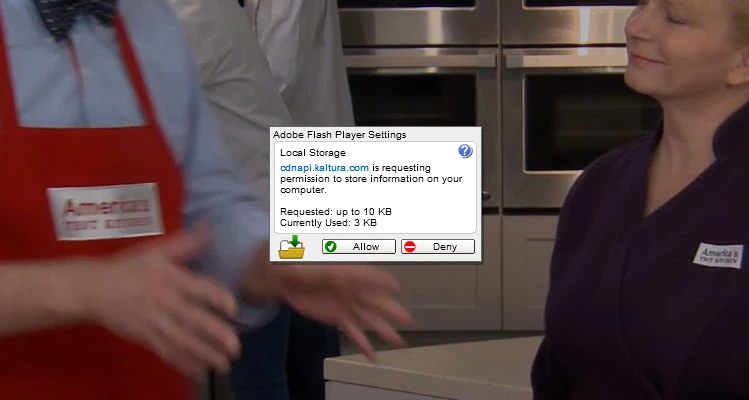
If I click on the dialog, the video pauses. If I click it again, the video starts up again. There is no way to watch the video without this dialog.
How do I get rid of this?
 AdChoices