Question
Unable to install Flash Player
24" Early 2009 iMac (2.66 Ghz Intel Core 2 Duo with 8GB of RAM)
Mac OS X 10.9.1
Safari 7.0.1
Adobe Flash Player Version 12.0.0.44
Download by Installer is completed but when it proceeds to actually install the software this error occurs:
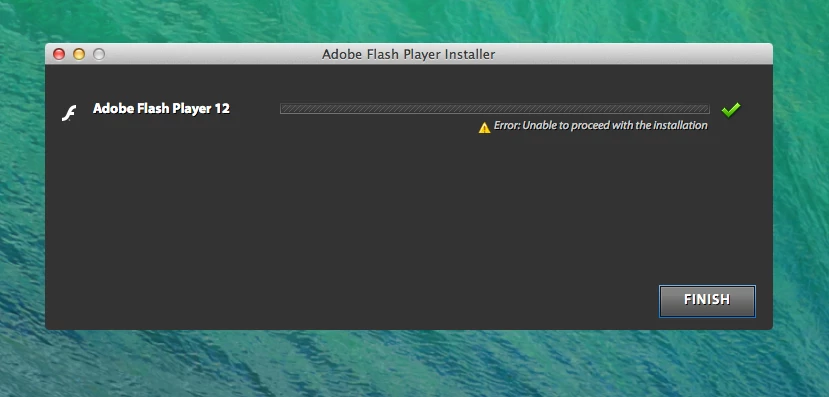
I have tried running the Adobe Flash Player Uninstaller several times and still get this message whenever I try to install Flash Player.
Please help!
 AdChoices