
beckyd10853967
Participant
September 2, 2015
Question

Unable to install Flash Player on my mac OS X 10.6.8

  • September 2, 2015
  • 1 reply
  • 452 views

I keep trying to download flash player but once I click Install Now on the Adobe website it takes me to this screen:
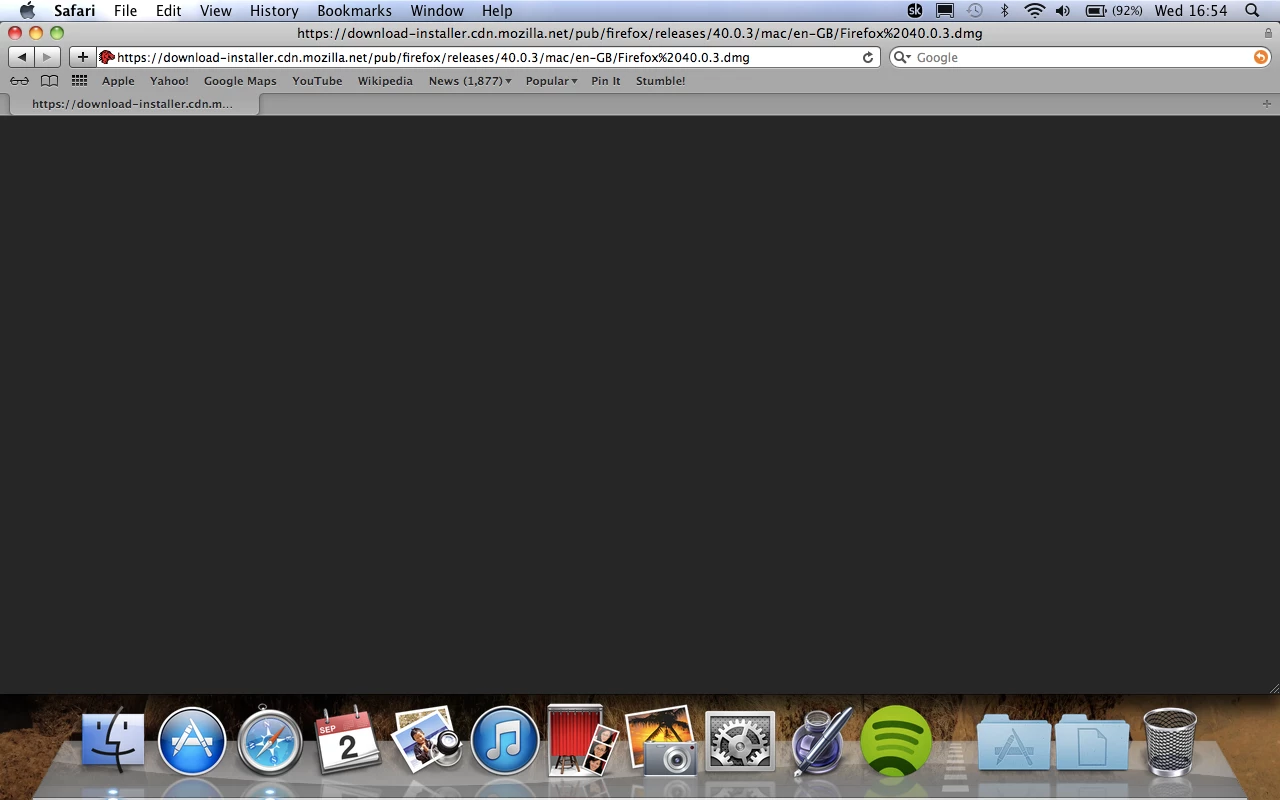
Then nothing happens, the download screen does not open so I can't mount the disk. I've been looking through forums on both adobe and apple and i'm struggling to get a solution.

I've had flash player in the past and I have also been able to download .dmg files in the past but now no joy with either.

I've tried uninstalling flash, deleting certain files and caches mentioned on other forums and also changed users to try and download but still having the same problem.

Any ideas?

Thanks

This topic has been closed for replies.

1 reply

_maria_
Community Manager
Community Manager
September 10, 2015

Hi beckyd10853967,


What is the website URL  you are using to download Flash Player?  The URL showing in your screenshot is to download Firefox, not Flash Player.

--

Maria

beckyd10853967
Participant
September 10, 2015

‌Hi, thanks for getting back to me.

I've fixed it by deleting a plug in (I think) called speeddownloader. can't remember downloading that but once I deleted it I was able to download flash.

I was also trying to download Firefox and was unable to until I deleted speeddownloader and must have screenshot the wrong screen, sorry!

All fixed now anyway, thanks for your help.

_maria_
Community Manager
Community Manager
September 11, 2015

Hi beckyd10853967,

Glad you were able to resolve the issue and install Flash Player.

--

Maria