
Unable to Install Latest Adobe Flash Player
I am attempting to update my version of Adobe Flash Player for my MAC details as follows:
OS X El Capitan - Version 10.11.16
MacBook (13-Inch, Aluminium, Late 2008)
Processor: 2 Ghz Intel Core 2 Duo
Memory: 4 GB 1067 MHz DDR3
Startup Disk: Mac
Graphics: NVIDIA GeForce 9400256 MB
Safari Version: 10.0.1
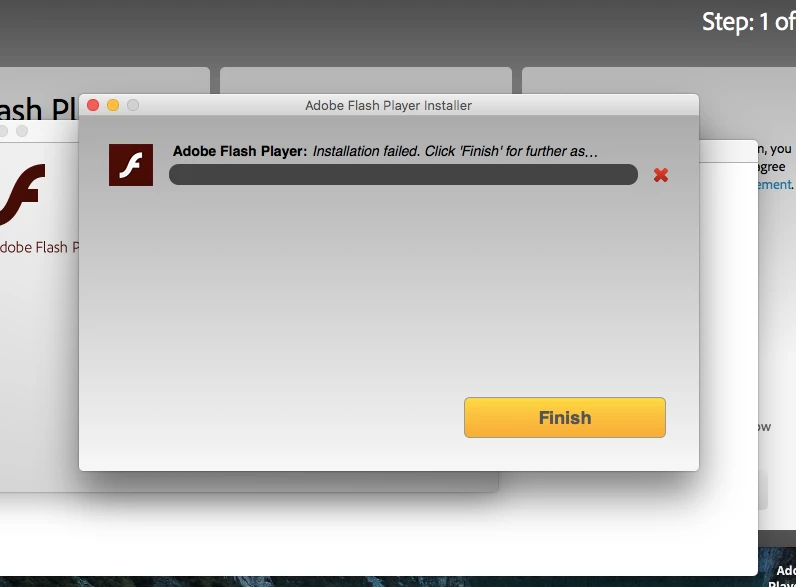
I am able to download the install file but when it attempts to install it gets between 53% and 56% and fails to install.
I have downloaded the uninstall file and I have attempted to conduct a clean install, but still the same issue occurs.
Please see the attached picture for the exact message I get.
Has anyone else seen an issue with installing this on a setup like this?
Any advice or direction on this would be most appreciated. If further info is required to aid troubleshooting please let me know.
*****Keitha257280a*****


 AdChoices