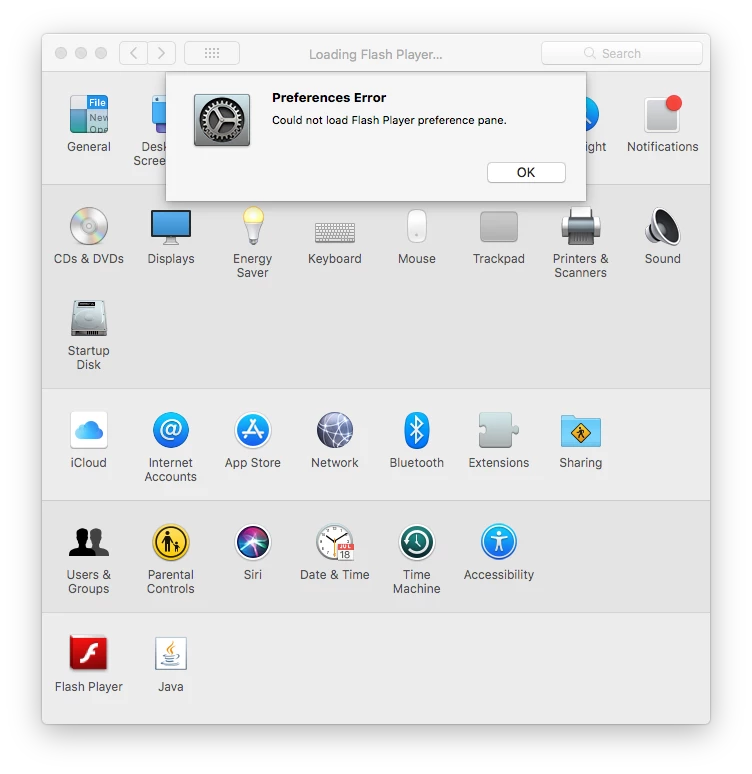
Thank you for posting the screenshot. Very helpful.
The Flash Player icon indicates this is a very, very old version of Flash Player. You'll want to completely it from the system and install the most recent version (32.0.0.156)
- Download the uninstaller posted at uninstall_flash_player_osx.dmg
- Close all browsers and apps that may use Flash Player
- Double-click the uninstaller to launch it
- Follow on-screen prompts to uninstall Flash Player
- Delete the following directories:
- <home directory>/Library/Preferences/Macromedia/Flash\ Player
- <home directory>/Library/Caches/Adobe/Flash\ Player
- Restart the computer
- Flash Player should be completely removed from the system. To confirm:
- Go back to System Preferences - the Flash Player Settings Manager should be removed
- Launch Finder and navigate to /Library/Internet Plug-ins - Flash Player plugin should be removed
- If neither of these 2 are removed, Flash Player didn't uninstall correctly - post back here
| When I went to the updates tase, it displayed Preferences Error. Could not display update page. I attempted to take a screen shot...... |
I'm not sure if you're referring to not being able to access https://get.adobe.com/flashplayer, or the System Preferences > Flash Player with this comment.
When you go to https://get.adobe.com/flashplayer, do you see the following?
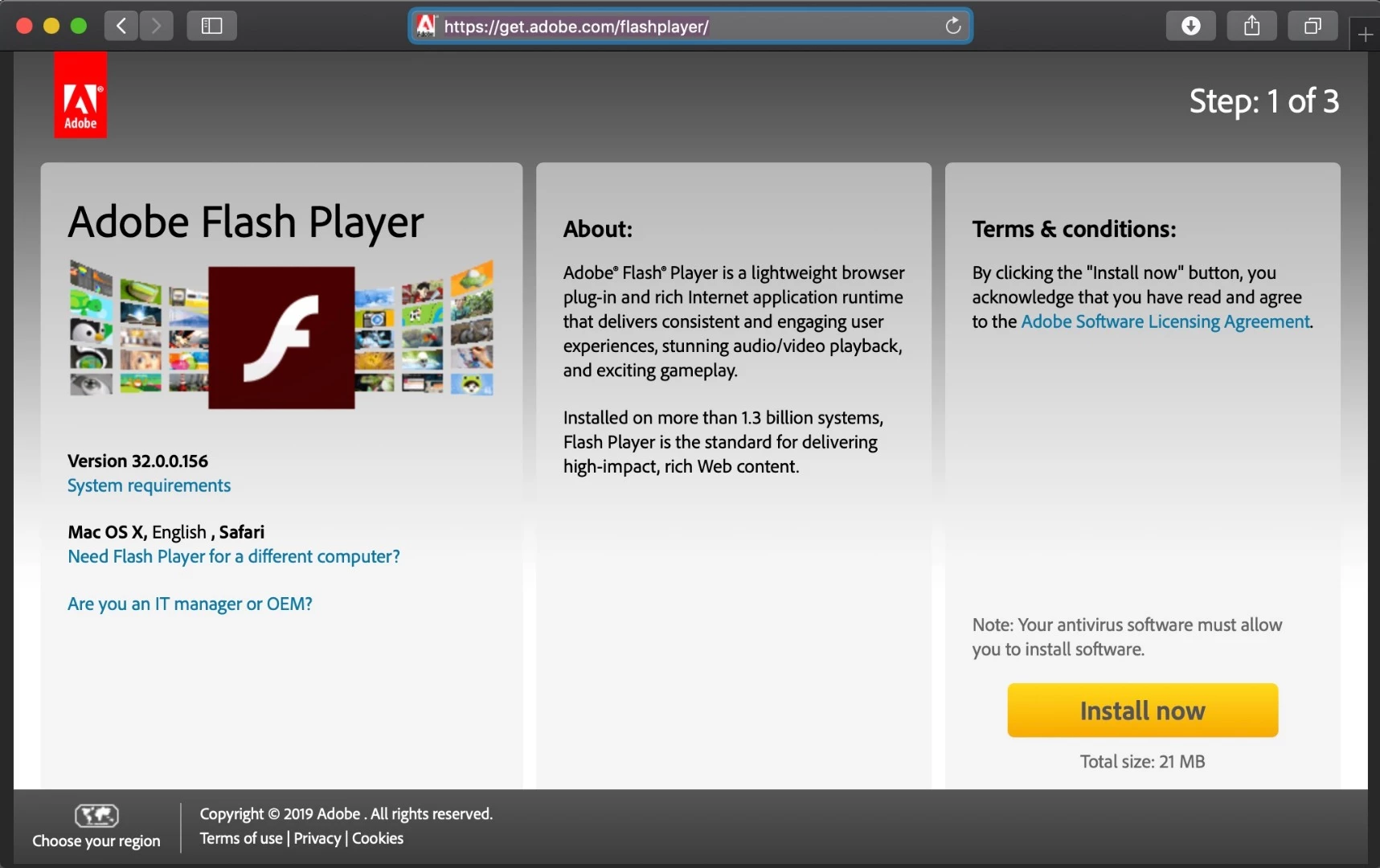
This is the main Flash Player download page. We've not received any reports of issues with this page. If you're unable to access this page, it's most likely an issue with your system/network.
The installer is also posted at the bottom of the Installation problems | Flash Player | Mac page, in the 'Still having problems' section. This is the same installer posted on https://get.adobe.com/flashplayer.




 AdChoices