


Question
Unable to reinstall Flash Player in Windows 7/ is not valid Win32 application
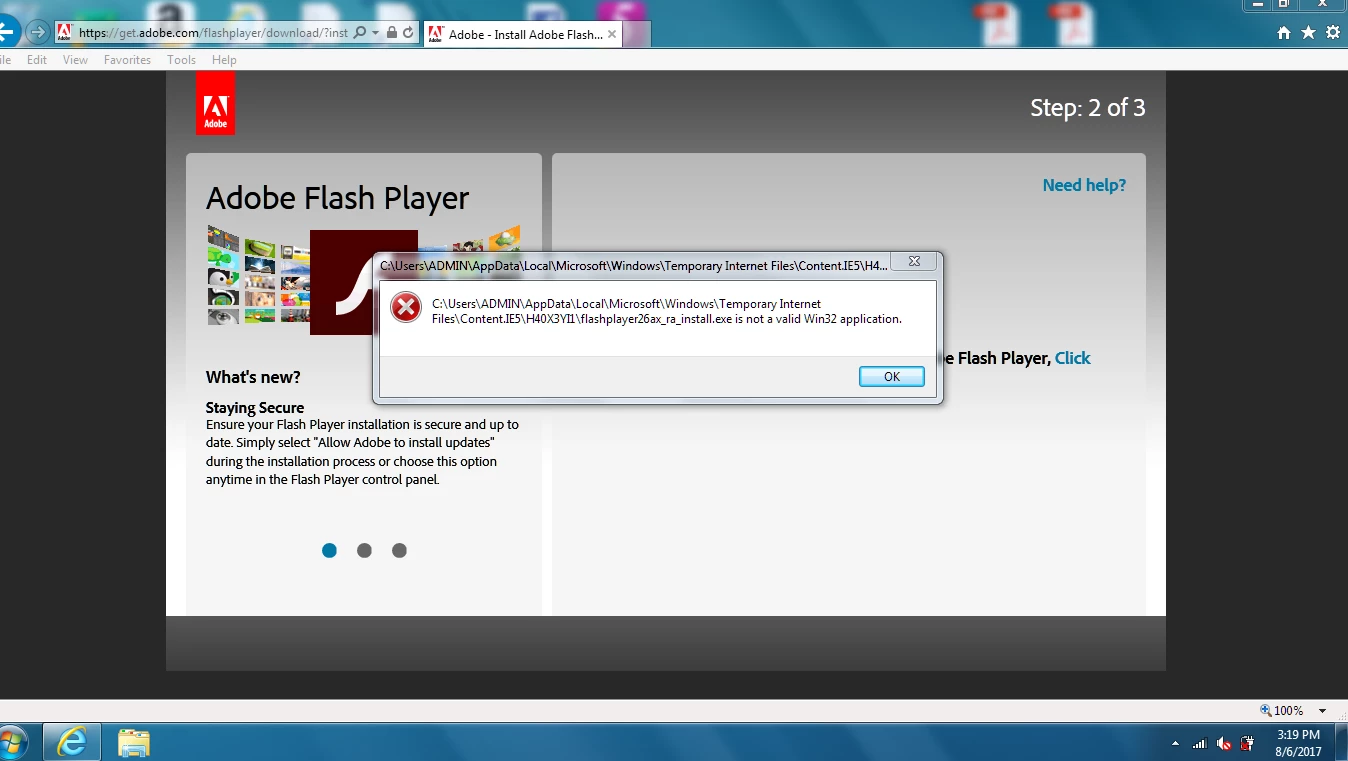
I uninstalled flash player because it didn't seem to be working properly. And when I tried to reinstall it I received error message: C:\Users\ADMIN\AppData\Local\Microsoft\Windows\Temporary Internet Files\Content.IE5\H40X3YI1\flashplayer26ax_ra_install.exe is not a valid Win32 application
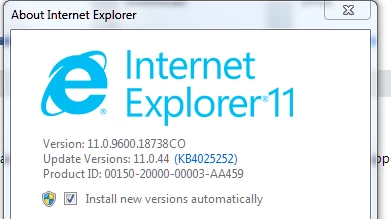
I have a Toshiba Satellite P755. Intel Core i3-2330M CPU @2.20GHz, 6.00 GB installed memory and 64 bit Operating System and with Windows 7 home premium .
I'm not a techy computer person and don't really have a clue on how to fix this. I tried Microsoft Windows forum but no help as of yet.
Hopefully I have given all information that is needed. If not please let me know.
Thank you in advance
TC
 AdChoices