



Question
Updated Mac to MacOS Majave - How Do get rid of Java Command-line tool pop-up?
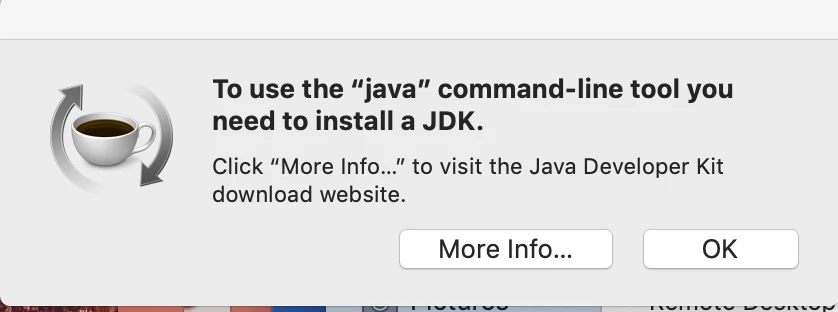
I keep receiving the below image every time I start my computer. I've clicked on the More Info... and installed that flash player and still receive the same pop-up. I've gone directly to adobe and installed the latest flash player and received the same pop-up. I've gone to Apple and followed their advice and still the same pop-up. This is even restarting and installing Malawarebytes and scanning and trashing and restarting. How do I get rid of this annoying pop-up.
 AdChoices