December 12, 2019
Question

Updating Adobe Flash Player Ineffective

  • December 12, 2019
  • 1 reply
  • 232 views

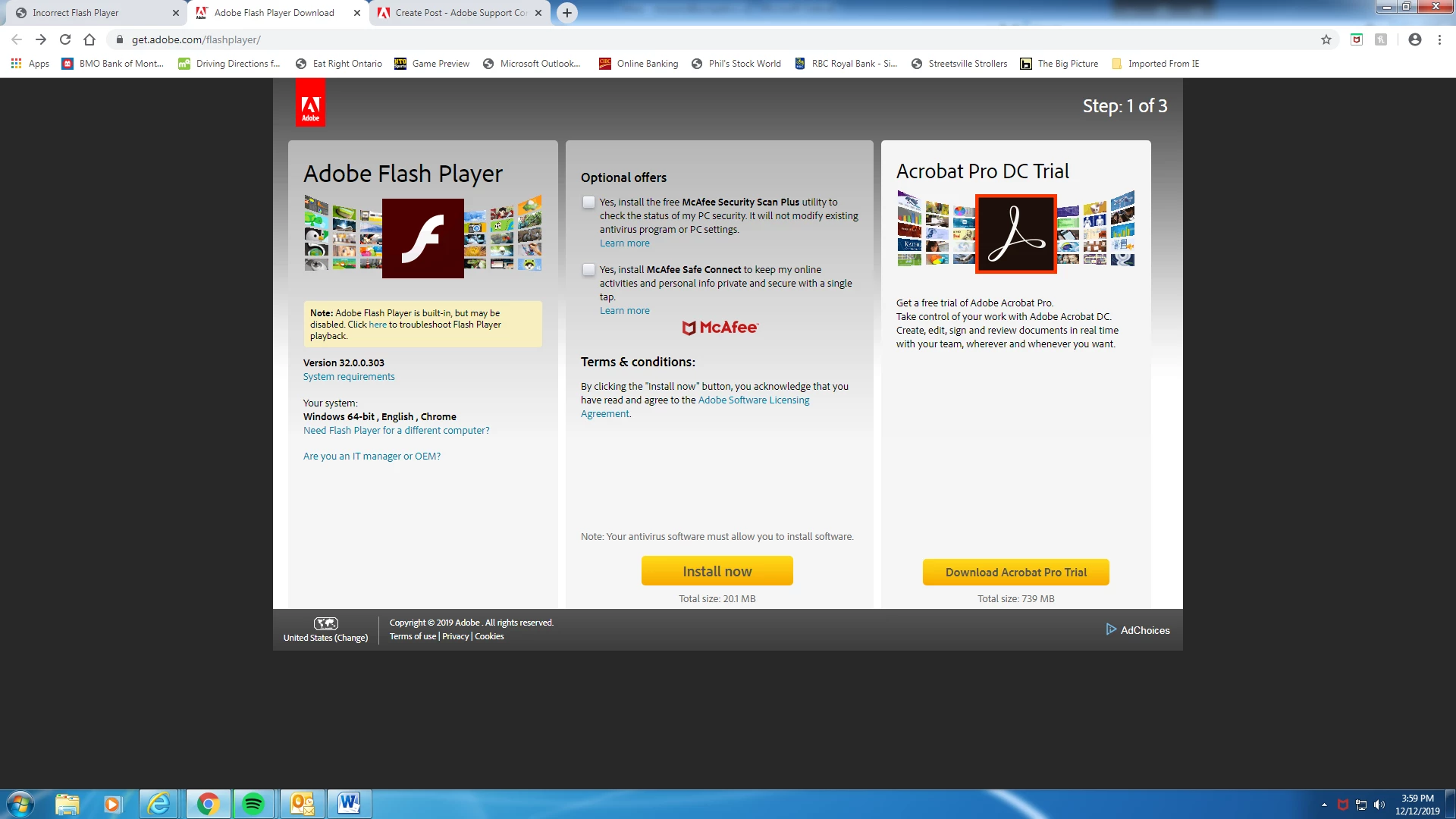
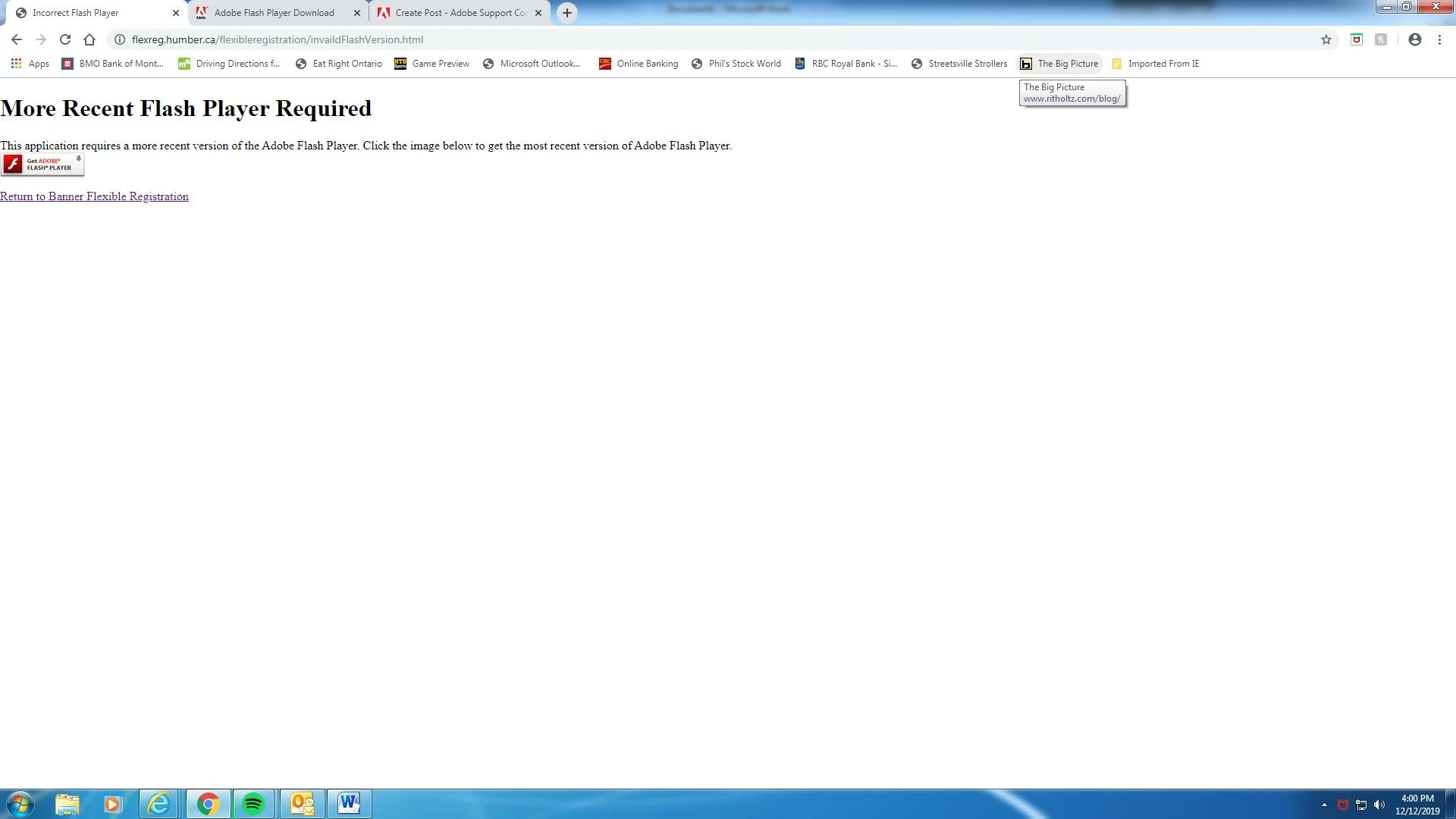
I am trying to access something for school, this is a safe website from the college. Despite successfully  downloading the most recent flash player 3 or 4 times, this page keeps popping up. Maybe this has something to do with the fact that the Adobe Flash Player download page thinks I'm in the United States? (See bottom left corner of second picture attached)... Whenever I click on Canada, the page reloads but it still says United States.
This topic has been closed for replies.

1 reply

_maria_
Community Manager
Community Manager
December 12, 2019

Unfortunately, the screenshots are small and difficult to read and I'm not able to enlarge them.


The page you're getting is from the content provider, not Flash. Issues like this are usually a content / browser issue, not Flash Player.  If Flash installed w/out returning an error, it's installed successfully.  All major browsers disable/block Flash by default forcing the user to enable/unblock it when attempting to view Flash content.  The content's Flash requirement scripts also need to conform to the browser Flash detection requirements so that it (the browser) can prompt the user to enable/unblock Flash.  This is most likely what's happening here.  I recommend contacting the content developer to report your issue.