

Participant
April 6, 2016
Answered

upgrade not recognized after installation
  • April 6, 2016
  • 1 reply
  • 265 views

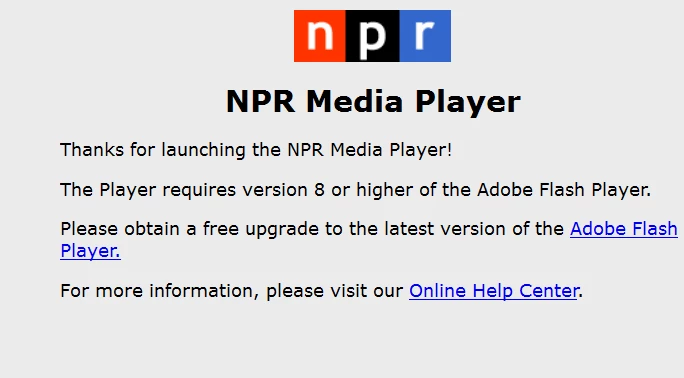
Upgraded due to this message on Firefox. Removed history and cookies; rebooted. Still getting message. Win 10.

This topic has been closed for replies.
Correct answer _maria_

Thank you.

Please check to see if Flash Player is enabled.  See Enable Flash Player for Firefox

Is this a 64-bit OS?

1 reply

_maria_
Legend
April 6, 2016

Hi,

What is the link to the page, and steps, to reproduce?

Please go to https://helpx.adobe.com/flash-player.html and click the 'Check Now' button.  What is the resulting System Information? Posting a screenshot (see How to post a screenshot in the forum) of the results would be great.

Thank you.

--

Maria

leavittAuthor
Participant
April 6, 2016

Here the screen shot before and after the 'Check Now' button. It's the same.

_maria_
_maria_Correct answer
Legend
April 6, 2016

Thank you.

Please check to see if Flash Player is enabled.  See Enable Flash Player for Firefox

Is this a 64-bit OS?