Participant
August 4, 2018
Question

Upgraded to latest version of flashplayer stopped me from loading apps

  • August 4, 2018
  • 4 replies
  • 542 views

Hi - I upgraded to version 30.0.0.149 of flashplayer and it seem made the problem worser when I upgraded to this format - no 1 shows its loading - thats what it should do - after a while - it does nothing
  - Same happens with all other games as i tried to load

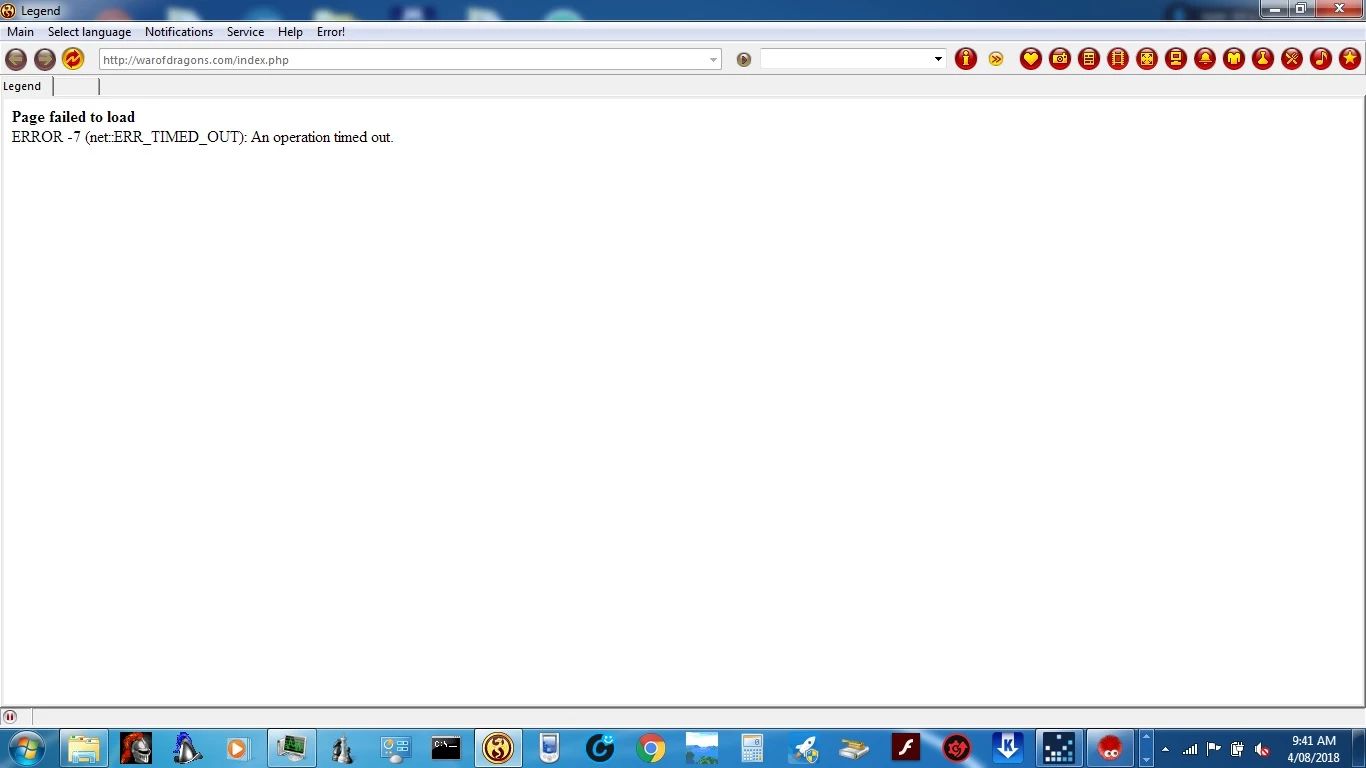
Also applies the same with warofdragons gameclient which i tried to load - This what happens when trying to load
When it should have looked like this inside gameclient
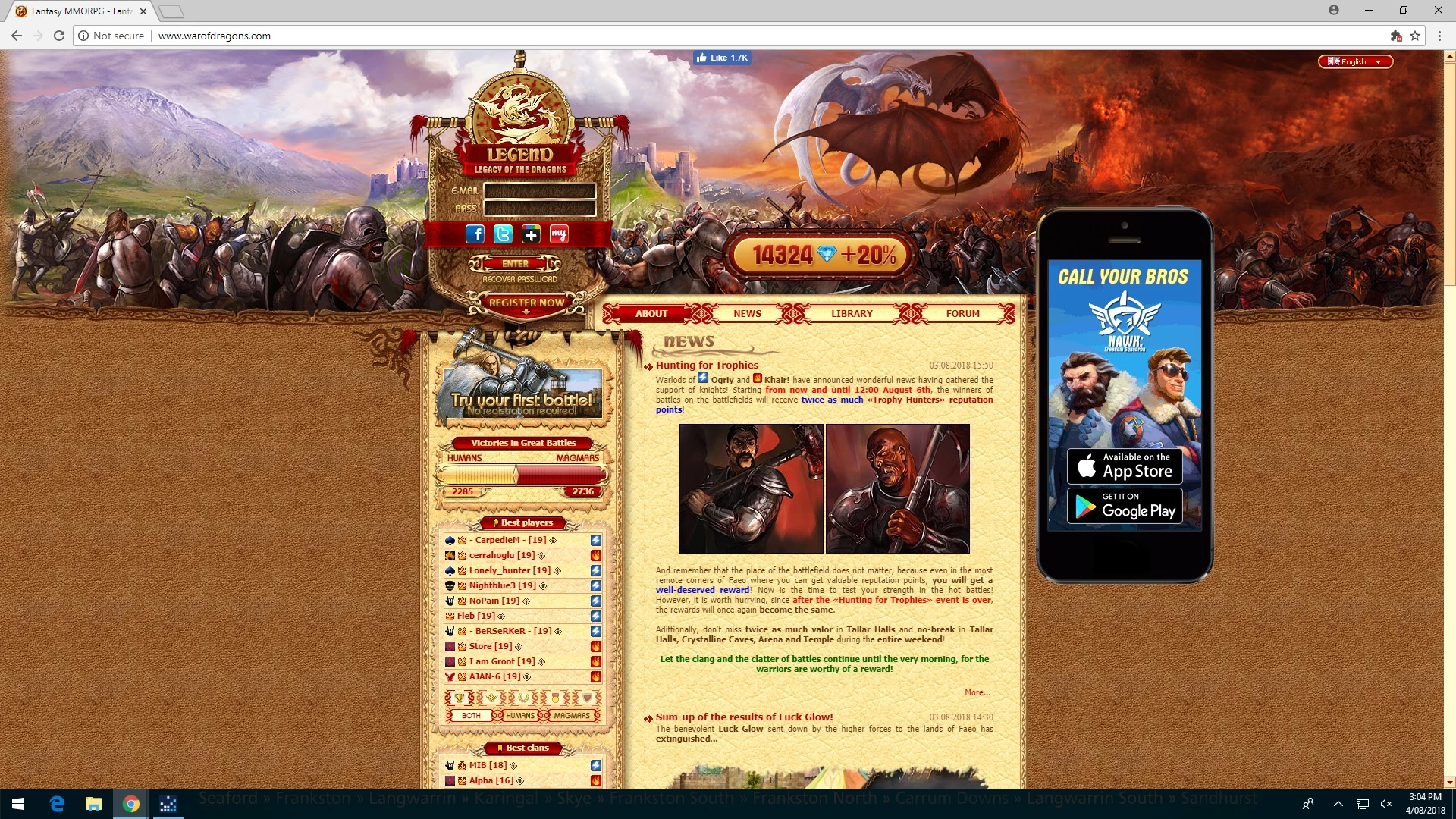
The version i have is the latest version - I have cleaned out the cashe, and everything but still coming up these bugs ...
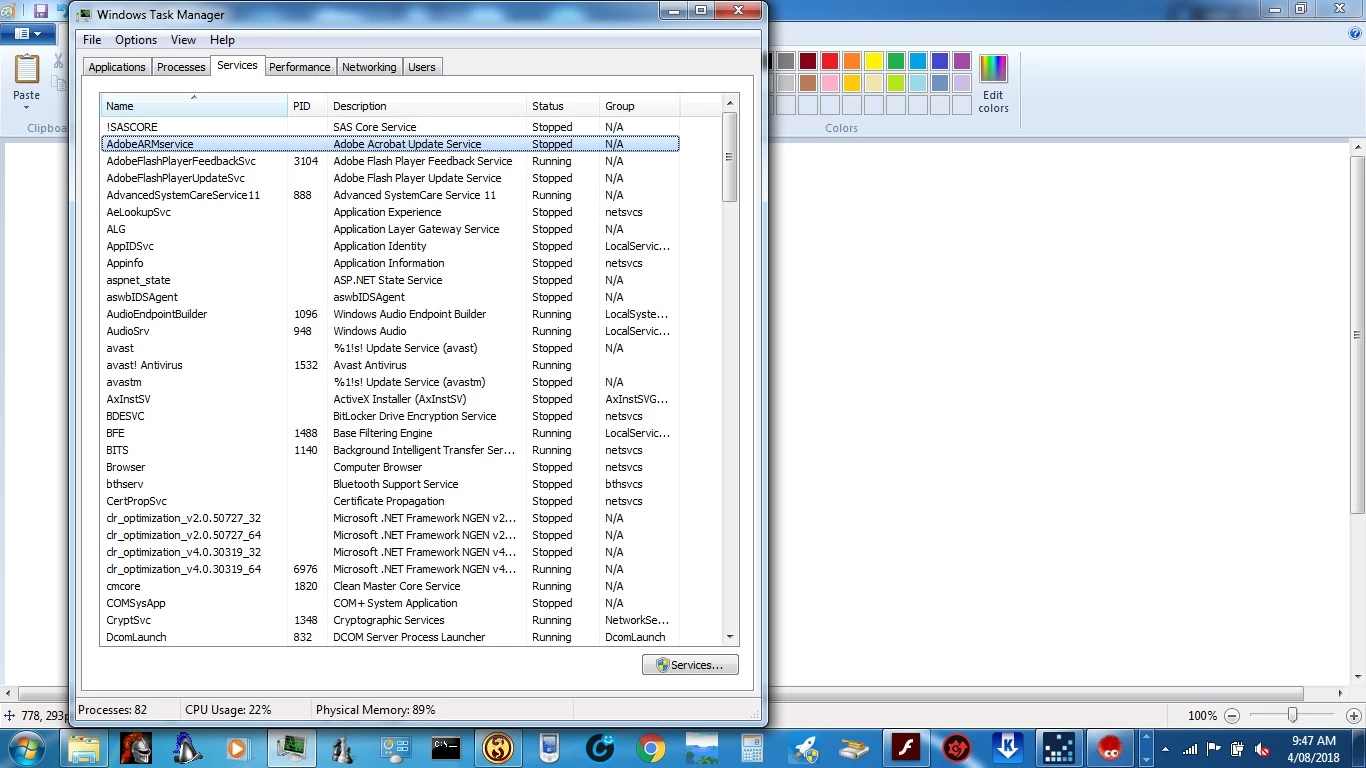
I noticed this AdobeArm stopped working after working so long and didn't affect the preformace of my pc before I updated - but now its not working anymore and stopped working

Here is a snapshot of the version i have of Adobe.
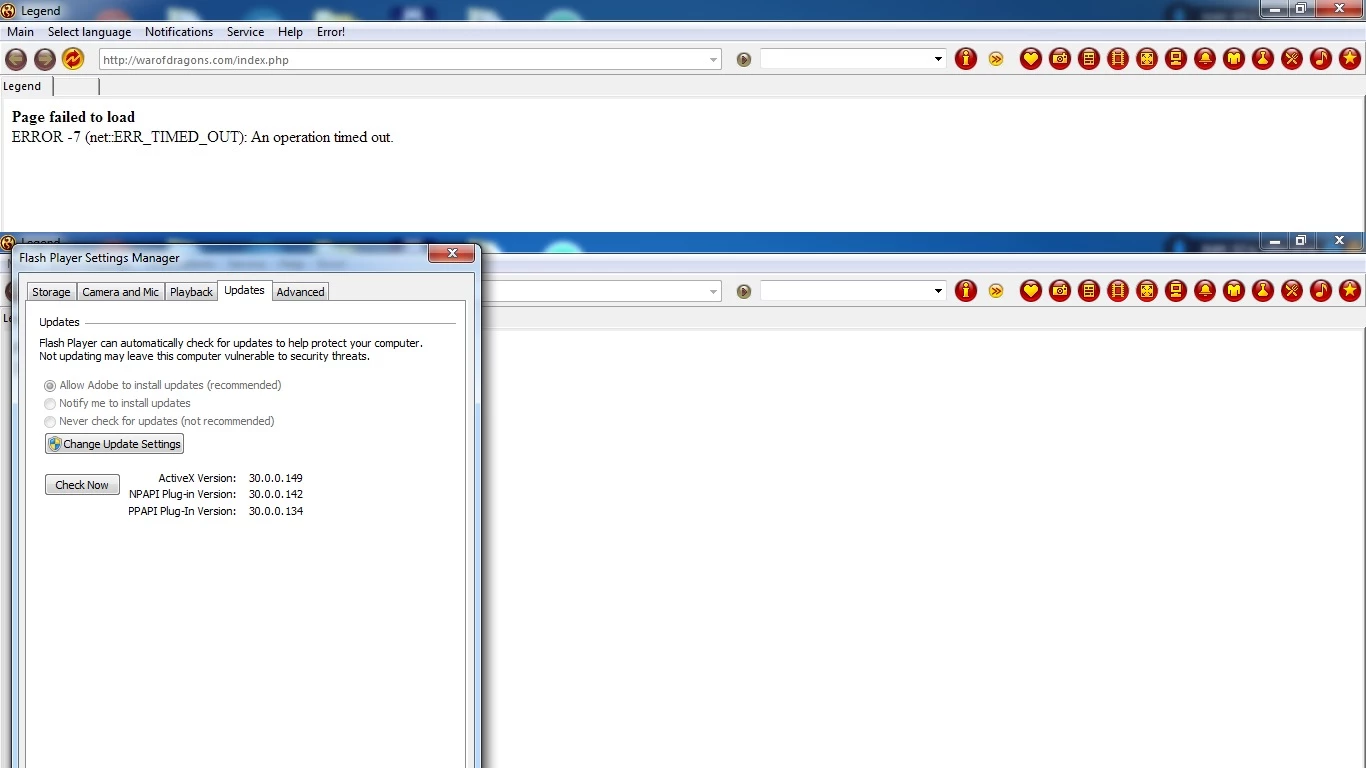
  I have scambled everywhere for the last week and cant seem to find a solution to fix and restore everything the way it should be - my connection of inter is fine and no problems there.  Help Please!

    This topic has been closed for replies.

    4 replies

    GamemanAuthor
    Participant
    August 23, 2018

    Its all back to normal thank you!

    jeromiec83223024
    Inspiring
    August 6, 2018

    Also, the timeout message you're seeing is saying that the server at the game company is either down or super slow. 

    For what it's worth, this is working fine for me.  Are you still seeing the problem?  It sounds like maybe they were down temporarily.

    _maria_
    Legend
    August 6, 2018

    Flash Player is a browser plugin and works in the browser.  If an app, such as Facebook Gameroom, embeds Flash and it's not working, you'll need to contact the app developer for assistance.

    According to your screenshot of the Flash Player Settings Manager > Updates tab:

    • Flash Player ActiveX 30.0.0.149 is the most recent version
    • Flash Player NPAPI Plugin 30.0.0.142 is an older beta version.  Recommend you uninstall this and install the latest version, 30.0.0.149
      • Note that you must uninstall the beta version before installing the release version
    • Flash Player PPAPI Plugin 30.0.0.134 is the previous version.
      • If you only use Chrome, then Google embeds Flash Player PPAPI plugin in Chrome and there is no need to install it separately.  Recommend you uninstall the version you installed and use the embedded version.
      • If you use a different Chromium-based browser, recommend you upgrade the latest version, 30.0.0.149

    Note that all browser block Flash by default and force users to enable it, usually on a per-site basis (yes, annoying, but this is a browser vendor implementation, not Adobe/Flash Player issue).  To enable Flash in the various browsers see Flash Player Help

    <edit: fixed format in bullet text>

    vanesahi
    Participant
    August 4, 2018

    hi, i havre the same problem, it shows me  that i should download the lates version, but i already have it, still cant play some games. thats really frustrating. i updated it again, just to be sure, still nothing. please help. thanks in advance