


elac70158875
Participant
October 8, 2017
Question

Urgent : Plug in Flash blocked

  • October 8, 2017
  • 1 reply
  • 464 views

Bonjour à toi,

J'ai actuellement un problème pour visionner une vidéo sur le site internet : IIS7 (plateforme en ligne pour étudier)

Cet icône là apparaît.

Pour résoudre le problème, j'ai tenté toutes les manips possibles (désinstallation chrome, flash, réinstallation, verif MAJ, autoriser Flash etc).

En me rendant sur chrome://flash/ j'ai ce message qui s'affiche :
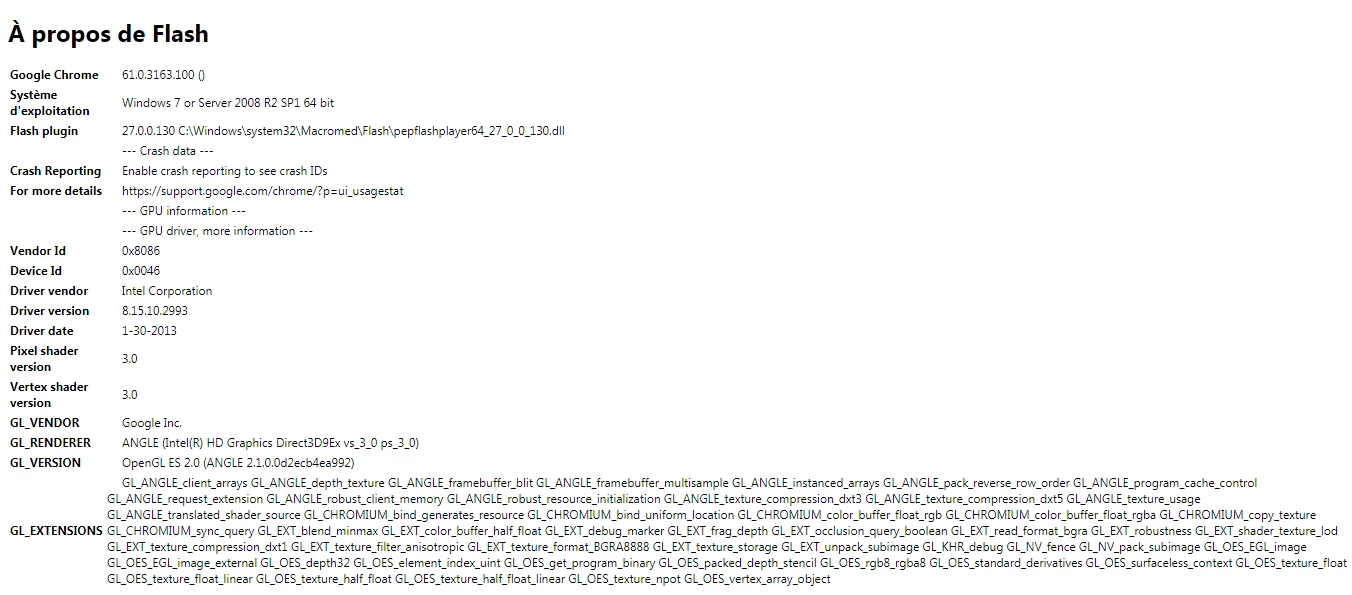
C'est sûrement la source de mon problème mais je suis incapable de le résoudre...

Un expert dans les parages pour m'aider s'il vous plait ?

Merci beaucoup d'avance !!

Ela

This topic has been closed for replies.

1 reply

_maria_
Legend
October 9, 2017

The screenshot you posted appears to contain normal content for the chrome://flash information window, and based on this information,  you do have the latest version of Flash Player installed.

For issues with Flash on Chrome, see Google's Use or fix Flash audio & video - Computer - Google Chrome Help tech note.

elac70158875
Participant
October 9, 2017

I already did the things that Google and Adobe advise...

Use or fix Flash audio & video - Computer - Google Chrome Help

_maria_
Legend
October 9, 2017

According to chrome://flash, the plugin is installed correctly, but some other issue is preventing the content from playing.  Please contact the content developer and / or Google for assistance.