Participating Frequently
May 4, 2020
Question

Video and other content won't load or won't work - ALL BROWSERS

  • May 4, 2020
  • 2 replies
  • 768 views

So when I try to click on the "watch now" button on Amazon Prime Video for any episode, it just does nothing. Same thing for BBC Iplayer. YT is fine but I think that isn't flash, only HTML5?


I've tried installing the latest Flash version, and on browsers apart from Tor, the download button does not load on the Official Adobe Flash download page so I can't download. Anyways, I eventually tried Tor and managed to download it on there with ease. But then when I open up the installer, it says "Application initialisation error".

I've also tried uninstalling Flash and then installing the recent version again but this still persists. I've tried the basics like clicking "allow" on Flash for all websites and the same for Javascript.

Windows 10 OS
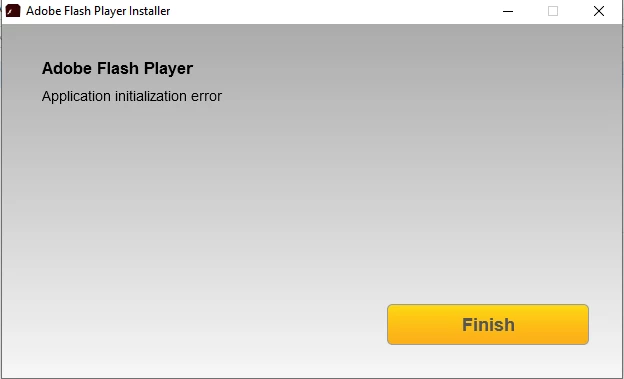
 Error when installing latest version of Flash
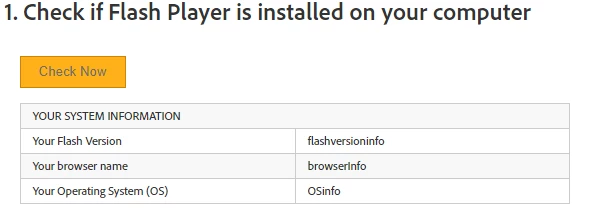


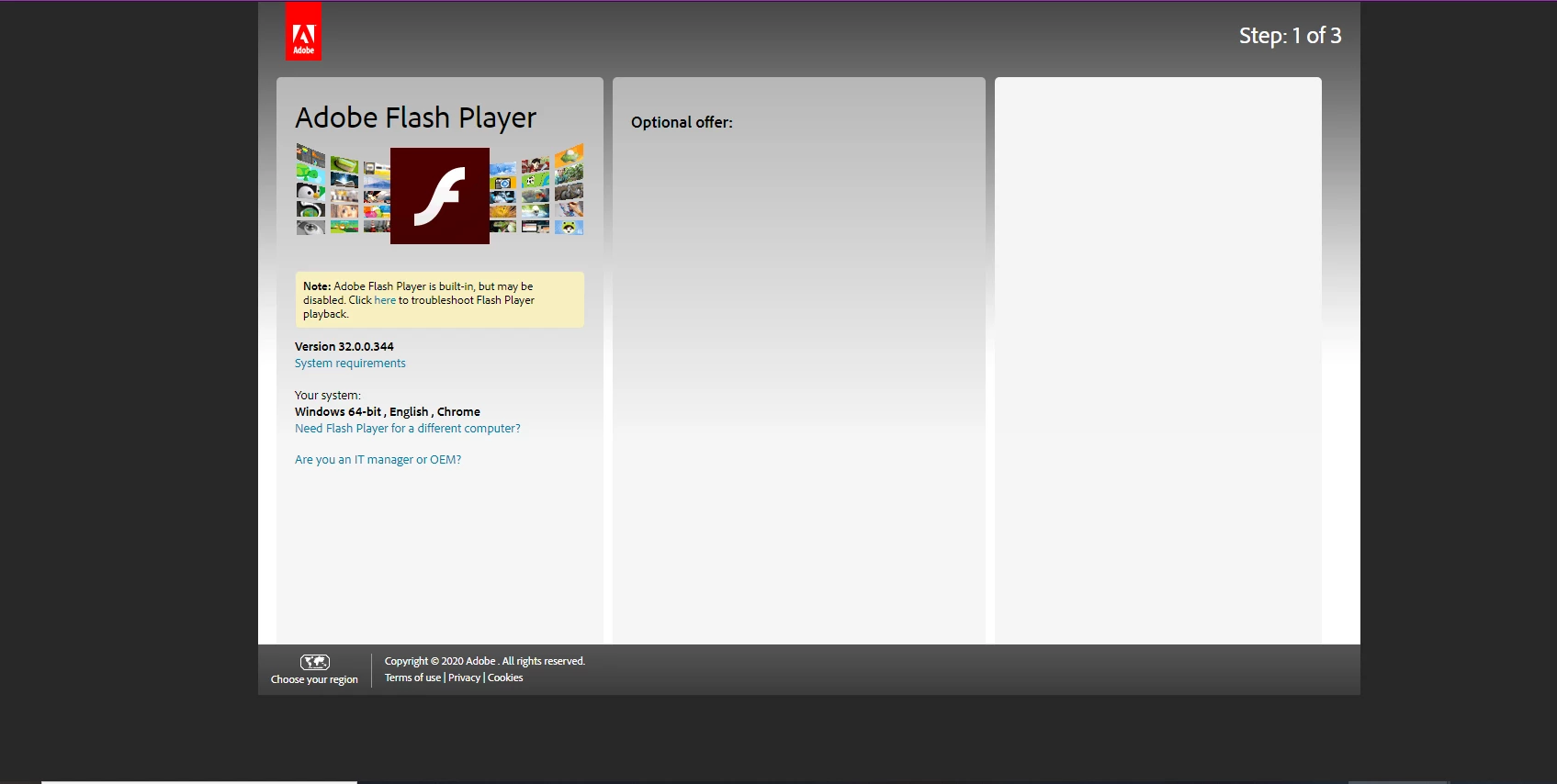
^^^ No download button on the right or select OS or version - this is on Chrome but also occurs on Edge.
 
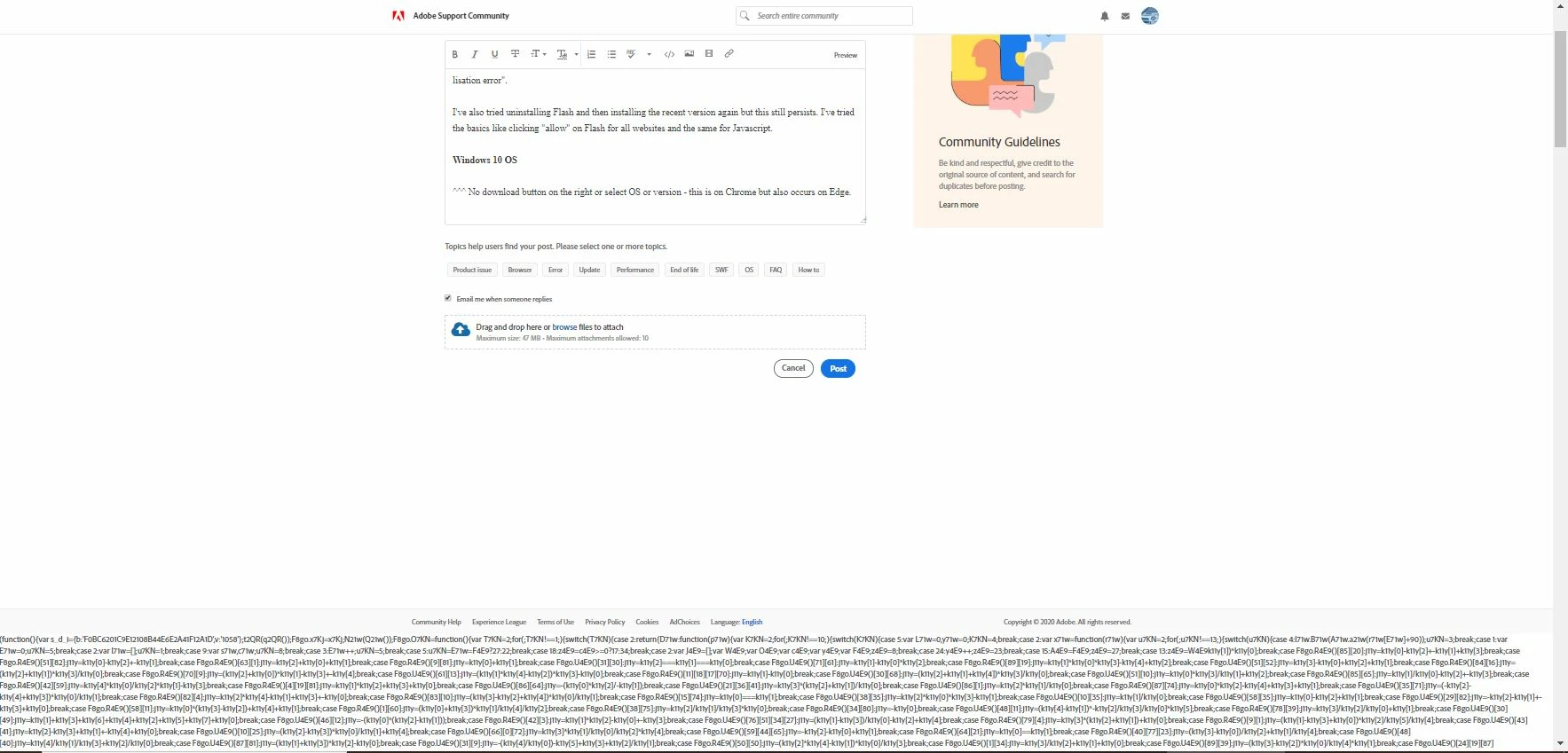
Update: Also on some pages, some code is at the bottom of the page. Other pages will display it at the top and in areas where Flash content is supposed to be shown. On this page, there is some code at the bottom.
 
 
Update 2: I was on the gov.uk site and it said for a better experience, please enable Javascript (it is enabled), so this might be a JS problem? On chrome:components, it says Adobe Flash Player - Version: 32.0.0.363. 
 
Update 3: This problem occured on the 14th April, I did a lot of stuff and it didn't work. Used my PS4 for Netflix and Amazon Prime Video instead and then a few days later, it just started working again. And now, in the last 2 days, the problem has returned 😞
 
Sorry for the disorganised and heavy use of text, it's all been copied and pasted from other forum sites.
This topic has been closed for replies.

2 replies

_maria_
Community Manager
Community Manager
May 4, 2020

For the Application Initialization Error, I'll need to review the installation log files.


  • In File Explorer, go to C:\Users\<YourUserID>\AppData\Local\Temp\Adobe_ADMLogs
    • AppData is a hidden directory.  If you don't see it, refer to Microsoft's Show hidden files help document
  • Upload the 2 files: Adobe_ADM.log and Adobe_GDE.log to Cloud Documents (see How to share a file using Adobe Document Cloud) or some other file sharing service of your choise that doesn't require account log on to access
  • Post the link to the uploaded files in your reply


For the missing download button on the Flash Player download page, I've never seen this issue before.  The screenshot also appears to be quite old as version 32.0.0.344 (March 11 release) was replaced with version 32.0.0.363 on April 14.


Do you have mulitple ad/script blockers installed?  If so, it's possible they're causing some of the weird behavior you are seeing.


Also, from the Flash Player download page screenshot:  This shows the browser is Chrome.  Google embeds Flash Player in Chrome and is always up-to-date with the latest version of Flash.  There is no need to install PPAPI plugin for Chrome separatelyl


While Google does embed Flash Player in Chrome, it also disables it by default.  See Google's help document https://support.google.com/chrome/answer for help troubleshooting Flash in Chrome.


WasiGAuthor
Participating Frequently
May 4, 2020

https://documentcloud.adobe.com/link/track?uri=urn%3Aaaid%3Ascds%3AUS%3A26f2af7d-5f80-45ec-9201-ce3081a8183a

https://documentcloud.adobe.com/link/track?uri=urn%3Aaaid%3Ascds%3AUS%3Af019f15d-4108-4783-bb0d-38875f4ecfd4https://documentcloud.adobe.com/link/send/#


Hi, thanks for the reply. The two links contain the two files you asked for.


The screenshot you were referring to in your reply is at least 2 weeks old as this is when the problem first occured (in the previous version) it now says version .363 if I revisit the download flash player site. I have an ad blocker on Chrome but on other browsers like Edge and Brave, there are no scripts or ad blockers and the problem persists on those.


The problem first occured about 3 or so weeks ago and at that time, I had the latest flash player and Chrome version was the latest. I then uninstalled flash player and then attempted to install it again in order to fix it but that didn't work. I think Flash Player is installed but it's just not working correctly on browsers.


WasiGAuthor
Participating Frequently
May 6, 2020

bump

WasiGAuthor
Participating Frequently
May 4, 2020


_maria_
Community Manager
Community Manager
May 6, 2020

For the Flash Player Application Initialization Error, are you using a proxy server?


Regarding the other issues with Amazon Prime and iPlayer - as @Test_Screen_Name mentioned, neither of these currently use Flash Player (they did in the past).  I would recommend going to their respective support forums for assistance, or performing a general internet search for playback issues on these 2 services.