Hi,
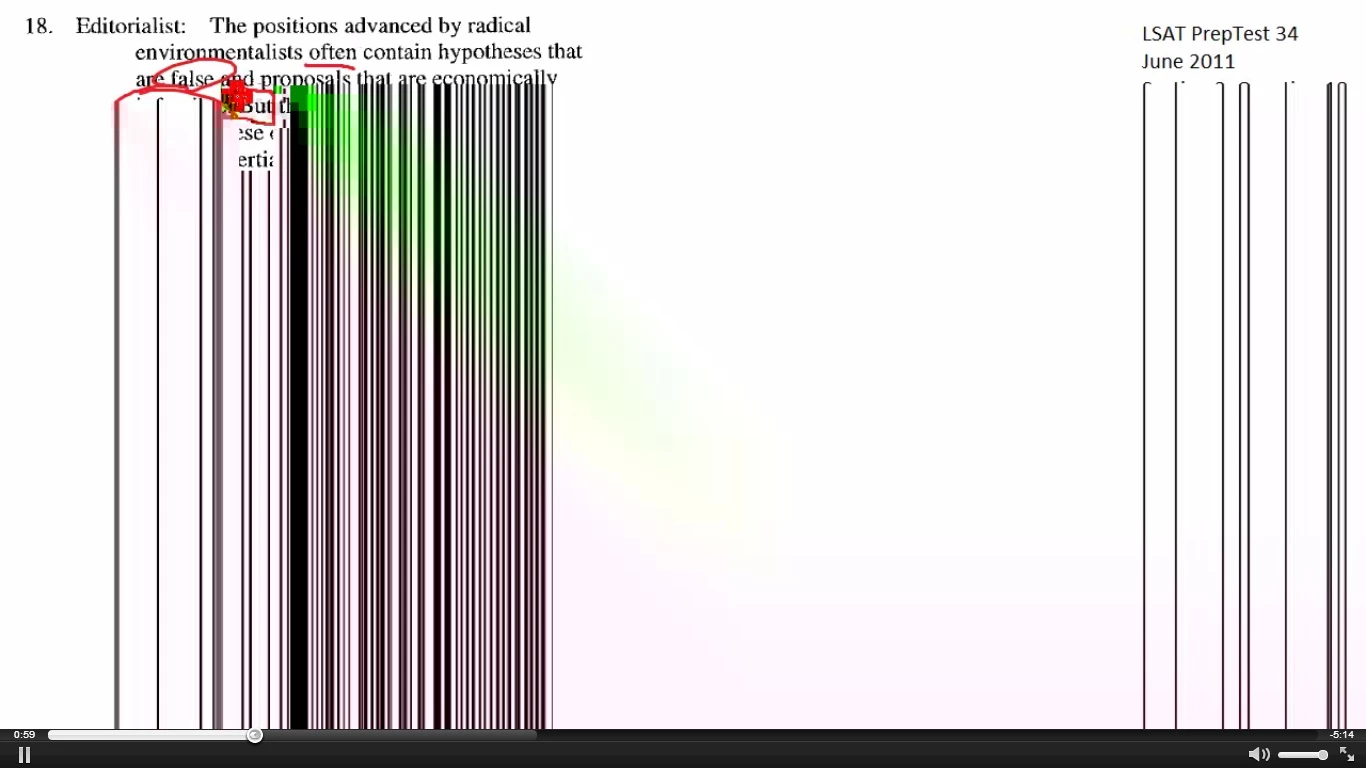
I have come across this problem when viewing videos from a specific website. I am not sure how to describe the type of video but it is someone who is teaching how to do a word problem by taking a video screenshot of the word problem and using the mouse to write things on the screen and what not. Hopefully you get the idea.
Anyway, this occurs on two of the three laptops that are used in my house. The third laptop works perfectly fine. I have noticed that this effect happens when the cursor in the video moves to one particular area of the screen. This is the case no matter what the video player size is. If I put the video full screen, the effect happens at the exact same relative area as in the smaller screen window of the video.
Operating system - Windows 7 Home Premium 64-bit Service Pack 1
Web browser & version - Google Chrome v.22.0.1229.94 m
Flash Player version -
Flash (2 files) - Version: 11.4.31.110| Description: | Shockwave Flash 11.4 r31 |
| Location: | C:\Program Files (x86)\Google\Chrome\Application\22.0.1229.94\PepperFlash\pepflashplayer.dll |
| Type: | PPAPI (out-of-process) |
| MIME types: | | application/x-shockwave-flash | Shockwave Flash | | | application/futuresplash | FutureSplash Player | |
|
| Description: | Shockwave Flash 10.3 r183 |
| Location: | C:\windows\SysWOW64\Macromed\Flash\NPSWF32.dll |
| MIME types: | | application/x-shockwave-flash | Adobe Flash movie | | | application/futuresplash | FutureSplash movie | |
|
Problem:
 AdChoices