
Question
Videos Not Playing
For the past few days I have tried to watch videos on Hulu, Netflix and YouTube but none of these videos are playing on my computer. I have tried everything to get flash player to start working. I've:
- Made sure I have the newest version available
- Disabled it and enabled it on Chrome
- Tried using Microsoft Edge instead, and it still won't work
- Tried to re-download Flash
- Tried to uninstall flash
- Cleared my browsing history and cache on Flash
- Changed my settings on Flash
And when I tried to redownload flash, I keep getting a message that it is not enabled:
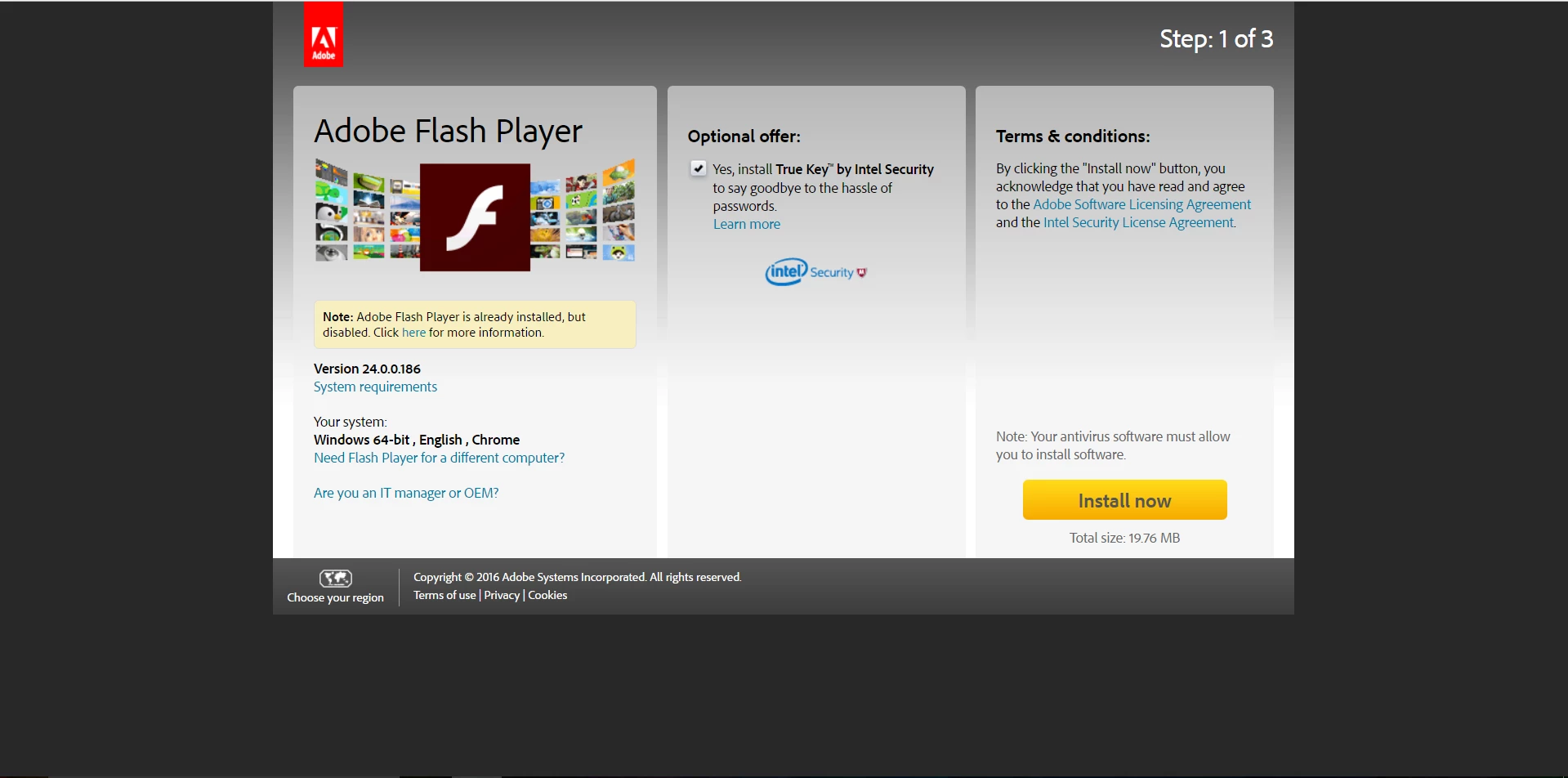
But then on Chrome it says it is enabled:
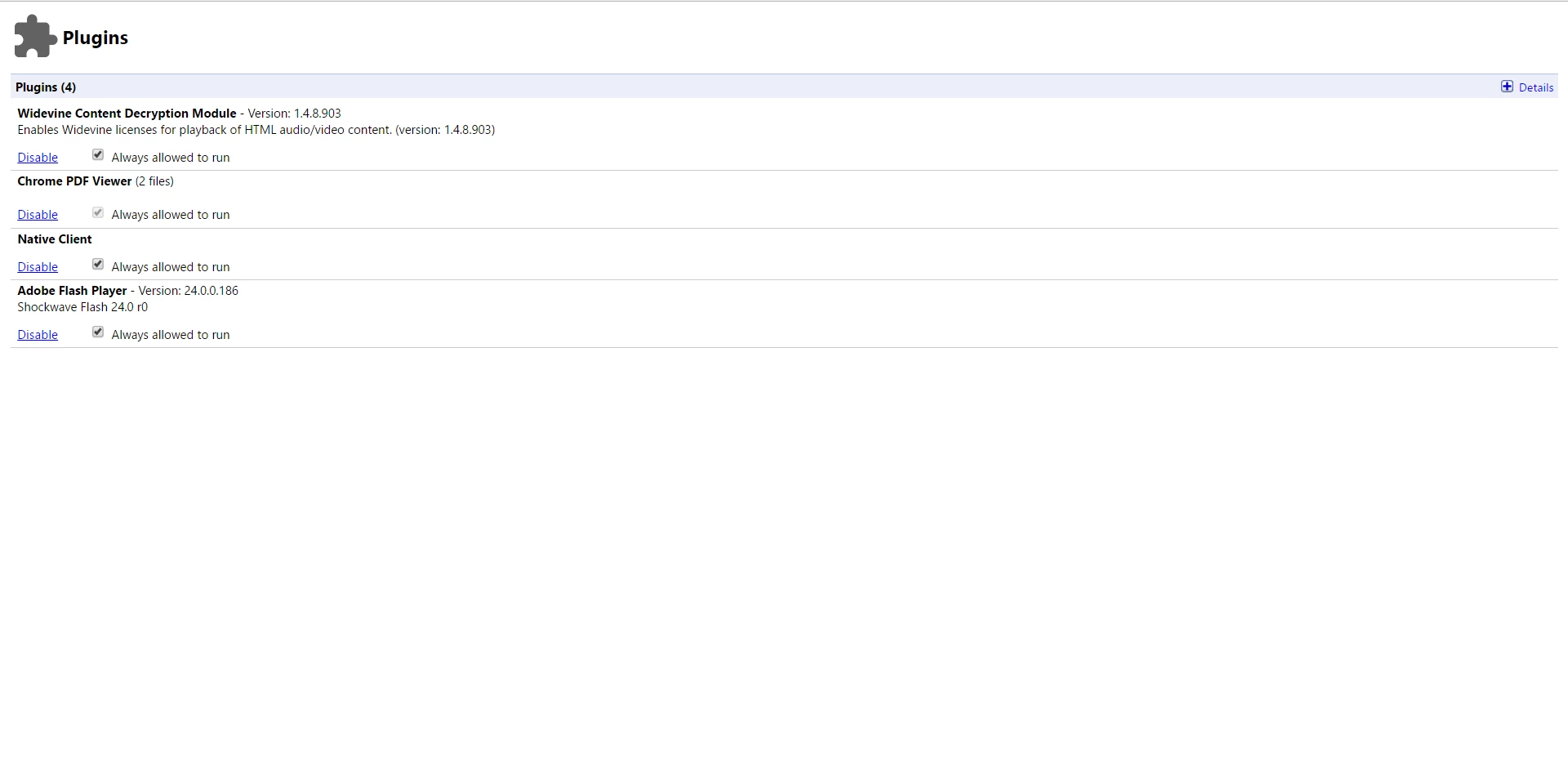
Also it shows that I have the latest version installed.
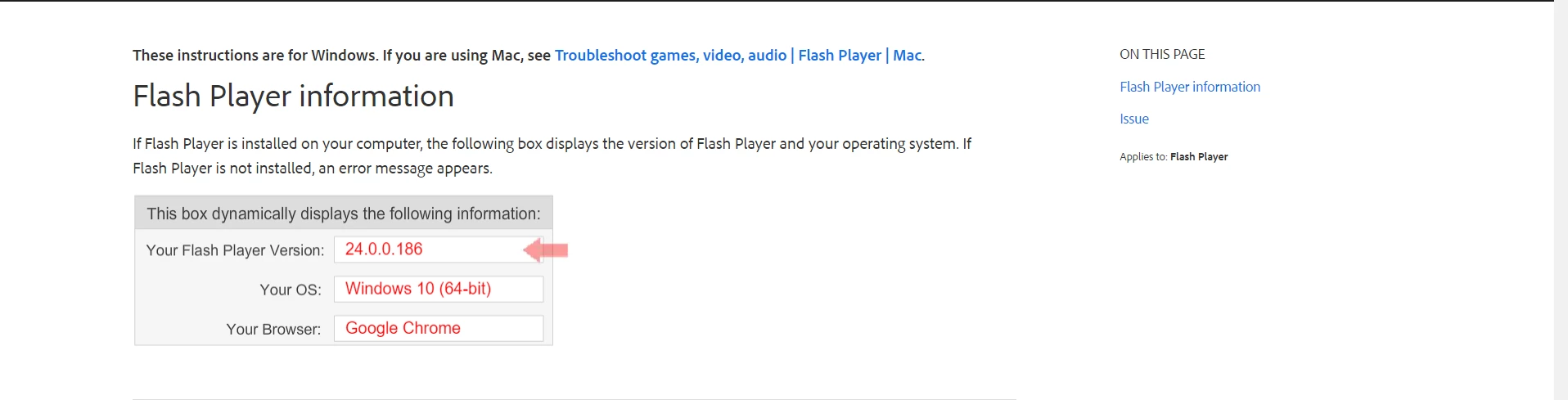
But it's not just an issue with Google Chrome, because I also cannot watch videos on Microsoft Edge. So I don't know what else to do.


 AdChoices