Question
Videos not playing as expected. Help!!!
Hi All
Hoping you can help
I installed the latest version of Flash Player (Version 15.0.0.152) and since I have, any interaction with websites that require this add-on are now not acting as expected
For example, if I play a video in You Tube, the following occurs
- The Adobe icon appears on my toolbar,
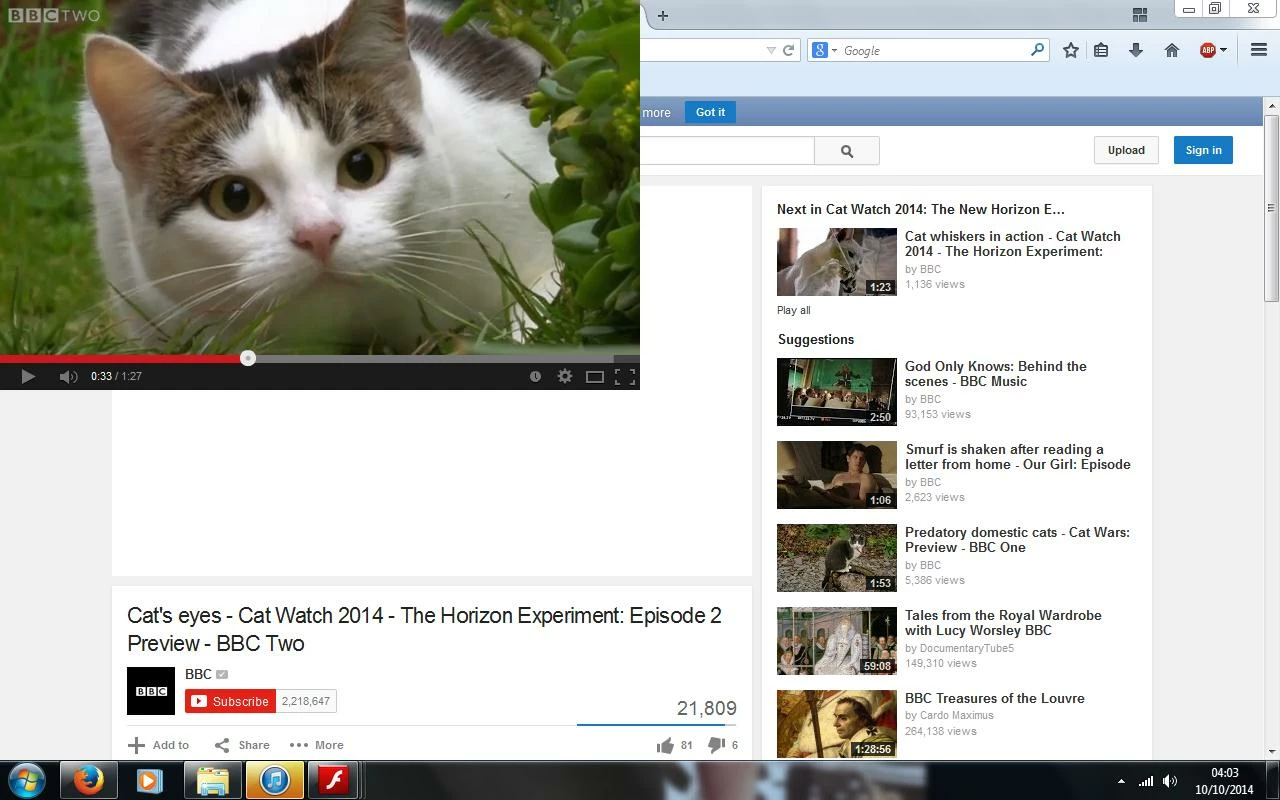
- A window opens in the top left hand corner of my screen and I am unable to close it as there is no ability to do so
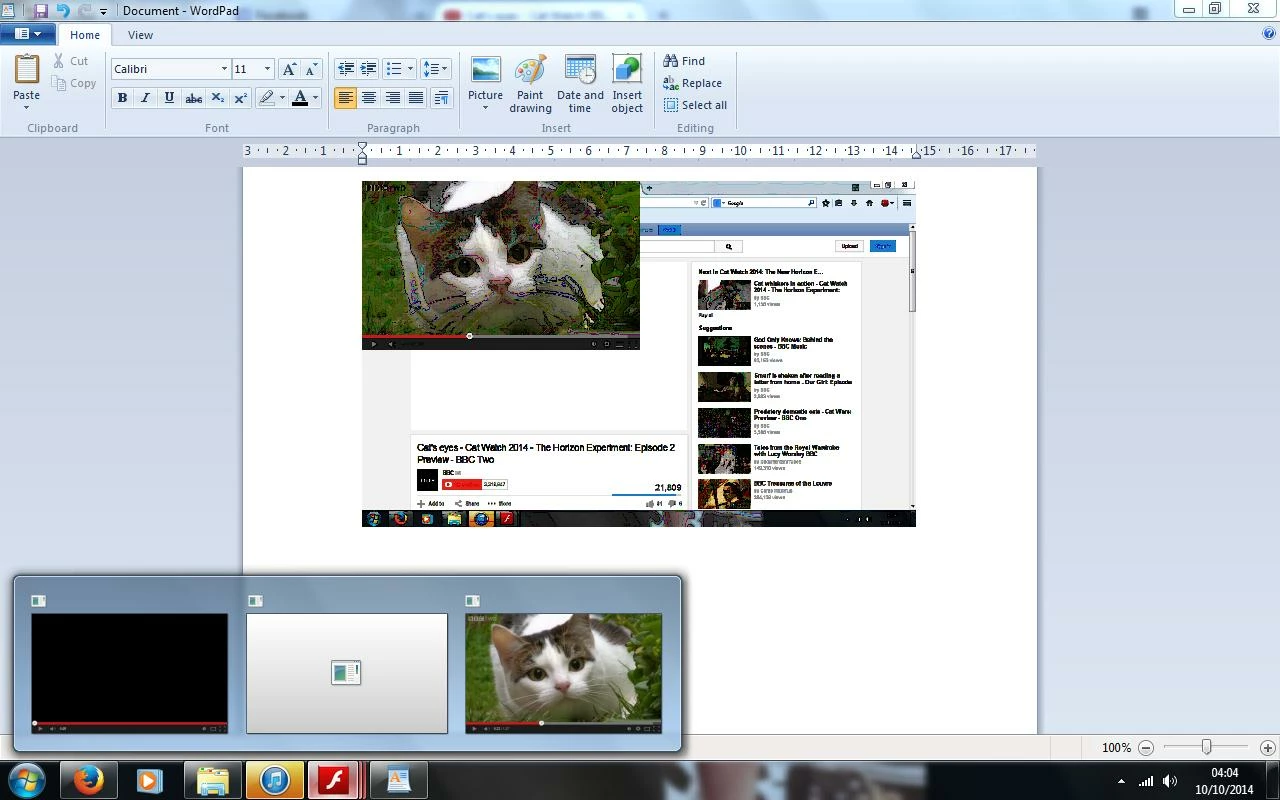
- In addition, the video also opens in a new window. If for any reason, I pause the video I am unable to play again as the screen video player box goes white
- The flash player is also continually crashing
I have tried uninstalling, cleaning my registry and then reinstalling and I am getting the same issue time and time again. My web browser is Firefox (which is updated to the latest version) and I am using a Windows 7 platform
Any ideas of what this issue is and how I can resolve it as its really annoying.
Attached are screenshots
Many thanks
Sue Grimshaw (UK)
 AdChoices