


saurabhc75287390
Participant
May 25, 2018
Answered

While opening hotstar adobe flash player asking fo security update

  • May 25, 2018
  • 3 replies
  • 2396 views

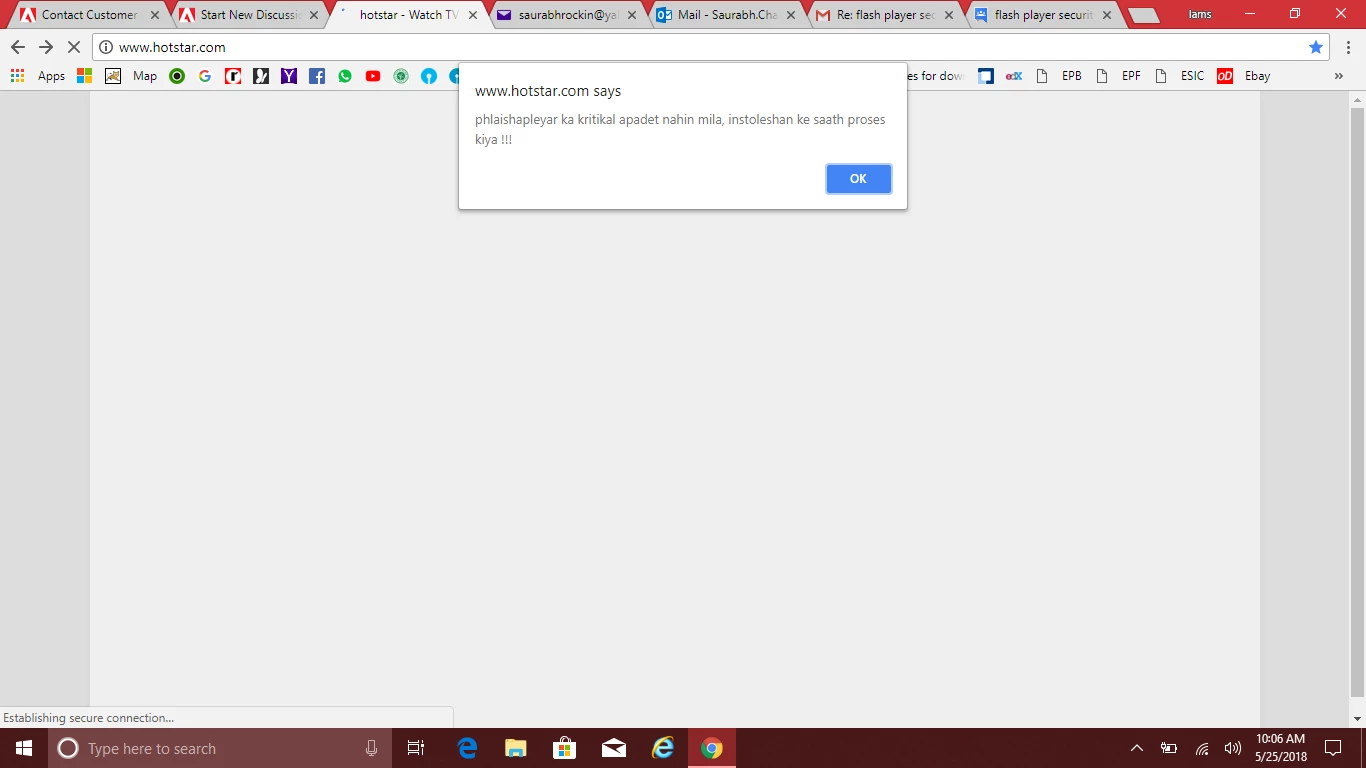
hotstar website not opening it keep giving dialogue box of "phlaishapleyar ka kritikal apadet nahin mila, instoleshan ke saath proses kiya !!!" ( flash player critical update not found processing with installation) and then after clicking ok it comes with below link on address bar with url signature expired message on the page.
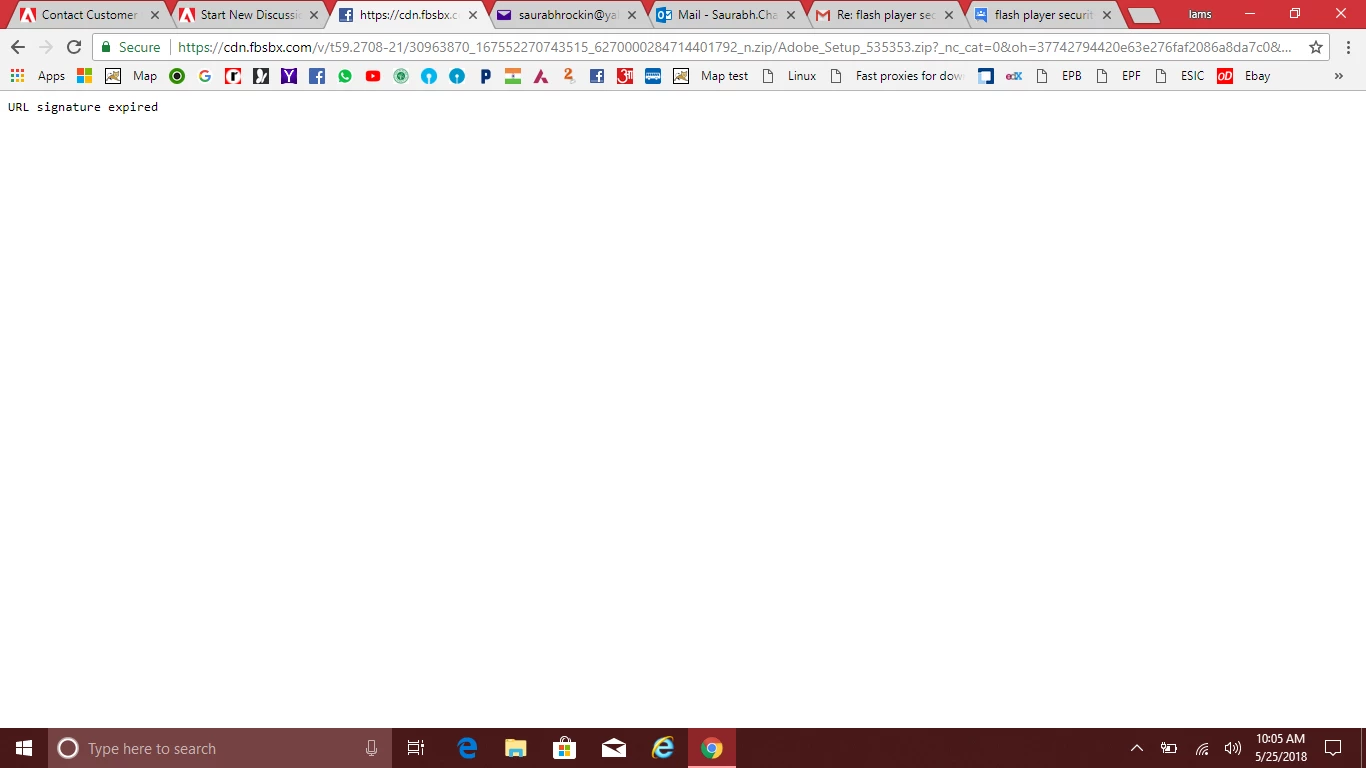
https://cdn.fbsbx.com/v/t59.2708-21/30963870_167552270743515_6270000284714401792_n.zip/Adobe_Setup_535353.zip?_nc_cat=0&oh=37742794420e63e276faf2086a8da7c0&oe=5AE93E57&dl=1

updated the chrome

Google Chrome is up to date

Version 66.0.3359.181 (Official Build) (64-bit)

windows 10 64 bit

dell inspiron 11 3148

issue still persists

I really don't have any idea to resolve this one.

Kindly help with the same.

    Correct answer Test Screen Name

    I don't know the cause, but if a web site attacks you just don't use it. Maybe it only attacks certain types of system because they are weak. Maybe it is random. Maybe you are a specific target. Maybe it sometimes does a more secret attack you do not see.

    3 replies

    Test Screen NameCorrect answer
    Legend
    May 25, 2018

    I don't know the cause, but if a web site attacks you just don't use it. Maybe it only attacks certain types of system because they are weak. Maybe it is random. Maybe you are a specific target. Maybe it sometimes does a more secret attack you do not see.

    Legend
    May 25, 2018

    Yes, this proves the web site is attacking you... please do not go there.

    saurabhc75287390
    Participant
    May 25, 2018

    But the website is opening in other computers i have scanned my computer as well for any issues but nothing was found.

    is it something to do with website certificates?

    Legend
    May 25, 2018

    This is a fake update, trying to infect your computer. DO NOT VISIT THIS SITE, it is attacking your computer.

    General advice:

    1. If you get a notice saying that you need to update any software DO NOT FOLLOW LINKS IN THE NOTICE because it is very easy to send a fake message.

    2. Check if your software is up to date by going to the original download site. For Flash this is http://get.adobe.com/flash

    3. Chrome and Edge browsers include Flash built in. It is impossible to download an update from anywhere.

    Be careful!

    saurabhc75287390
    Participant
    May 25, 2018

    I updated my chrome and adobe flash player from adobe website itself.

    it's only happening with this website only.

    anyways thanks for reply