Participating Frequently
April 13, 2016
Question

Why DOES Adobe Flash Player keeps crashing

  • April 13, 2016
  • 1 reply
  • 2853 views

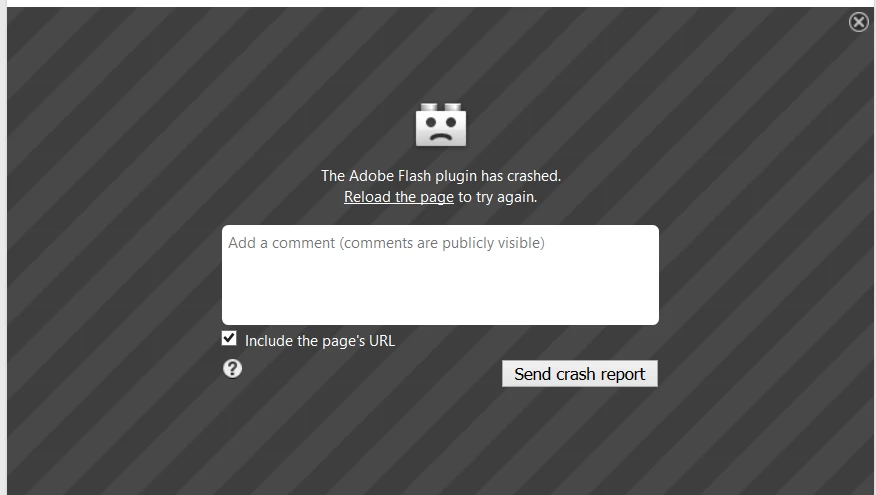
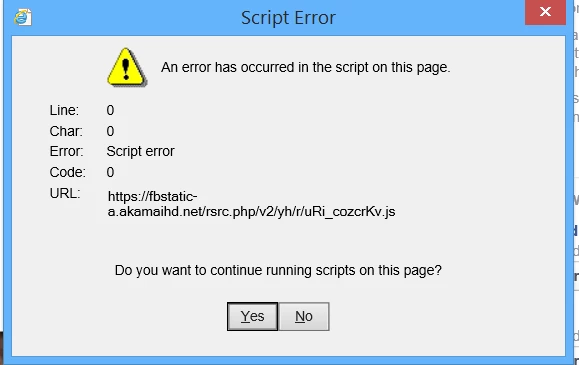
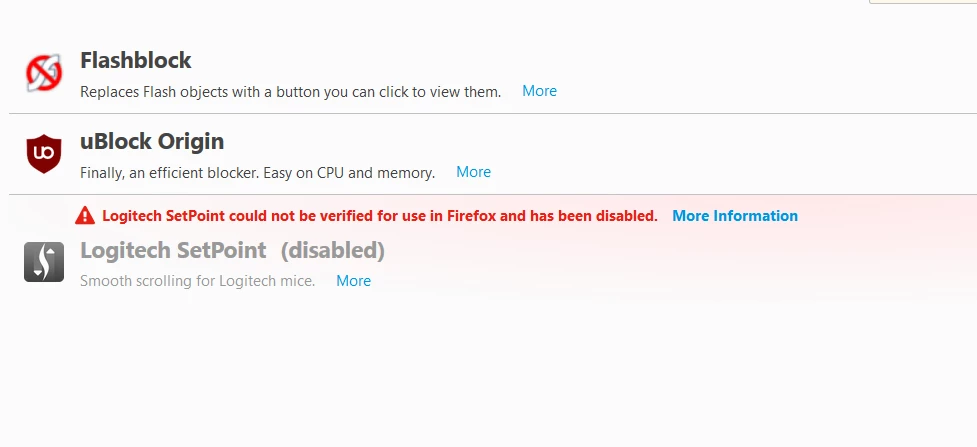
Windows 8.1 when i go to Firefox, IE, Facebook or search in Google, with "Enable Adobe Flash protected mode" ticked i keep getting "Adobe Flash Player has crashed" see attached. Untick "Enable Adobe Flash protected mode" and all is ok. Is it safe to untick that? Also, script error (attached) appears on almost everything too. Addons on my computer are attached
    This topic has been closed for replies.

    1 reply

    Participating Frequently
    April 14, 2016

    ANYONE INTERESTED?

    jeromiec83223024
    Inspiring
    April 16, 2016

    This is a user-to-user forum.  Adobe does not provide direct technical support for products it offers free of charge.  The staff that answer questions here do so as a courtesy, frequently in our free time and evenings.  Expecting a response within 3 minutes, at 1AM local time is probably not the most realistic expectation.  Using Google to search for the problem, or reading the FAQs is probably a better resource for an immediate answer.

    That said, I'd start by disabling hardware acceleration.  If it's an issue with your hardware or drivers, the problem should go away. 

    There's a comprehensive guide here:

    https://helpx.adobe.com/flash-player/kb/video-playback-issues.html

    If that doesn't work, a relevant crash report from Firefox would be helpful.

    In Firefox, go to about:crashes

    Choose a crash with a timestamp that corresponds to a Flash crash.

    Click it to submit, and paste the link from the resulting page in a reply. 

    I'll be happy to look at it on Monday when I'm back in the office.

    If hardware acceleration didn't solve the crashing, it would also be interesting to know whether or not the other plugins you're running are in play.

    If you go to Firefox > Help > Restart with Add-Ons Disabled, do you still see high frequency crashes?

    If not, you might want to disable all the add-ons and re-enable them individually until the crashes come back.  If you isloate it to a specific plug-in or add-on, we'd be happy to take a look.

    Participating Frequently
    April 16, 2016

    I checked Firefox Help>Restart with addons disabled in safe mode and videos won`t play. One video attempt the black crash error appeared. In Internet Explorer the script error came up, i ticked yes and the video played.