


Participant
October 7, 2018
Question

Windows Xp Application Initialization Error

  • October 7, 2018
  • 1 reply
  • 986 views

Browser: Opera 36   

Windows Xp   

Flash service pack 3

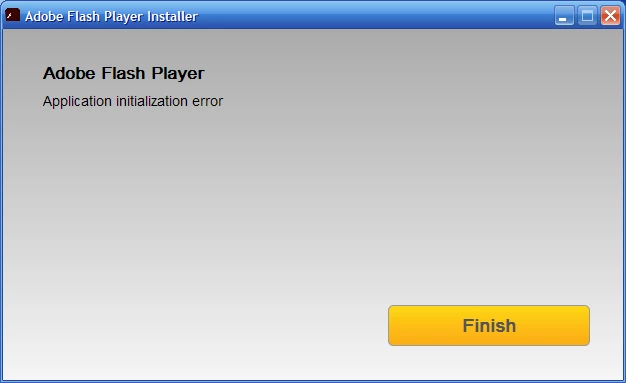
Help! whenever I click Aobe Flash Player on my folder to open it, it says its about to download but then a message pops up saying application initialization error. then it takes me to the download center on internet explorer, which isn't even supported anymore, and it is soooooooooooooo annoying! CAN YOU PLEASE HELP ME?

web link:Flash - Application Initialization Error  this is for windows 8, so it's not my windows, and it might not e helpful

screenshot:
    This topic has been closed for replies.

    1 reply

    _maria_
    Community Manager
    Community Manager
    October 8, 2018

    We'll need to review the installation log file to troubleshoot the error.  Please provide the Adobe_ADM.log and Adobe_GDE.log files saved at C:\Documents and Settings\<YourUserID>\Local Settings\Temp\Adobe_ADMLogs.  Upload the files to cloud.acrobat.com/send using the instructions at How to share a documentand post the link to the uploaded files in your reply.   Do not post the contents of the log files in your reply, and email attachments are blocked by the forums.


    Alternative, you can try using the offline installer posted at the bottom of theInstallation problems | Flash Player | Windows 7 and earlierpage in the 'Still having problems' section, however, without the installation log files we can't troubleshoot why the initialization error is occurring.