


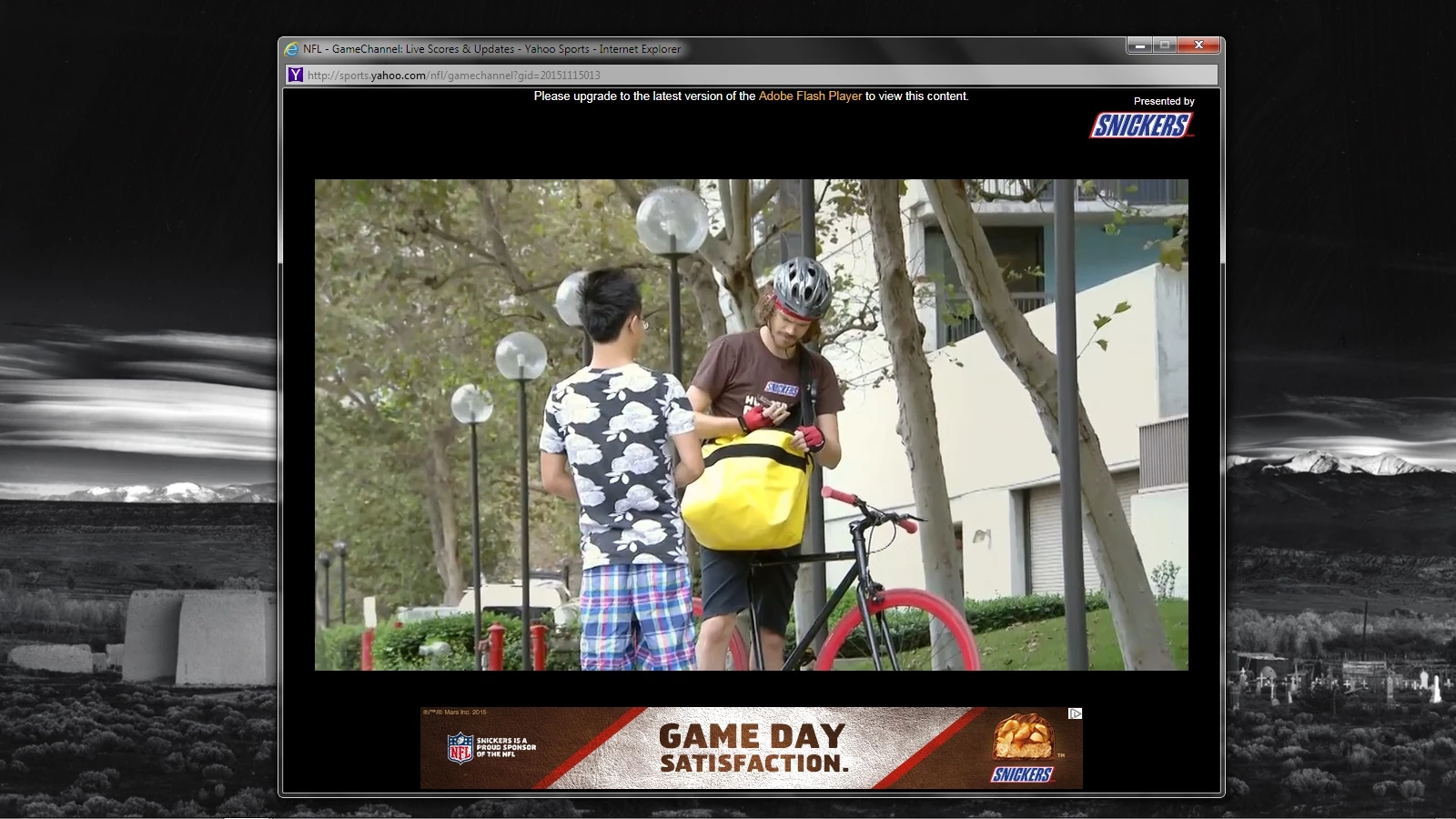
Yahoo! GameChannel popup says "Upgrade to latest version of Adobe Flash Player"
1. Windows 7, Service Pack 1
2. IE 11, version 11.0.9600.18097, update versions 11.0.25
3. Flash Player version 19.0.0.245
4. Whenever I click on the GameChannel popup link during a professional sports event in the Yahoo! Sports pages, the popup displays a black screen with this message: Please upgrade to the latest version of the Adobe Flash Player to view this content. The problem is, I already have the latest version; and if I click the Adobe Flash Player link, it tries to install Flash Player with an installation package I don't even have on my computer.
5. Direct link to a web page that demonstrates the problem: Yahoo Sports – Sports News, Scores, Rumors, Fantasy Games, and more (NOTE: In order to reproduce the issue, I have to click on a live sporting event--say, NFL, College Football game, etc--and then click the GameChannel link above the "live scoreboard." The popup then appears with the "update" message.)
6. Screenshot provided:
Thank you in advance.

 AdChoices