



YouNow Account Flash Player Problems
When I logon to younow.com with my current account, I recieve a popup in the right corner of my screen asking me if I would like to share my desired webcam and mircophone 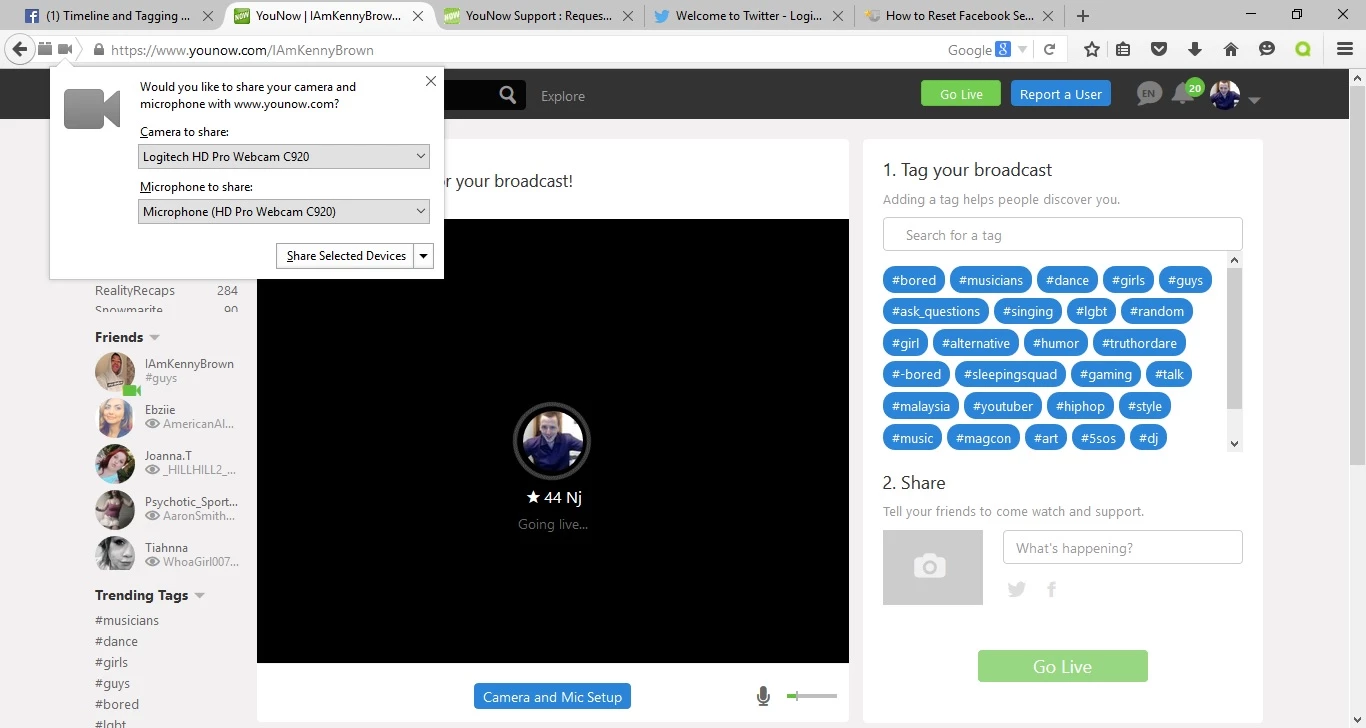 Once I have selected 'Share Selected Devices' the screen stays black and there is no audio. When I right click the black broadcast box I do not get the option to change Flash Player settings
 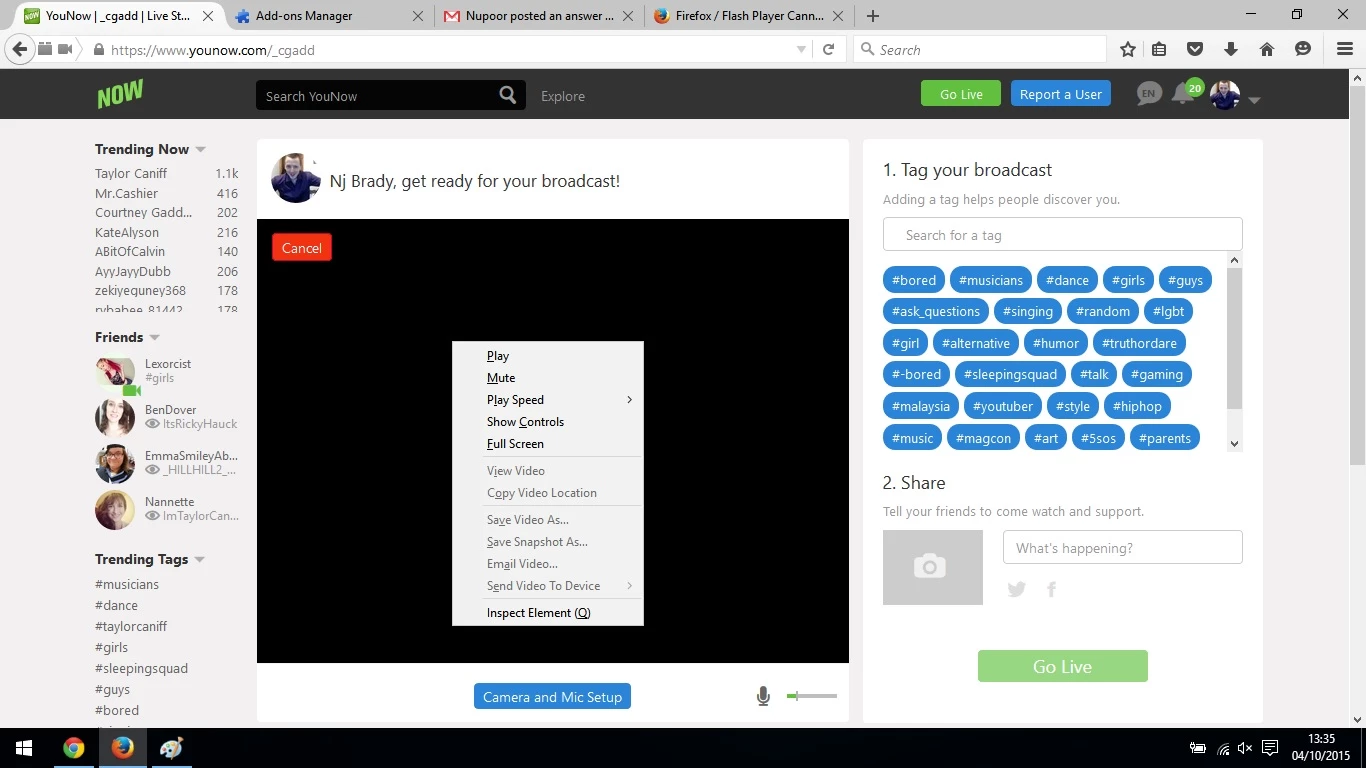 I have reinstalled Firefox, my webcam and Flash Player for the latest updates but I still have the same problem.
When I tried logging into YouNow with another account, Flash Player worked with the right share and setting options 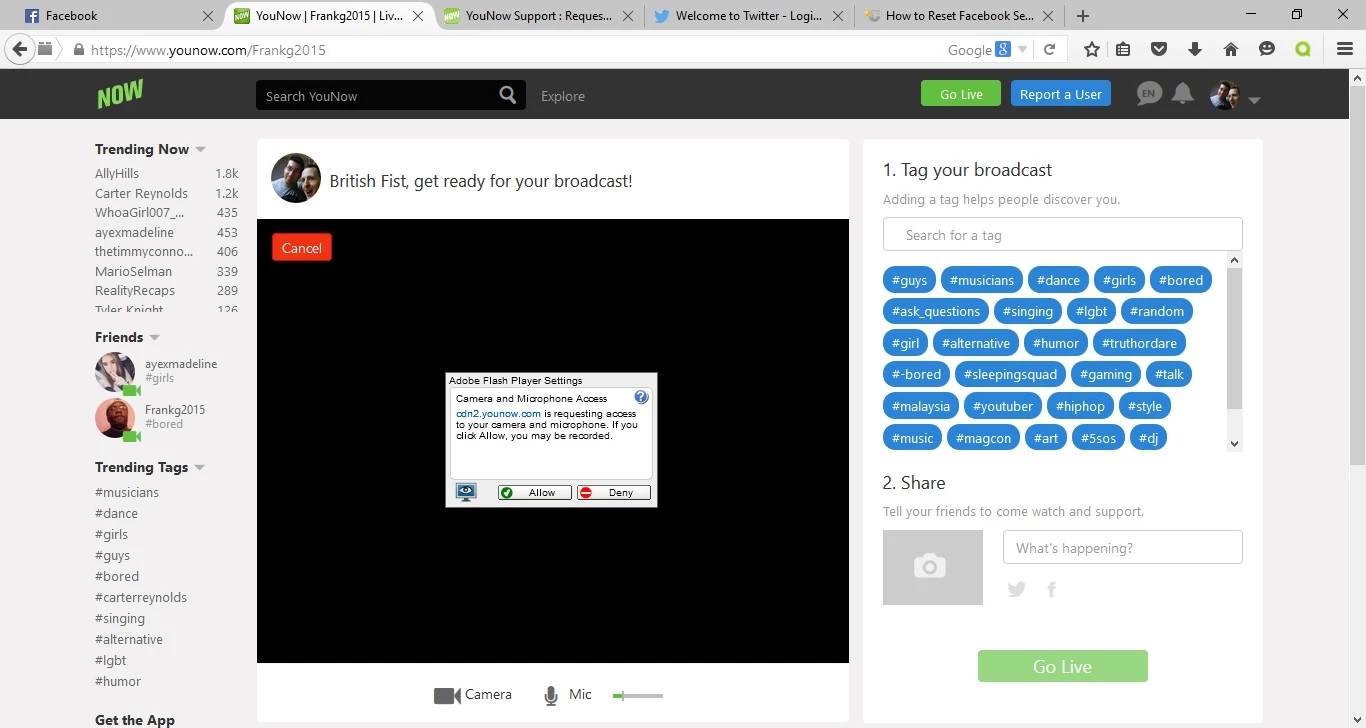 It has nothing to do with my current account, as when I log into YouNow using my current account on Chrome, there were no problems
What could be causing this problem and what can I do to fix it so I can stay using Firefox and use my current account to broadcast?
 AdChoices