
Bug in _containerController.getContentBounds() ?
I think I might have stumbled over a bug in the code that calculates the size of the content in a textflow.
I have included a Flashbuilder 4.5 testCase project to demonstrate the problem: http://dev.webscape.no/testCase.zip
Follow these steps to recreate:
1. Fire up the TestCase project. It contains a square marking the size of the text area, and a simple button on the right.
Just click inside the square and type away. I've included a call to _containerController.getContentBounds() on all changes in the textflow giving you the height and width of the content.
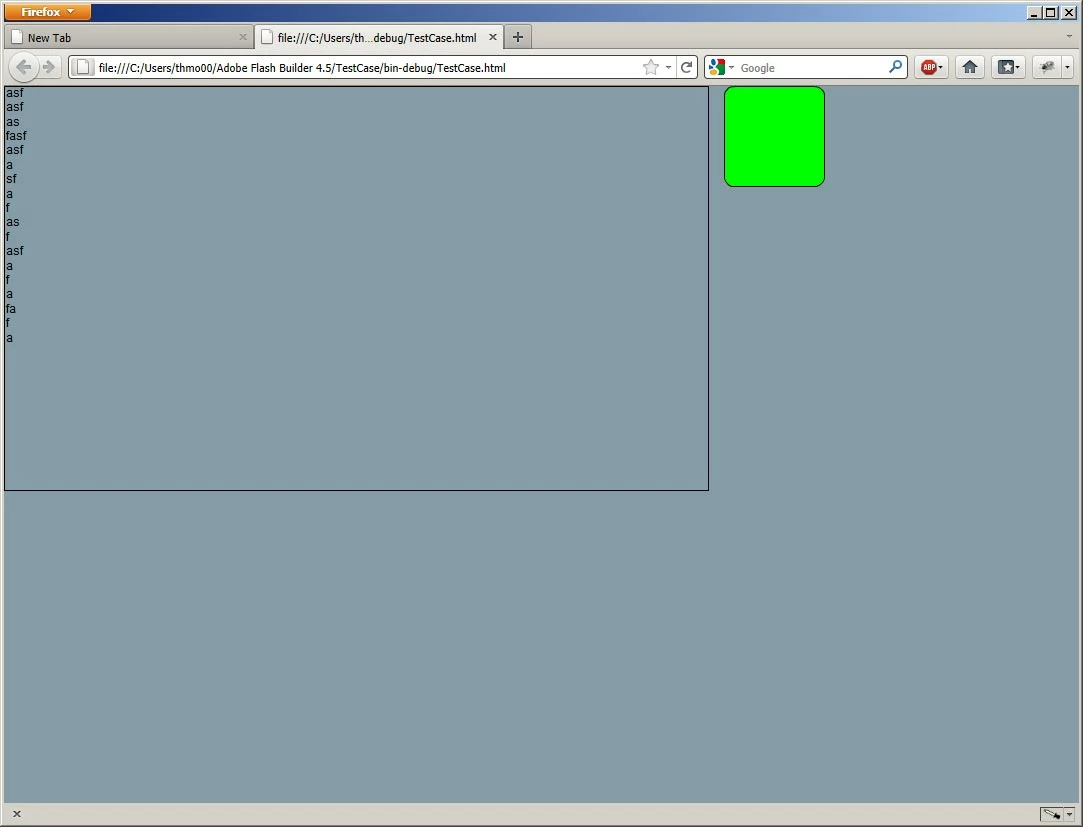
2. Press the green button when you have reached about 2/3 down the bounding box. This will insert a graphics element in the textflow. The text will scroll down (I did not bother to include a scrollbar) since the graphics element is bigger than the available space in the textholder, and the cursor will be placed on the right side of the graphics, since the element is marked as float left.
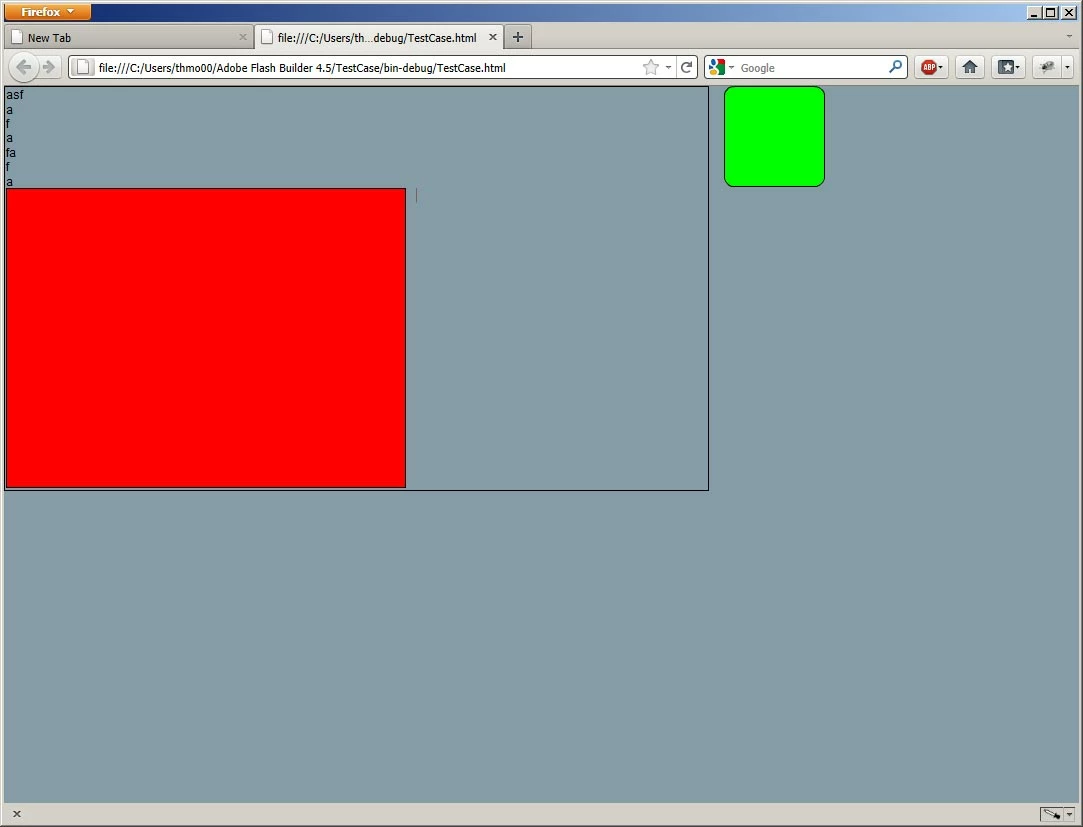
3. Continue writing text to the right of the graphics element and after 2-3 lines of text watch the layout of the textflow fall apart.
If you look at the values traced from the _containerController.getContentBounds() call you'll see that the height of the content has gone from somewhere around 550px, to about 300px.
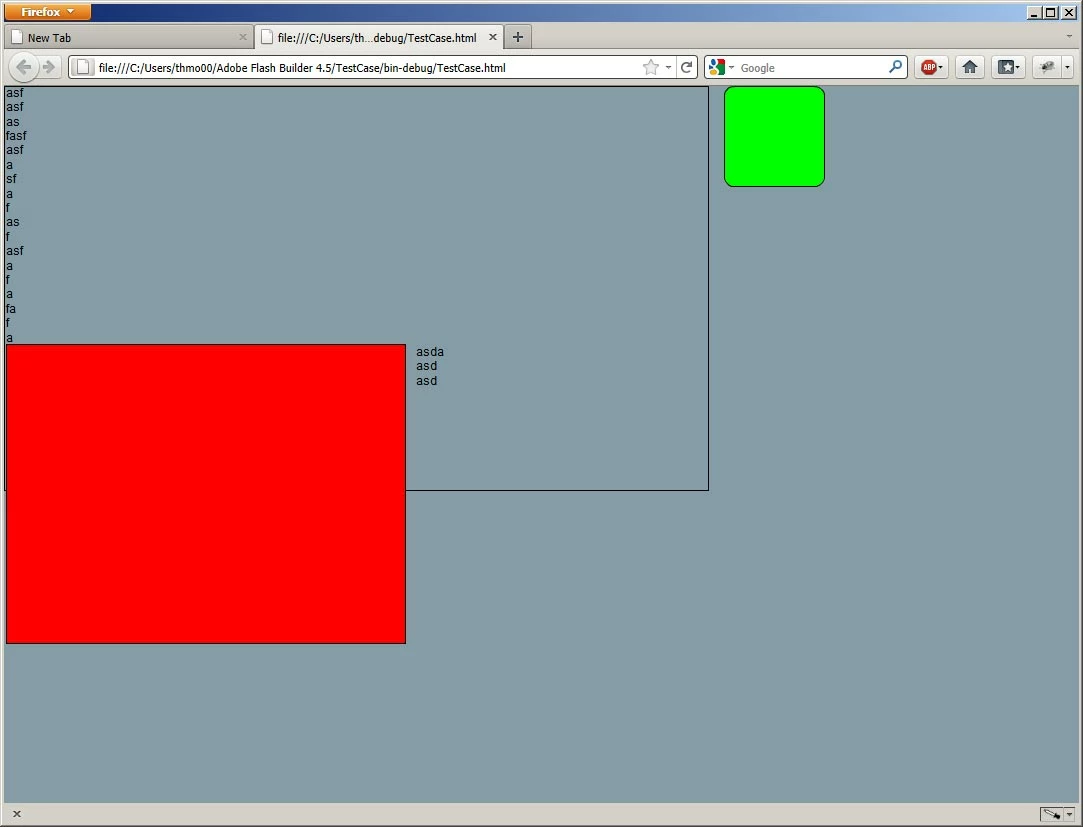
My best guess is that something strange happens when the graphics are inserted into the textflow and the flow is scrolled. It looks like the textflow falls apart when it tries to scroll further down the text.
Am I right in this being a bug?


 AdChoices