


March 26, 2010
Question

cannot load Design mode flash builder 4 preminum trail version

  • March 26, 2010
  • 12 replies
  • 19579 views

Hi

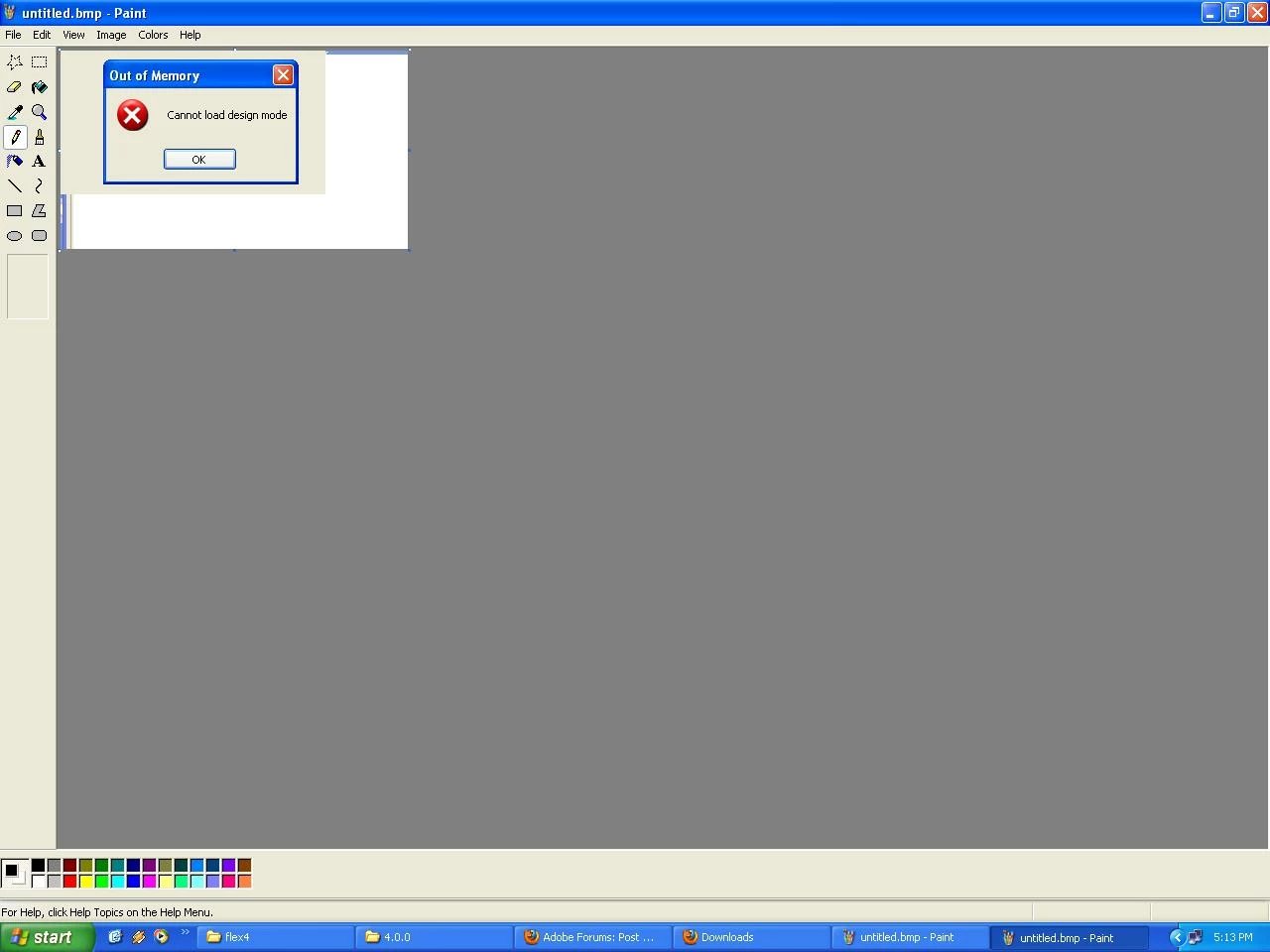
I installed flash builder4 premium trail version .After creating project when i click on the design mode . It displays an alert box containg the message like cannot load design mode with title as outof memory . How can slove this problem.

Here i  attached the image file.
Thanks in advance

Regards

---------

ss

    This topic has been closed for replies.

    12 replies

    Participating Frequently
    April 2, 2010

    I also had the same problem, can anybody solve it?

    April 2, 2010

    My only option was to use the standalone version of FB4 instead of the Eclipse Plugin. I still need to get the plugin version working, but in the meantime the standalone at least lets me continue working with my tutorials.

    If anyone has insight on this matter please do share. I'll make sure to stick with the topic until it is solved. =)

    Jason San Jose
    Adobe Employee
    Adobe Employee
    April 2, 2010

    The only difference (I hope) that you got from switching to standalone was that we set max memory to 512 by default.

    I suspect something else happening. Can you post the contents of your eclipse.ini file? And just to double check, make sure the eclipse.ini you're editing is for the same Eclipse that you're launching.

    I've seen some users get the bundled Eclipse (that comes with our plug-in installer) confused with their own downloaded distribution. The shortcut that we install goes to the bundled Eclipse. We don't add a new shortcut when you install into your existing Eclipse.

    Jason San Jose

    Software Engineer, Flash Builder

    Jason San Jose
    Adobe Employee
    Adobe Employee
    March 26, 2010

    Try increasing the memory http://blogs.adobe.com/jasonsj/2010/02/improving_compiler_performance.html. Just curious, what's your setup? XP with FB plug-in or standalone?

    Jason San Jose

    Software Engineer, Flash Builder

    April 1, 2010

    I'm having the exact same problem. Just downloaded the FB Trial from Adobe and installed it on top of the latest Java EE version of Eclipse. No customization or tweaks..."right from the box" install. When I attempt to switch to design mode I get the same pop-up you mentioned, apparently once for each view/panel that appears. I tried the increased memory option in the Eclipse.ini, but it did not make a difference.

    My system specs should be more than adequate with a Vista Ultimate 64-bit, 8300 QuadCore, 4GB RAM, nVidia 8800GTX.

    Any help here would be greatly appreciated! This is preventing me from having any kind of fun with FB4 =)