


casper_no
Known Participant
February 6, 2012
Question

Float doesn't split long words

  • February 6, 2012
  • 2 replies
  • 1299 views

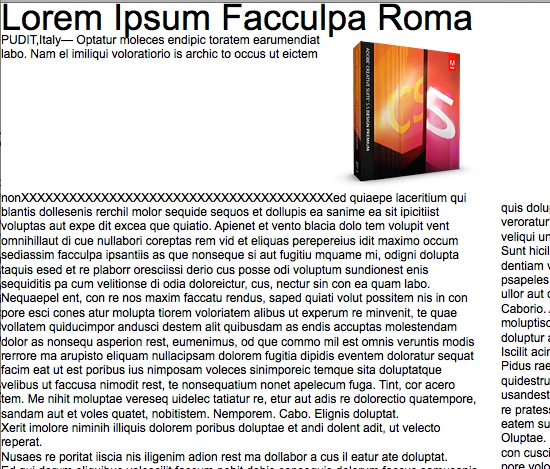
Long word are spit and wrapped to next line if word length exceeds width of container. But if a long word occurs next to a float, it's not spit, instead it's moved down beneath float. It looks weird. Happens with TLF 2.0, 2.1 and 3.0.

I'm currently extending the composer to create text wrapping around static objects, so if I could get a pointer to where in the code this is handled, I'd be thankful. I'm assuming it's in BaseCompose.
This topic has been closed for replies.

2 replies

Adobe Employee
February 7, 2012

You can have a look at the difference of baseCompose process between setting breakOpportunity as 'auto' and 'all'. And then make the long words 'break' as you want.

7.3.15. breakOpportunity attribute

Shifts the text by a percentage of the fontSize within a range of -1000% to 1000%.


<xs:attributename="breakOpportunity"type="xs:enumeratedString"default="auto"/>

Controls where a line can validly break. Valid values include:

  • auto

Line breaking opportunities are based on standard Unicode character properties, such as breaking between words and on hyphens.

  • any

Indicates that the line may end at any character. This value is typically used when Roman text is embedded in Asian text and it is desirable for breaks to happen in the middle of words.

  • none

No characters in the range are treated as line break opportunities.

  • all

All characters in the range are treated as mandatory line break opportunities, thereby creating one character per line. This value is useful for creating effects like text on a path.


casper_no
casper_noAuthor
Known Participant
February 7, 2012

I've tested the different types of breakOpportunities. It certainly makes a difference. None but the default "auto" is usable in my case. I'm setting latin text (Norwegian or English), so I need to break on whole words or hyphens.

Did you look at my second question on why ComposeState.composeNextLine() doesn't allow emergency line breaks when wrapping around a float?

casper_no
casper_noAuthor
Known Participant
February 6, 2012

I found the place in the framework where this is handled, it's ComposeState.composeNextLine() (line 370 in TLF 3.0):

textLine = createTextLine(_lineSlug.width, !_lineSlug.wrapsKnockOut /* don't allow emergency breaks next to floats or padded elements */);

the !_lineSlug.wrapsKnockOut is the allowEmergencyBreaks flag. Overriding the class and setting allowEmergencyBreaks to always true gives the wanted result, but with bugs. TLF then no longer mangages to determine that a float extends beneath bottom of container.

Is this the wanted behavoir or a compromise till the TLF team has time and resources to handle this?