


Problem: Single line ContainerController preceded by a newline.
I'm working on some advanced automatic text wrapping techniques - and I need some expert advice, or someone involved in the TLF within Adobe.
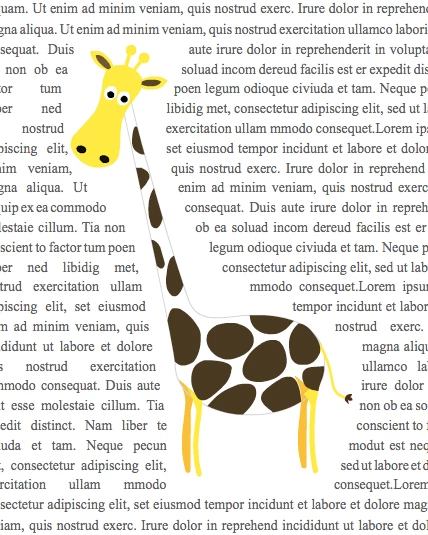
In order to accomplish text wrapping around uneven obstacles (pictures, etc), it is necessary to split the TextFlow into single line ContainerControllers.
I've managed to do text wrapping when there are no newline characters in the text. But I've hit a problem/limitation of TLF TextFlows when there are newlines in the text.
Specifically, the problem is that the ContainerController immediately following a newline won't collapse into a single line.
I'm changing the size of the ContainerController using the ContainerController.setCompositionSize(mywidth,myheight) method. I do a calculation of width and height sufficient to hold just a single line of text.
The problem is that, following a newline character, a ContainerController must have sufficient height to hold TWO lines of text. Anything smaller, and the text won't fit - and the ContainerController ends up empty.
So it's impossible create a single line of text following a newline character. Or is there another way?
( I tried to forcibly remove TextLines ( ContainerController.removeTextLine(child) ) - but of course, the ContainerController automatically restores itself. )
So - how do I create single line ContainerControllers, that work even when there are newlines in the text?
 AdChoices