
Uneven line-height in TextFlow control?
I've switched from the regular TextField to the new TextLayout framework, thus using the new TextFlow control. Everything is great except that lines for some reason don't snap horizontally to pixels. Meaning, the line-height varies due to rounding and the selection rectangle becomes blurry. I've looked up and down the documentation and can't find anything that would explain this, nor do I find anything on the mighty google.
I haven't done anything strange and it's still a minimal implementation so I don't see what I personally could've done wrong: http://pastebin.com/hBxR1eVS ... setting the line-height works partially (although far from ideal), but there is still something causing a non-integer height. I'm compiling against Flex SDK 4.5.1 with FlashDevelop.
There must be a way to force lines to snap to pixels... right? Any help would be greatly appreciated.
PS. This will be output and rendered as HTML later, so being able to have them visually similar sure would be a plus.
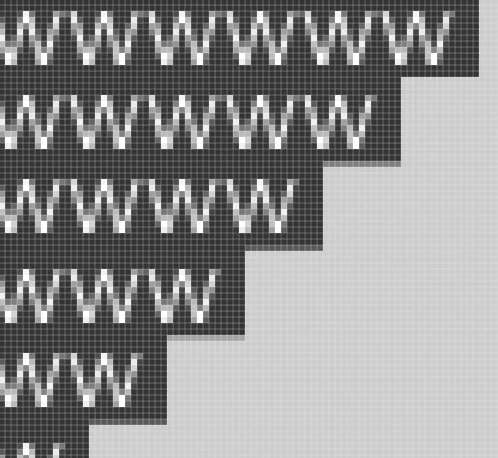
As you can see here, the spacing between the lines varies between 5 and 6 pixels, and the selection rectangle is blurred (everything is selected, the background is grey).


 AdChoices