


Question
Can not select text
I am brand new to InCopy so this might just be user error - in that case please forgive my stupidity. I ahev already looked at the InCopy help but could not find a solution.
I have opened an INDD file in InCopy. I need to be able to select the text so I can translate it and enter the translated text back into the file. I have tried using the type tool to grab the text, but the moment I click anywhere on the screen with text, it jumps back to the position pool. I also tried to switch to Galley view, but nothing happens.
Please advise. What am I doing wrong? 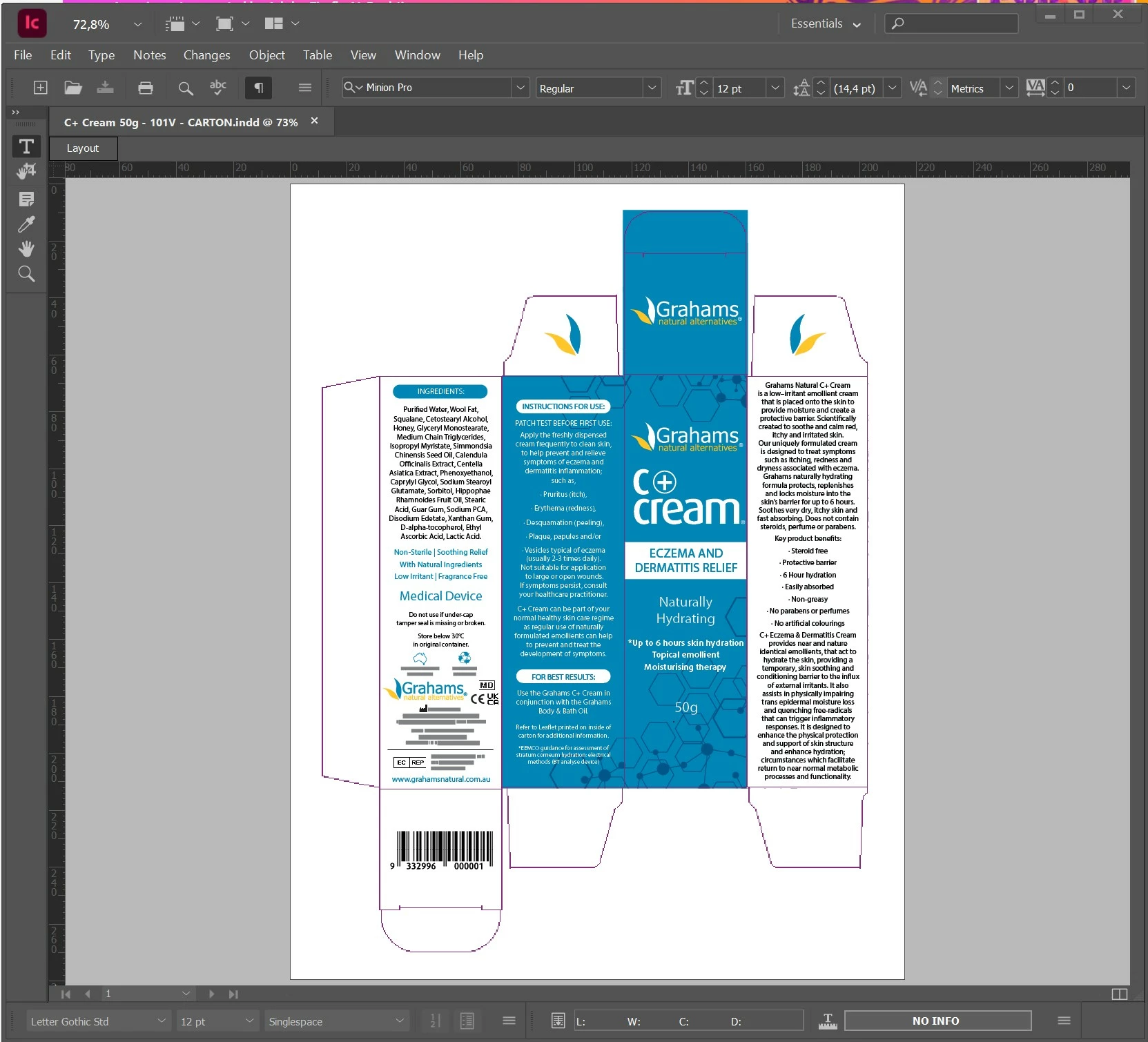
 AdChoices