Inspiring
October 21, 2022
Answered

Idap Fils not connecting
  • October 21, 2022
  • 2 replies
  • 365 views

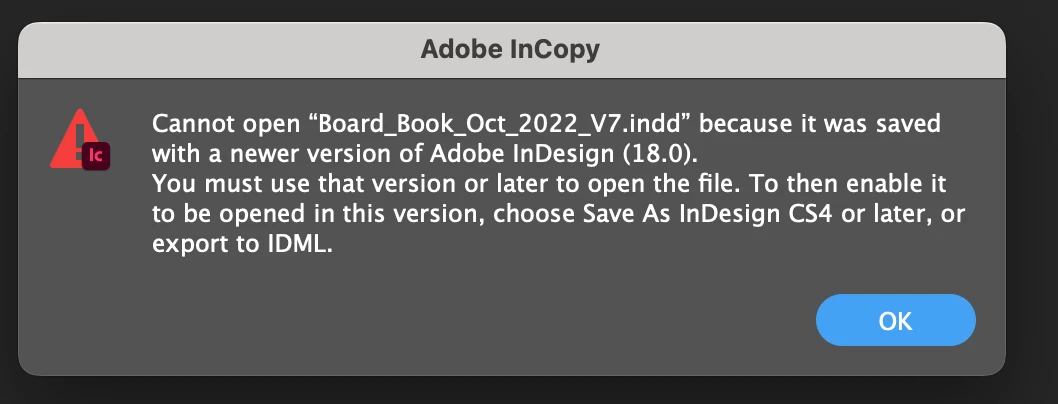
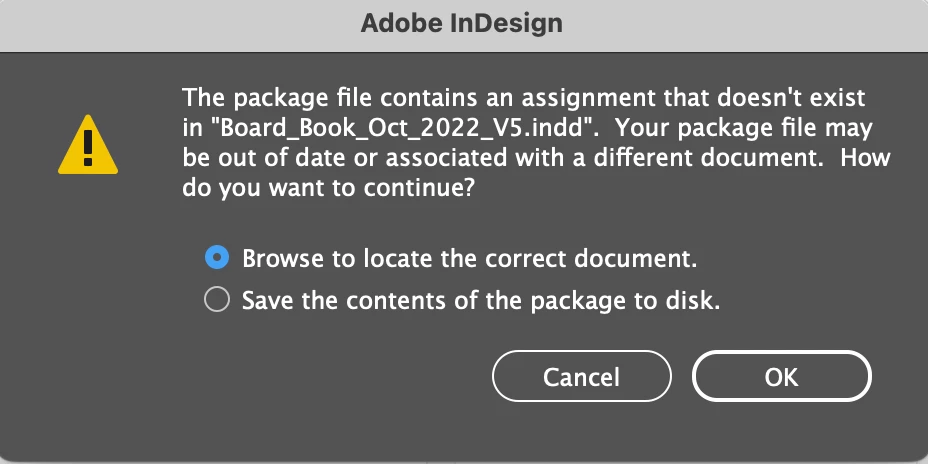
 ALl week we have been getting this message.

Anyone know how to fix this?

    This topic has been closed for replies.
    Correct answer BobLevine

    I get this error message, and the IDML file is greyed out. 


    The InDesign users are on the newest version 2023 which was just released. You need to upgrade the editors on InCopy as well.

    2 replies

    Participant
    March 28, 2023

    im just try to know about files

    BobLevine
    Community Expert
    Community Expert
    March 28, 2023

    Please start a new discussion and provide details. Your post makes no sense at all without more context. This discussion is asked and answered and is now locked.

    BobLevine
    Community Expert
    Community Expert
    October 21, 2022

    Stop using this archaic workflow. Put everything in a Drobox folder, share with all users and have the InCopy users open the InDesign file from InCopy.


    Be sure that smart sync is turned off for all users in Dropbox.

    Inspiring
    October 21, 2022

    We all work off the same server.

    Our workflow was never a problem until this week.

    BobLevine
    Community Expert
    Community Expert
    October 21, 2022

    If you're all on the same server why in the world are you doing this? It's never been a stable workflow.

    If it's all on the server, then just let the InCopy users open the INDD file in InCopy and be done with it.