
Participant
November 21, 2019
Question

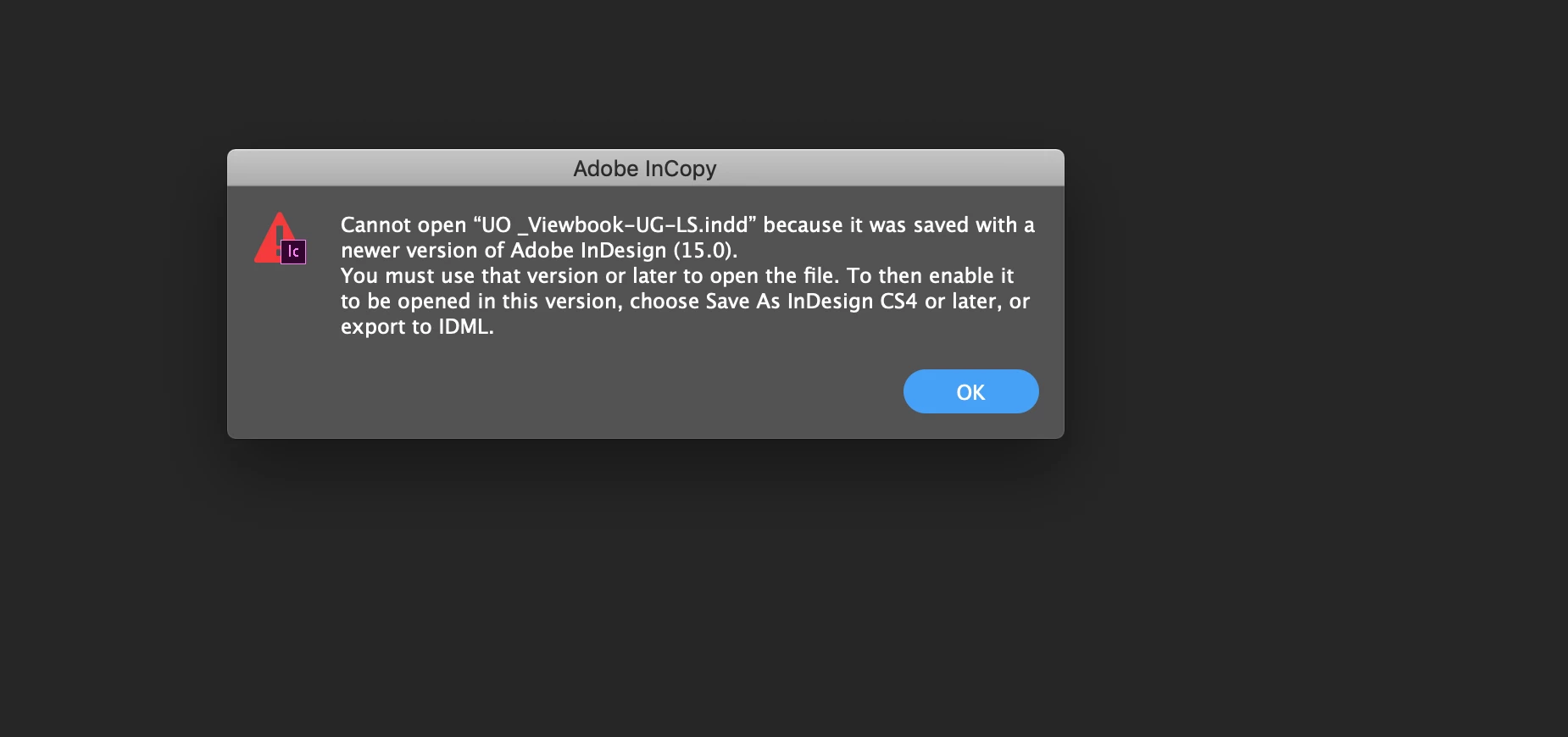
INCOPY "Cannot open XXXX because saved with a newer version" — However InCopy is up-to-date

  • November 21, 2019
  • 1 reply
  • 2070 views

My coworker is using Incopy to edit the text in my InDesign file. I recently updated InDesign and now she is getting this message: "Cannot open XXXX because saved with a newer version...". My first instinct was to have her update her InCopy, however even after updating her InCopy she is still receiving this message. What is the solution?
 

This topic has been closed for replies.

1 reply

BobLevine
Community Expert
Community Expert
November 21, 2019

You must both be on the same version. So, to use InDesign 2020, the InCopy user must be using InCopy 2020.

BTW, updating InCopy and upgrading it are two different things. Please confirm that both of you are on the same version.

laschinnAuthor
Participant
November 21, 2019

Hmm we went through this interface (see screenshot below) to update her version of InCopy. Is there something else we need to do to get us on the same page? Thank you for the help.


BobLevine
Community Expert
Community Expert
November 21, 2019

There is nothing there related to InCopy. Open InCopy and cmd+click on About InCopy.

If it's not 15.0 and showing InCopy 2020 in the title bar, it's not up to date and will not work with InDesign 2020.

Worth noting is that MacOS 10.13 is the minimum requirement.