The Help file screen shot is incorrect. Yes you can open an ICML file (as shown) in InCopy, and in Layout view you can see the formatting of the text, but you won't see the story within the context of the design. The default page size for any ICML file in InCopy is letter size. But opening ICML files in InCopy is not commonly done; just for a couple special workflows.
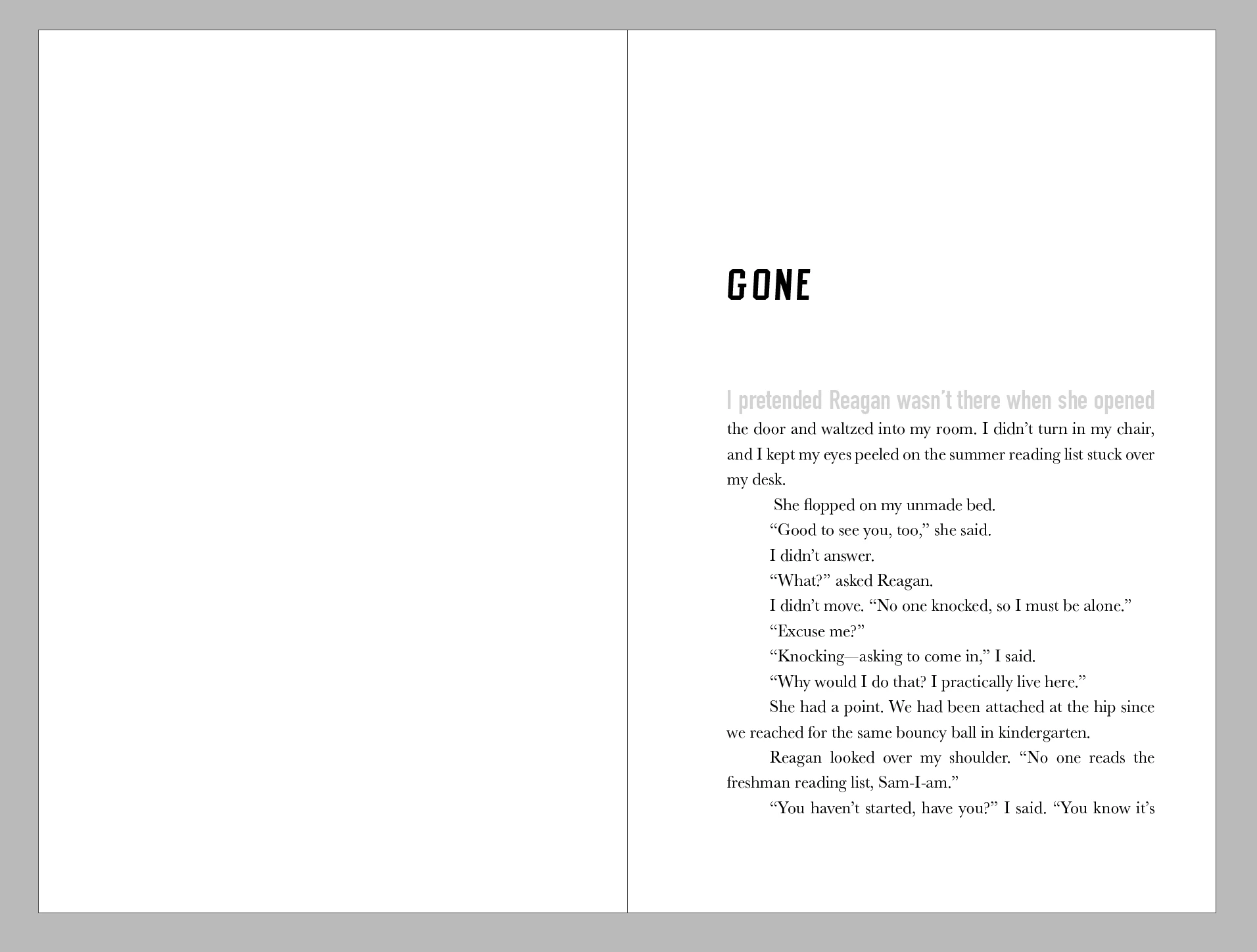
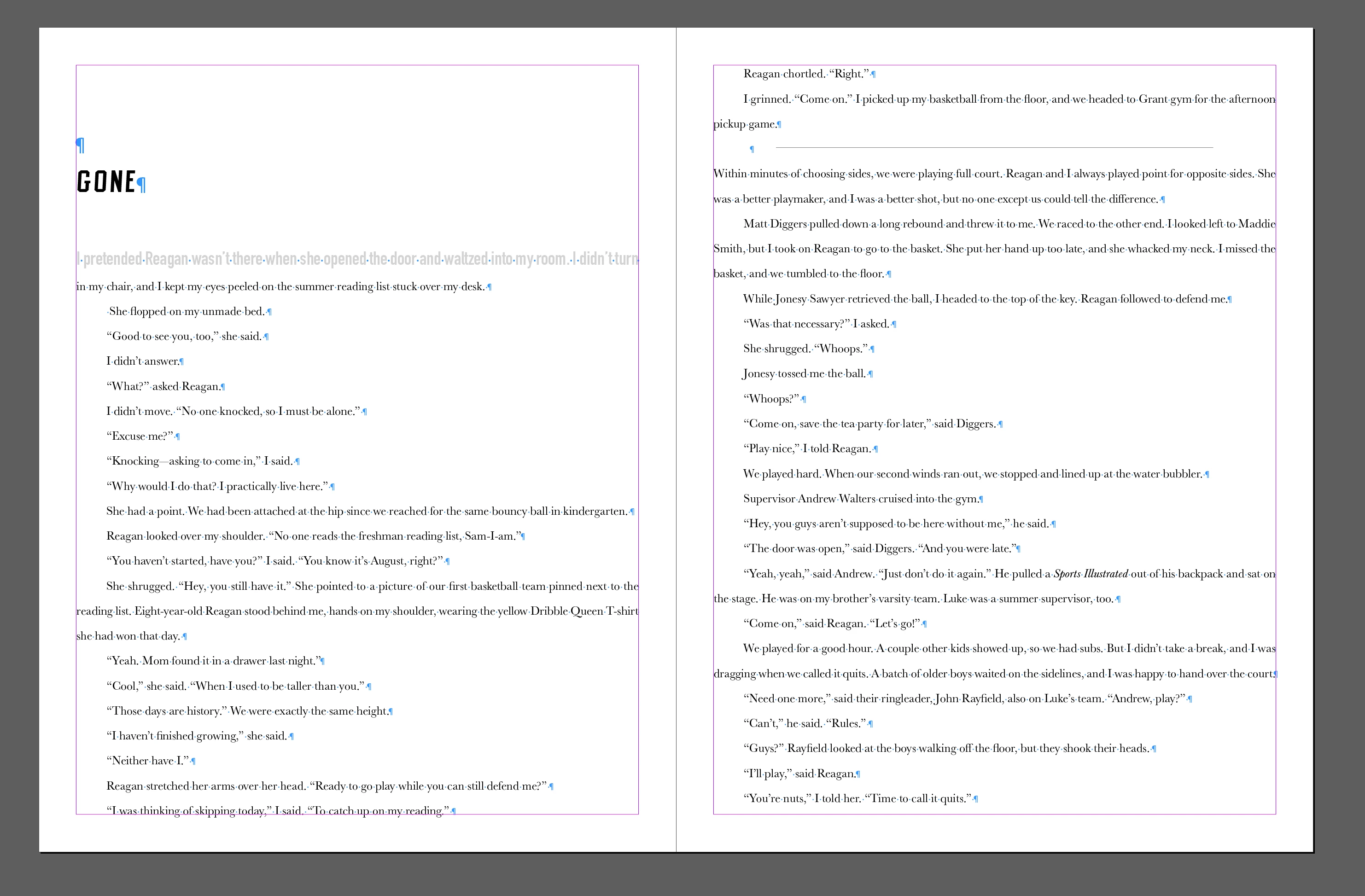
The only way to see what the story (the ICML file) looks like in the layout is to open the layout file -- the INDD file -- in InCopy. To do that, from InCopy's File menu, choose Open, and navigate to the INDD file. (If you try to double-click an INDD file in the Finder or Explorer, the OS will try to open it in InDesign).
Opening the INDD file in InCopy is the way that 95% of ID/IC teams manage the workflow. Then in InCopy, the editor can click inside the flowed story, check it out (give themselves editing privileges), and edit it, and they can see how the story reflows, if it fits, etc. When they save their changes to the content, the InDesign file is updated with them as well.
In fact the language used in that help file (in your screen shot) is really confusing. "When you use InCopy to synchronize with an InDesign layout" ... egads, the programs aren't "synchronized." The correct way to put it would be to say "When InCopy users edit stories linked to an InDesign layout."
I'm so sorry. It's so frustrating that Adobe would publish a help file that just muddies the waters.
AM



 AdChoices