
InCopy oversets text that looks OK in InDesign
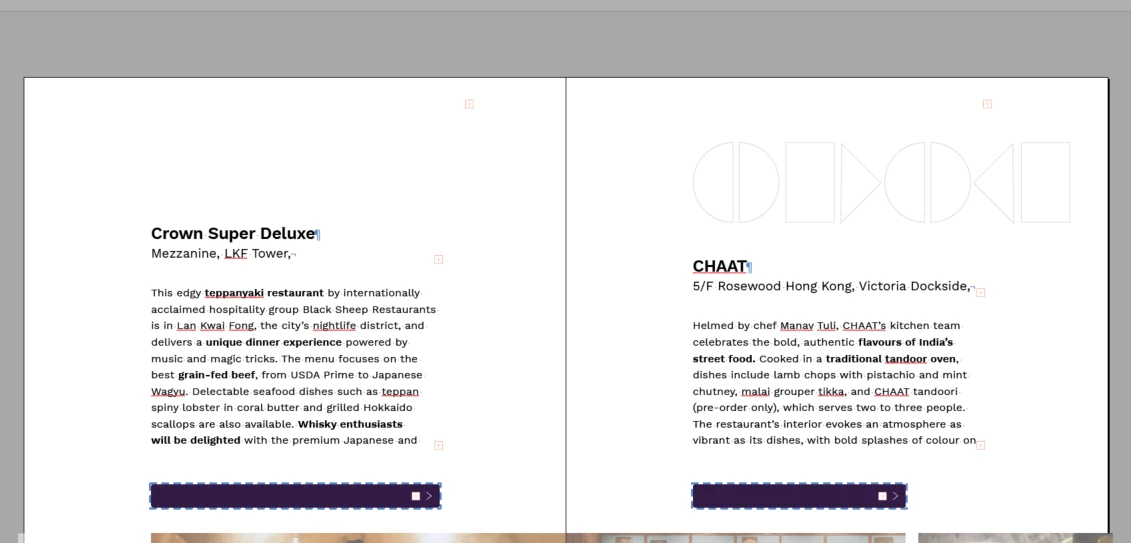
When the editor opens the InCopy asssignment in her computer, every frame has overset text, as if they were one-line shorter than needed (picture1). The weird thing is that, in InDesign, every frame looks ok. My ID file has no overset text frames, and I tend to double click the frame to fit to text, so theorically it is the exact size it should be.
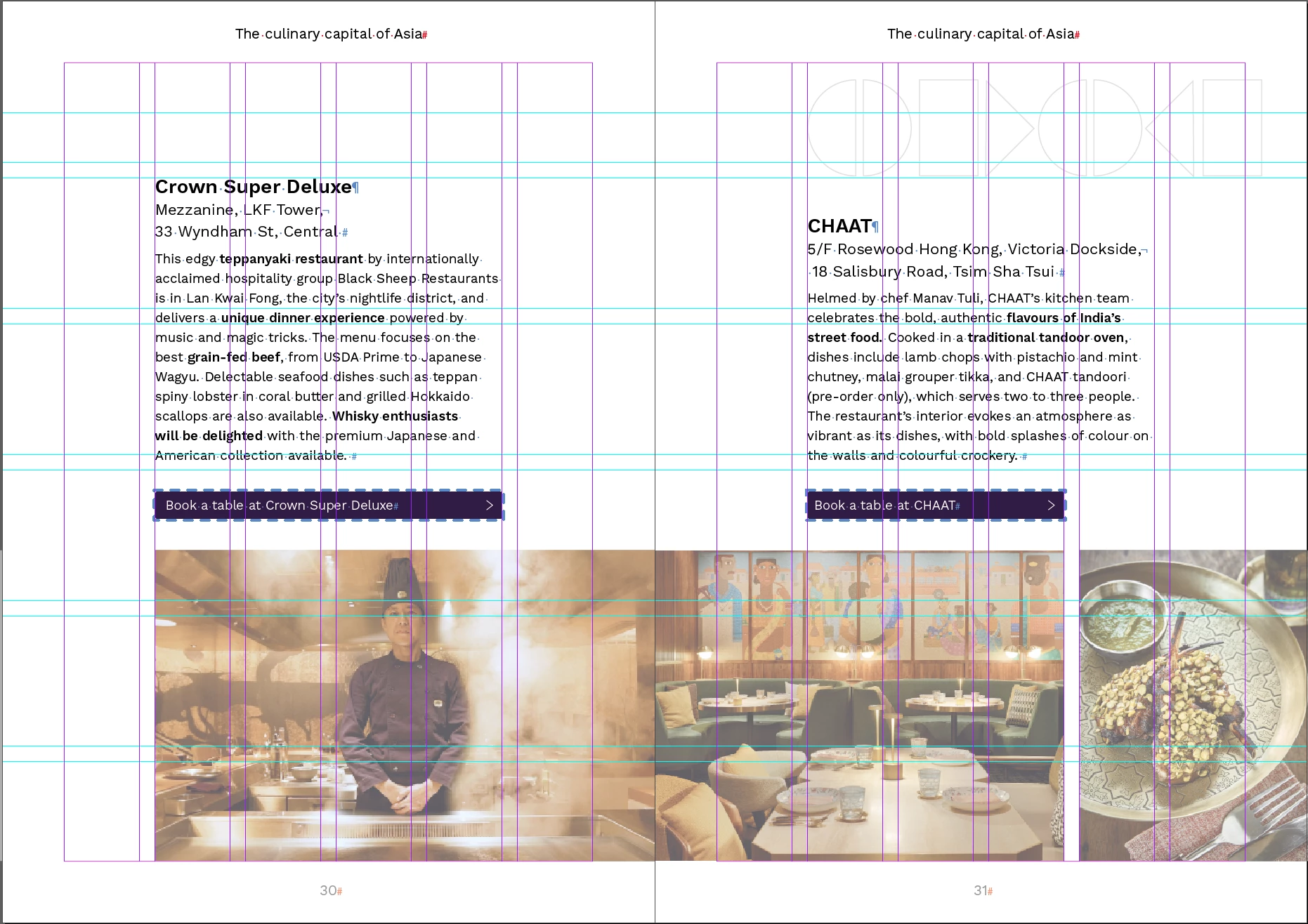
This is the second time it happens, but this time I believe I've fit-to-text all of my frames, so I imagine it has to do with that. The weirdest part though, is that if I open the assignment in my computer, the text boxes look fine as well (picture2), no overset text here either. I use iOS and the editor, Windows.
The only way I've found to fix it, is to manually make each of the frames 1 or 2 mm higher in ID and then updating design in IC, but this file has tons of frames so it's no viable to do that.
What can I do to avoid this? Is there a way to make all the text frames bigger by 2mm at the same time?
InCopy, opened by editor:
InCopy, opened by designer:


 AdChoices