

Question
InCopy spell check defaults to US English
We have a brand new install of InCopy CC2017 which you cannot change the dictionary from the default US english.
We change the Dictionary in the Preferences
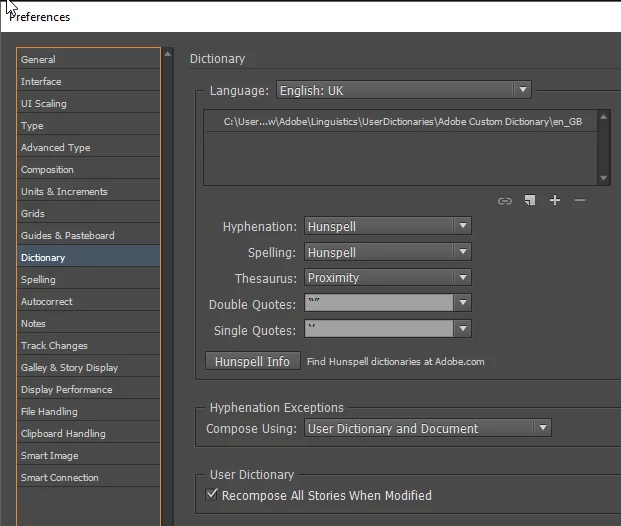
1) Go to Edit -> Preferences -> Dictionary and change language to English:UK
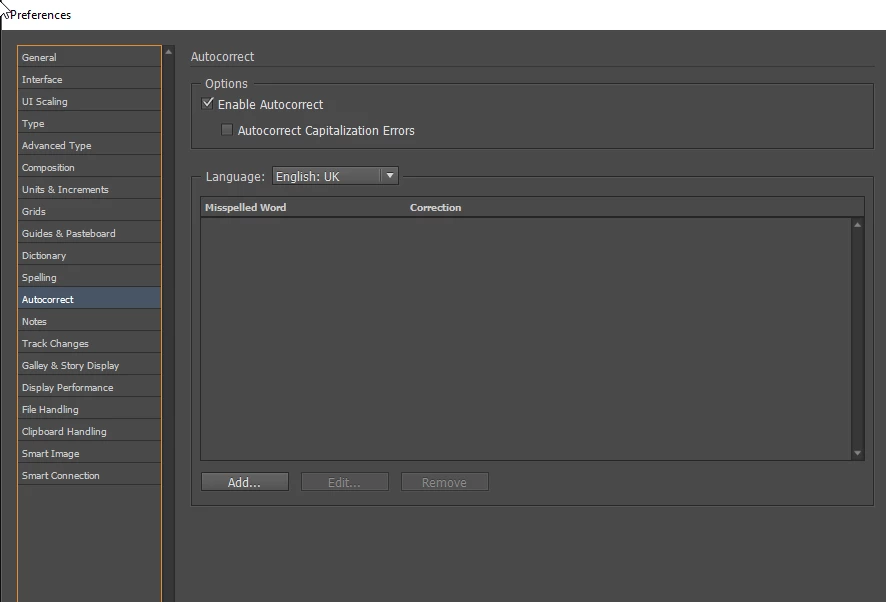
2) Go to Edit -> Preferences -> Autocorrect set the Auto correct to English: UK
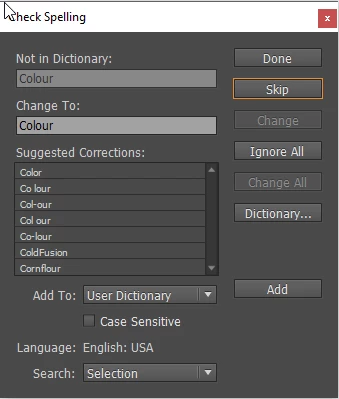
3) Open a new blank document and type in Colour and Color and run the spell check Colour is picked up as the
) When you press Ctrl + I to run a manual spell check the Dictionary still shows the language as English: US
5) Tried resetting the preferences for InCopy and resetting the spell check settings and still get the same issue.


 AdChoices