
Participant
October 1, 2021
Question

InDesign/InCopy file issue

  • October 1, 2021
  • 1 reply
  • 1339 views

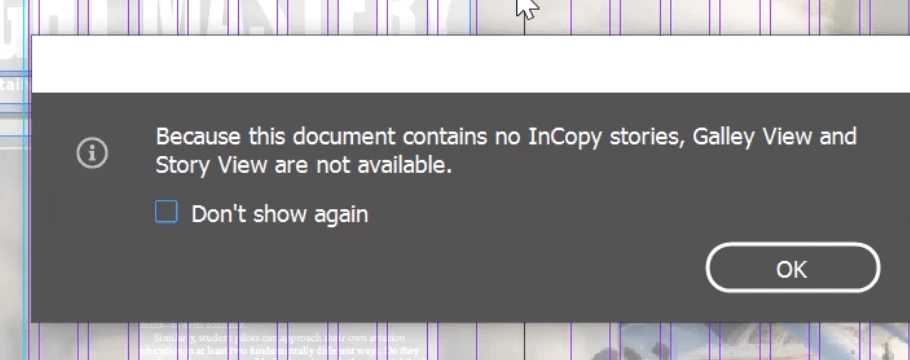
We have users that create InDesign files on Macs and users on PC that open those files in InCopy. Recently a file that was created on a Mac in InDesign is showing an error when users on PC try to open it in InCopy. The error message states, "Because this document contains no InCopy stories, Galley View and Story View are not available."


The file has been recreated, but the issue persists. Any help would be appreciated! 
    This topic has been closed for replies.

    1 reply

    BobLevine
    Community Expert
    Community Expert
    October 1, 2021
    That is a very straightforward error message. Without knowing how things are saved and how they're accessed it's impossible to diagnose the issue.

    You haven't even told us what version InDesign and InCopy are in use here.
    Participant
    October 1, 2021

    I'm not entirely sure what specific info you're looking for regarding where files are saved and how they are accessed but hopefuly this helps.


    The files are saved to a network drive and opened through either program (InDesign/InCopy) from that network drive/file location. The network drive is located on a Windows Server 2019 Standard server. 


    The PC being used in this scenario is running InCopy 2021 version 16.4. The Mac that was used to create the file is running InDesign 2021 version 16.4.

    BobLevine
    Community Expert
    Community Expert
    October 1, 2021

    Can I get a screenshot of the entire folder structure from the Mac and the Windows machines? Also, a fully expanded view of the assignments panel on both machines.


    Finally, were these InCopy stories exported from InDesign or were they placed in InDesign?