
Participant
January 7, 2020
Answered

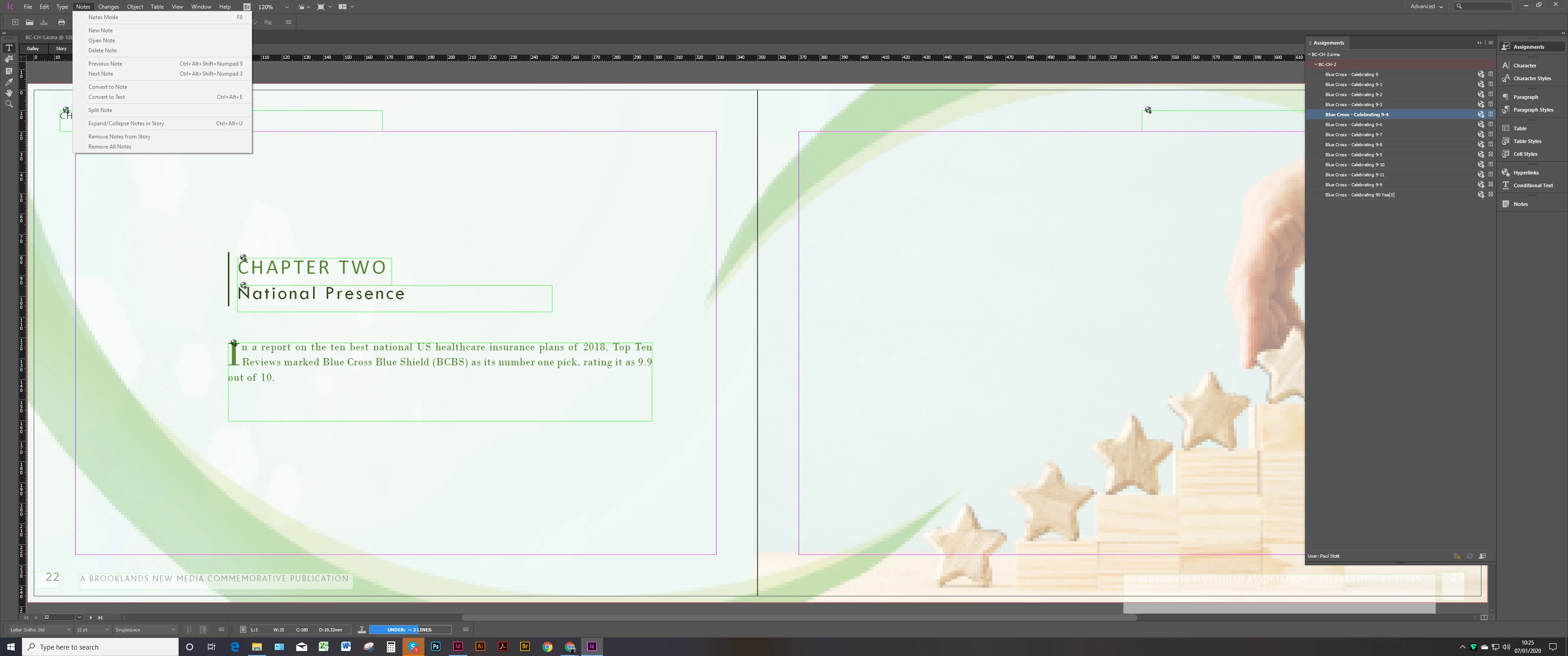
My Menu for adding Notes is greyed out and I cannot add any notes.

  • January 7, 2020
  • 2 replies
  • 4046 views

My Incopy and Indesign  Menu for adding Notes is greyed out and I cannot add any notes. I have tried looking for tutorials and cannot work out why. Maybe its something to do with my export settings? 
 

This topic has been closed for replies.
Correct answer BobLevine
The screen capture is impossible to read. Is the story you're attempting to add a note to checked out?

2 replies

Participant
April 1, 2020

I am having the same issue with Notes being greyed out and no option to create a note. I am working on a document that only I have access to - it isn't a shared document. Is this why I cannot create notes? I want to be able to have information off to the side to use later if I need to but not have it published in my current document.

BobLevine
Community Expert
Community Expert
April 1, 2020
You can only add notes to a checked out story.
Participant
April 1, 2020

Thank you for the fast response. Is there a way to have some kind of "notes" off to the side in InDesign that won't show up in my published document? I am happy to watch a tutorial if there is one.

BobLevine
Community Expert
BobLevineCommunity ExpertCorrect answer
Community Expert
January 7, 2020
The screen capture is impossible to read. Is the story you're attempting to add a note to checked out?
Participant
January 7, 2020

Thanks for responding i have worked it out now.

Basically to be able to add a note at all you need to check in the storie fromthe assignment. 

Was pulling hair our trying to work that one out 🙂

Now i need to work out how the track changes works 

BobLevine
Community Expert
Community Expert
January 7, 2020
May I strongly suggest some type of training? If this is tripping you up, you're going to be doomed.
Anne-Marie Concepcion's courses on LinkedIn Learning will definitely get you started.