

Chris Panny
Inspiring
January 20, 2021
Question

Unable to check in any ML files

  • January 20, 2021
  • 1 reply
  • 384 views

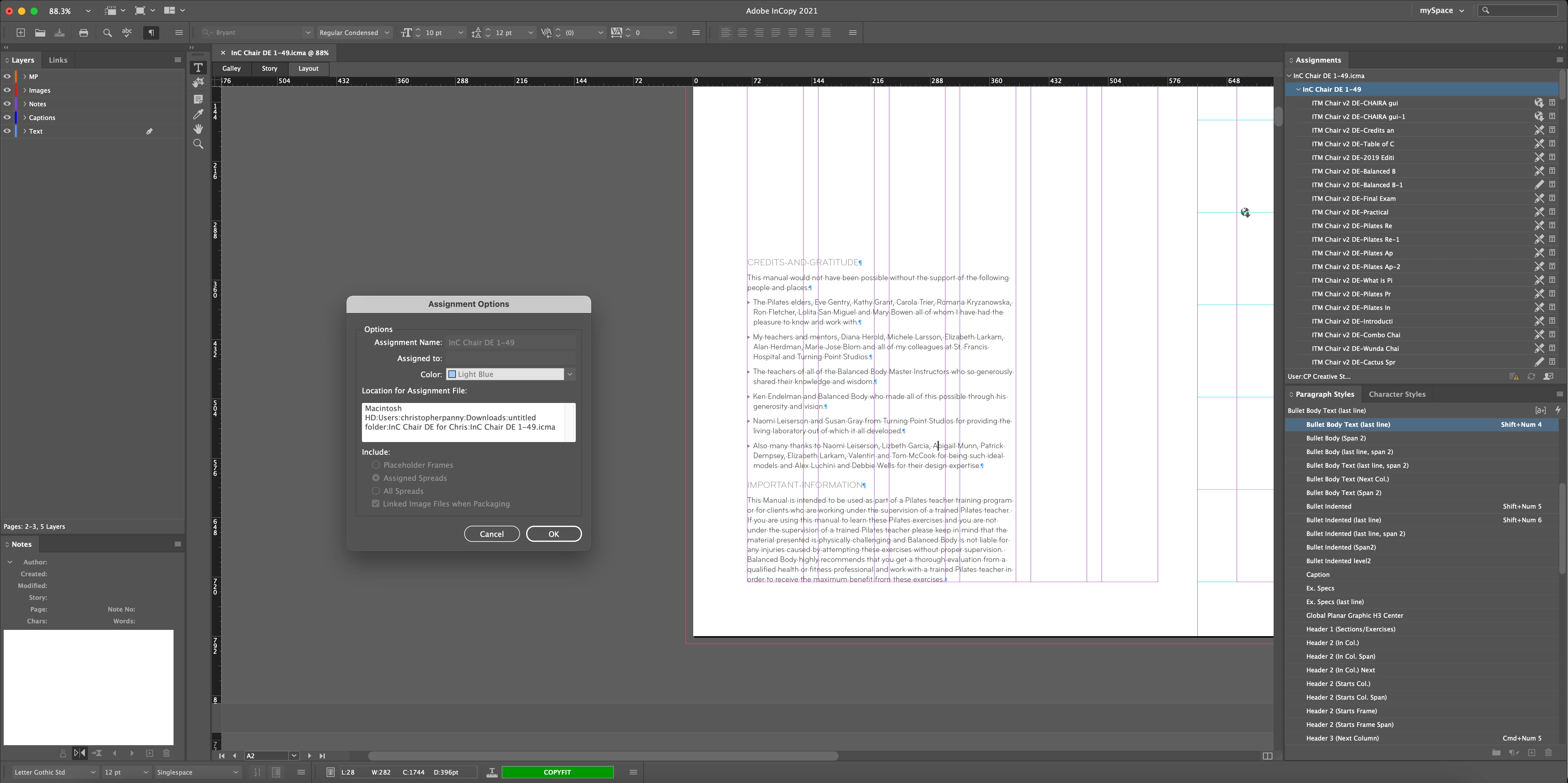
I got an ICMA and several hundred ML files from a translator who said she wasn't able to check in any of the ML files from within the Assignment panel. I was able to check in two but only by opening them by themselves, but we're unable to do it when the ICMA file is open in InCopy. The option to Check in

 or Check In All is grey out. Anyone know why this would happen?


    This topic has been closed for replies.

    1 reply

    BobLevine
    Community Expert
    Community Expert
    January 20, 2021
    The pencil with a line indicates those files are already checked out. And I assume you mean ICML because I have no clue what else ML could mean.

    I'd also avoid using Assignments and stick with a full Dropbox or Onedrive workflow where everyone works together there.
    Chris Panny
    Inspiring
    January 20, 2021

    Hi Bob, thanks for your reply. The workflow we've been using is I (designer) generate the InCopy assignment files and icml files via InDesign. These are in English. I send them to one of our many translators. They want the assignment files so they can see the InDesign layout (these are pilates training manuals - copy & images). They work with InCopy and translate. Then they send them back to me, where I synch them back up with my InDesign file. We've been working this way for years without a hitch. However, one of our translators told me she checked everything out but was unable to check anything back in. The option isn't even available when she's working with the ICMA open. If she closes the icma and opens the idml individually, she can check them in.

    It turned that she was on an older version of InC (2019). I'm on 2021 (compatiblity issue?). 

    It's only an island if you look at it from the water.
    BobLevine
    Community Expert
    Community Expert
    January 20, 2021
    Huge issue. Everyone MUST be using the same version!