
Inspiring
October 27, 2011
Question

Flash Media Server 4.5 Live Streaming in IOS Devices

  • October 27, 2011
  • 2 replies
  • 4841 views

Ok I have a FMS 4.5 with  (License) and is set up and running fine, now I want to stream Live to the IOS Devices but no luck. I have a web page for test purpose with the video src tags to: http://Server.com/hls-live/livepkgr/_definst_/liveevent/livestream.m3u8 and in the server I have a livestream.m3u8 pointing to the same http://Server.com/hls-live/livepkgr/_definst_/liveevent/livestream.m3u8 , Now the Encoder have the AAC plugin and all the presets like it shut but when I go to see it in my IPad 2 this is how it looks.
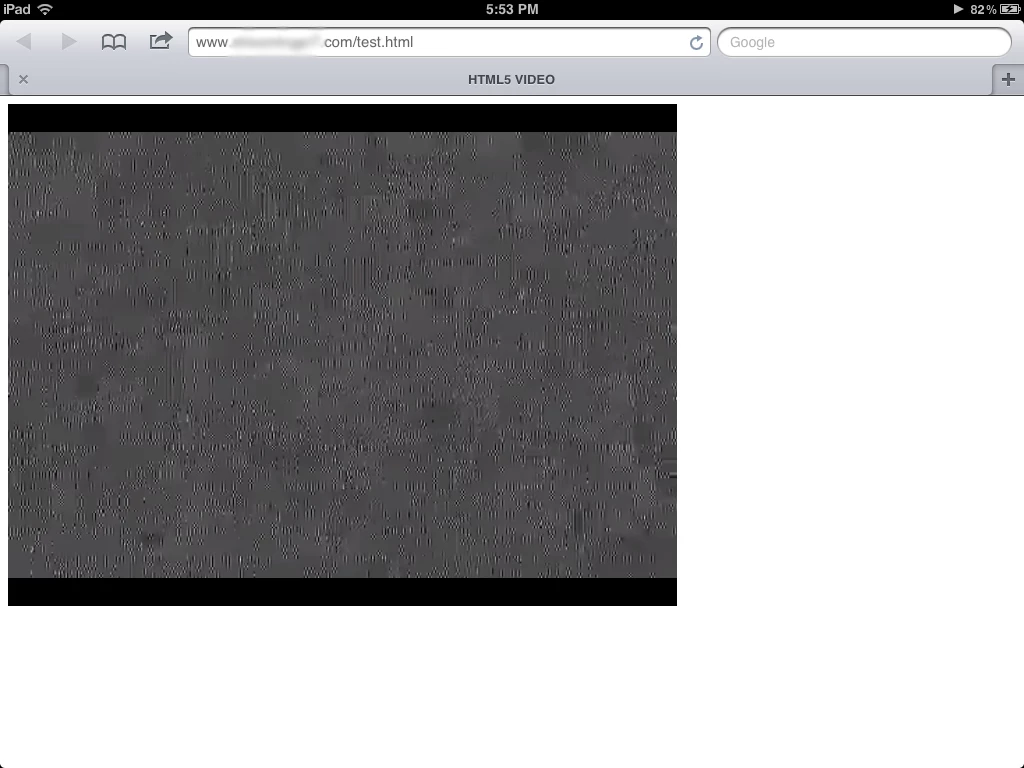
Can someone give me a hand on this????? Thanks in advance.

This topic has been closed for replies.

2 replies

Adobe Employee
October 27, 2011

May i know what are your FMLE settings and what is stream name you are using?

Also you can refer to this link for some basic troubleshooting: http://knowfms.wordpress.com/2011/09/22/some-basic-step-to-troubleshoot-for-hls-live-streaming/

Inspiring
October 27, 2011

FMLE Settings as follow:

Video:

Format H.264

Frame Rate: 29.97

Input Size: 320x240

Bitrate: 200 kbps

Profile: Main

Level: 3.0

Keyframe Frequency: 3 Sec

Audio:

Format: AAC

Channels: Stereo

Sample Rate: 44100

Bitrate:56 kbps

FMS URL: rtmp:server/livepkgr

Stream: livestream?adbe-live-event=liveevent

I try to access the web using http://server:8134/index.html and no luck and also try IP address and no luck eather.

The modules are enable, the one you mention in the link provided (4a).

Adobe Employee
October 27, 2011

Can you check if recording is happening on server-side?

Nikhil_Kalyan
Participating Frequently
October 27, 2011

Hi,

Thanks for using FMS 4.5

Can you quickly try and see if adding port 8134 in the URL makes the difference please? Your URL will now look http://server:8134/hls-live/......

Also, please check the apache logs (on FMS install folder\apache 2.2\logs) to see if there is anything that you could observe

Inspiring
October 27, 2011

No luck adding the port, Is that port open by default or I have to open it?

This is what I see in the apache log ( error )  File does Not exist: C:/Program Files/Adobe/FMS 4.5/webroot/din.aspx

Nikhil_Kalyan
Participating Frequently
October 27, 2011

I didn't understand when you meant if the port is open by default. Please make sure that the port is allowed for traffic on your firewall. FMS automatically registers itself (apache) on 8134 for its use.

Also, try and use IP address : port in place of server name.

And din.aspx ? Are you using IIS and Apache ? Apache on FMS uses webroot under the FMS installation directory. Please use this folder for all purposes (or map it accordingly).

IIS is not supported for FMS -related streaming to iOS.