


Question
Keyboard Shortcut Issue in Photoshop UXP Plugin on Windows When Clicking Webview
Hello, I am developing a Photoshop UXP plugin.
Our plugin requires complex vector shape editing in canvas, so we are using a webview.
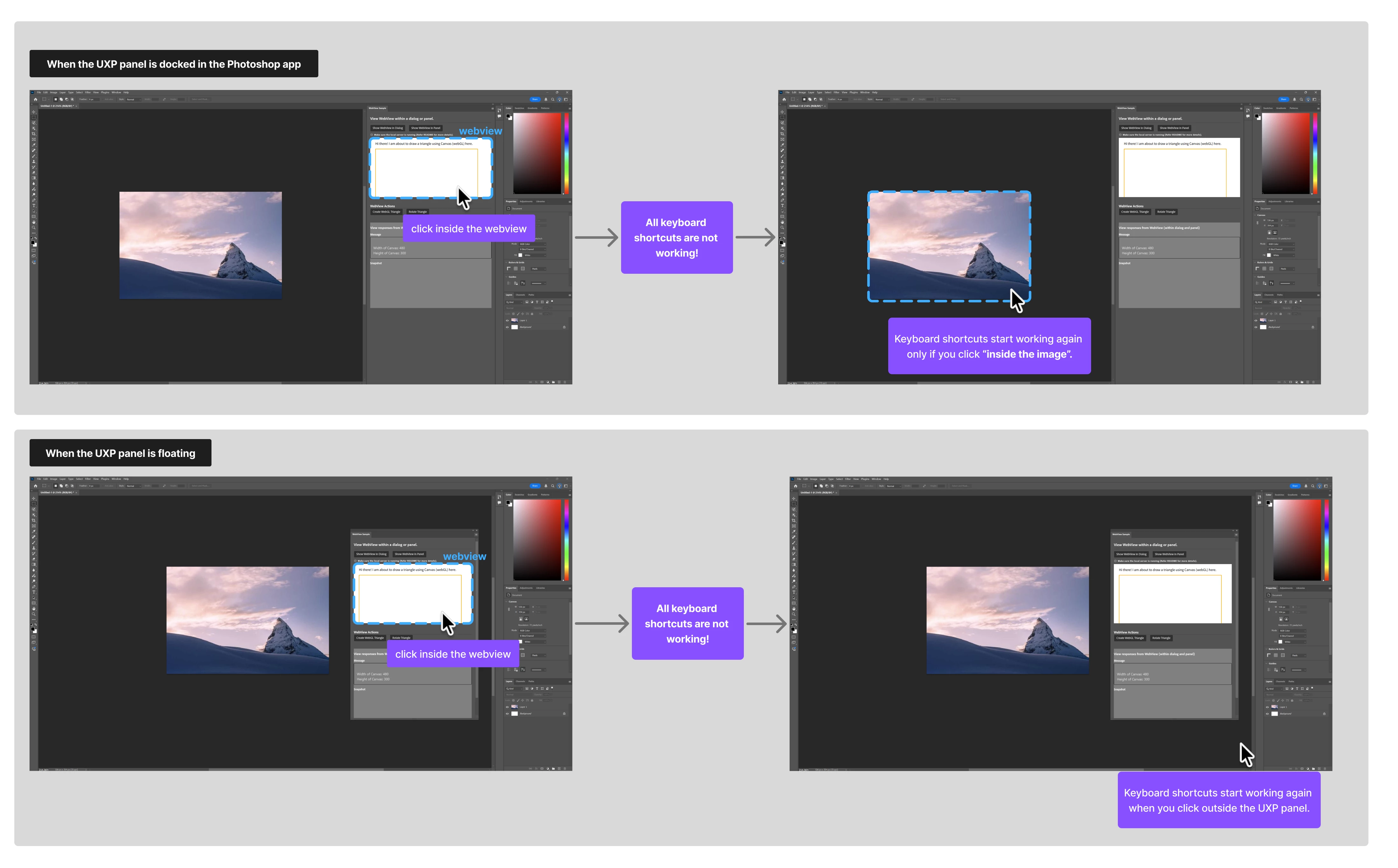
On Windows OS, when the webview is clicked, all keyboard shortcuts stop working. This issue is not fixed even if I click outside the UXP panel. The shortcuts only start working again if I click inside the document’s image. On macOS, this problem does not occur.
Is there a way to return the keyboard focus to the document with code?
 AdChoices