


Participant
October 26, 2022
Question

Data disappears in PS custom paper size box

  • October 26, 2022
  • 2 replies
  • 541 views

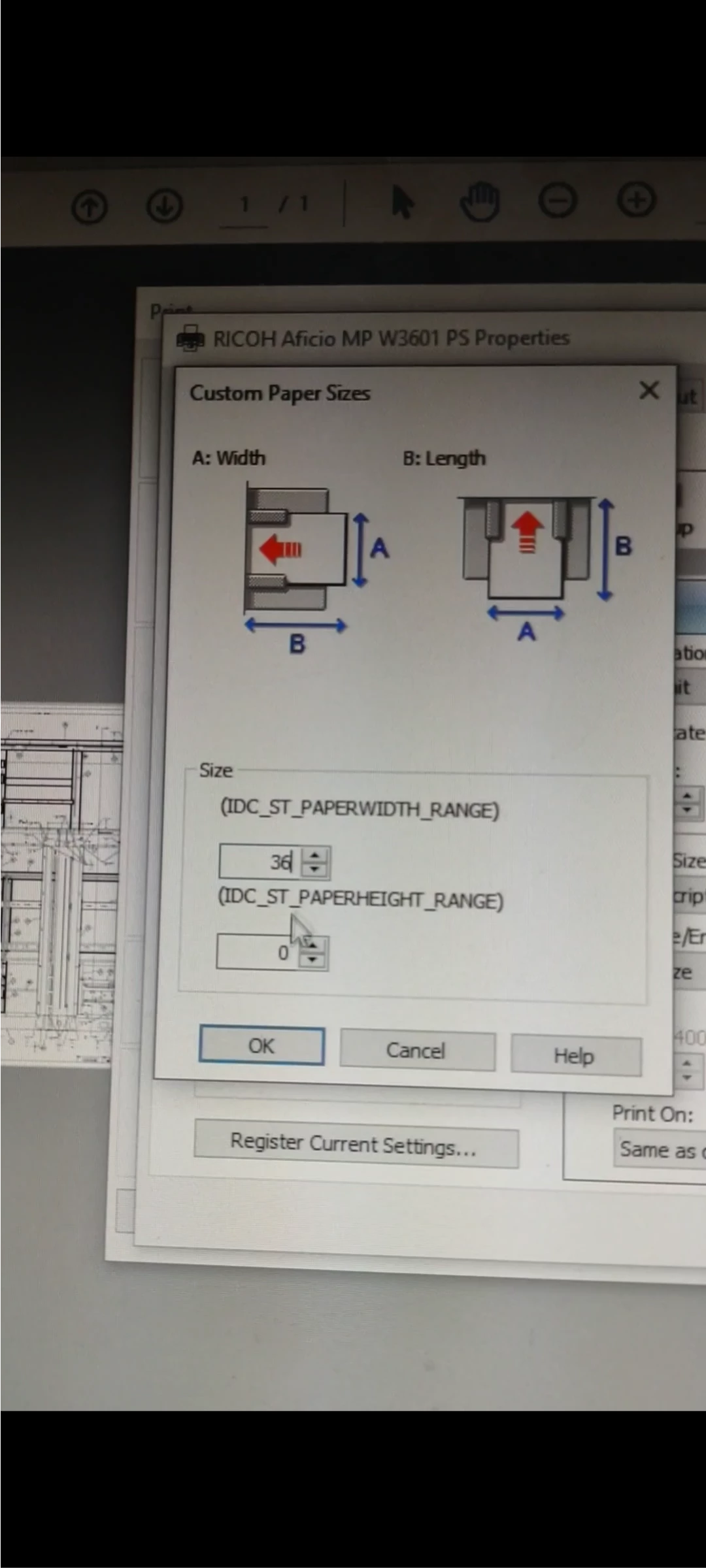
We are trying to print 36" wide x 120" long "blueprint" on a Ricoh W3601 wide format printer, and the 36 disappears in the first box when we start to type in the 120 in the second box.  WIN 10 64 bit PC. Customer says they use to be able to do it without issues.

Other Ricoh drivers we tried hold the data in both boxes. I'm not sure where to begin to fix it for this driver.
    This topic has been closed for replies.

    2 replies

    Brad @ Roaring Mouse
    Community Expert
    Community Expert
    November 8, 2022

    Has a Custom Page Size already been registered via the Control Panel on the machine? If so, that may prevent you from creating one in the print driver. Just a wild stab.

    Legend
    October 27, 2022

    I think you are printing from Acrobat/Reader. But does the same thing happen if you print from an entirely different app, like Notepad? This box is part of the Ricoh driver, not the app.