


Participant
December 19, 2015
Question

ERROR: Insufficient memory to publish with the Deflate compression setting. Go to Publish Setting > Flash (.swf) and turn off the compress movie option
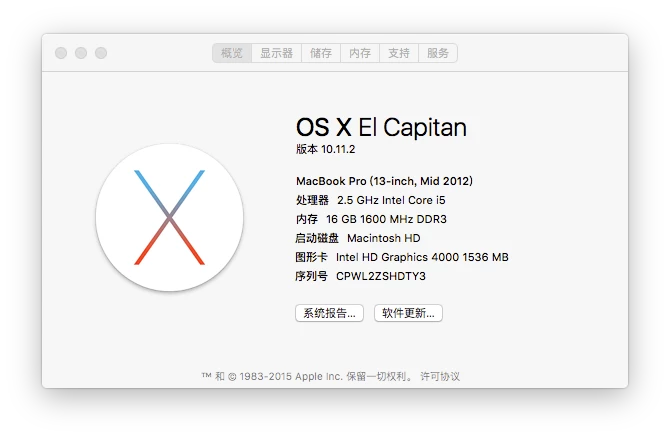
  • December 19, 2015
  • 2 replies
  • 1584 views

ERROR: Insufficient memory to publish with the Deflate compression setting. Go to Publish Setting > Flash (.swf) and turn off the compress movie option

This topic has been closed for replies.

2 replies

Participant
December 19, 2015

please help,help,help,help,help,help,help,help,help,help,help

Dov Isaacs
Legend
December 19, 2015

And what does this question have to do with "PostScript Programming?"

You are more likely to get a response if you post in the forum associated with whatever product is giving you this message. The message is certainly not coming from a PostScript printer! 

       - Dov

- Dov Isaacs, former Adobe Principal Scientist (April 30, 1990 - May 30, 2021)
Participant
December 19, 2015

It does not work