
Question
CC app doesn't sync my fonts and assets on Mac OS X
I have already installed the Creative Cloud app once, and worked fine.
After I logged in another machine, to use my assets files and sync them, the app doesn't work fine anymore in the first machine.
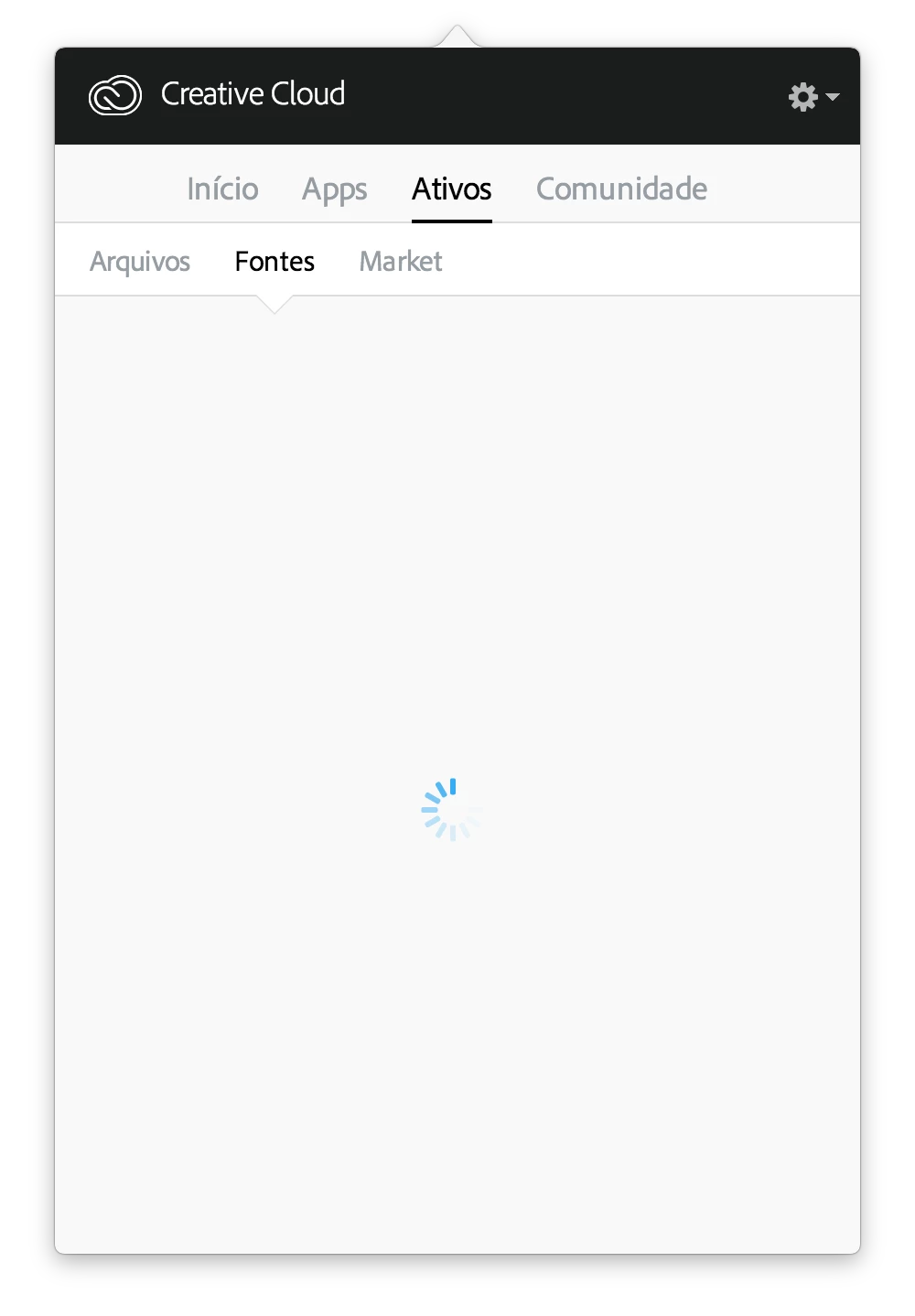
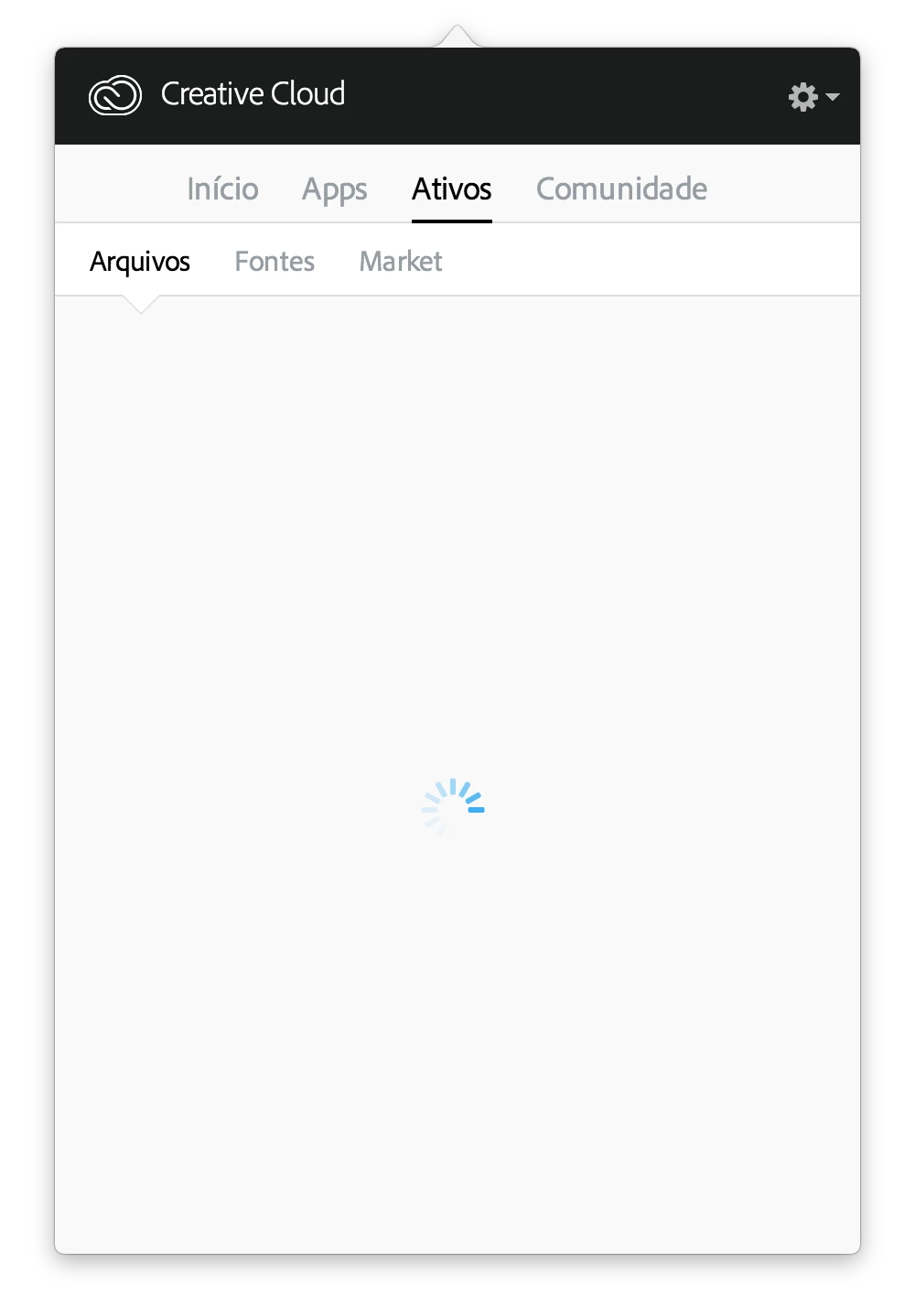
The assets and typeset fonts doesn't sync, the app icon continues black (working) but doesn't work really.
What I can do? I've already search for a help in the Adobe Suport Chat but they send me some instructions by e-mail, for a WINDOWS machine! And I can't do that instructions the same way. It's other system.
Thanks in advance!


 AdChoices