
Participant
October 16, 2015
Question

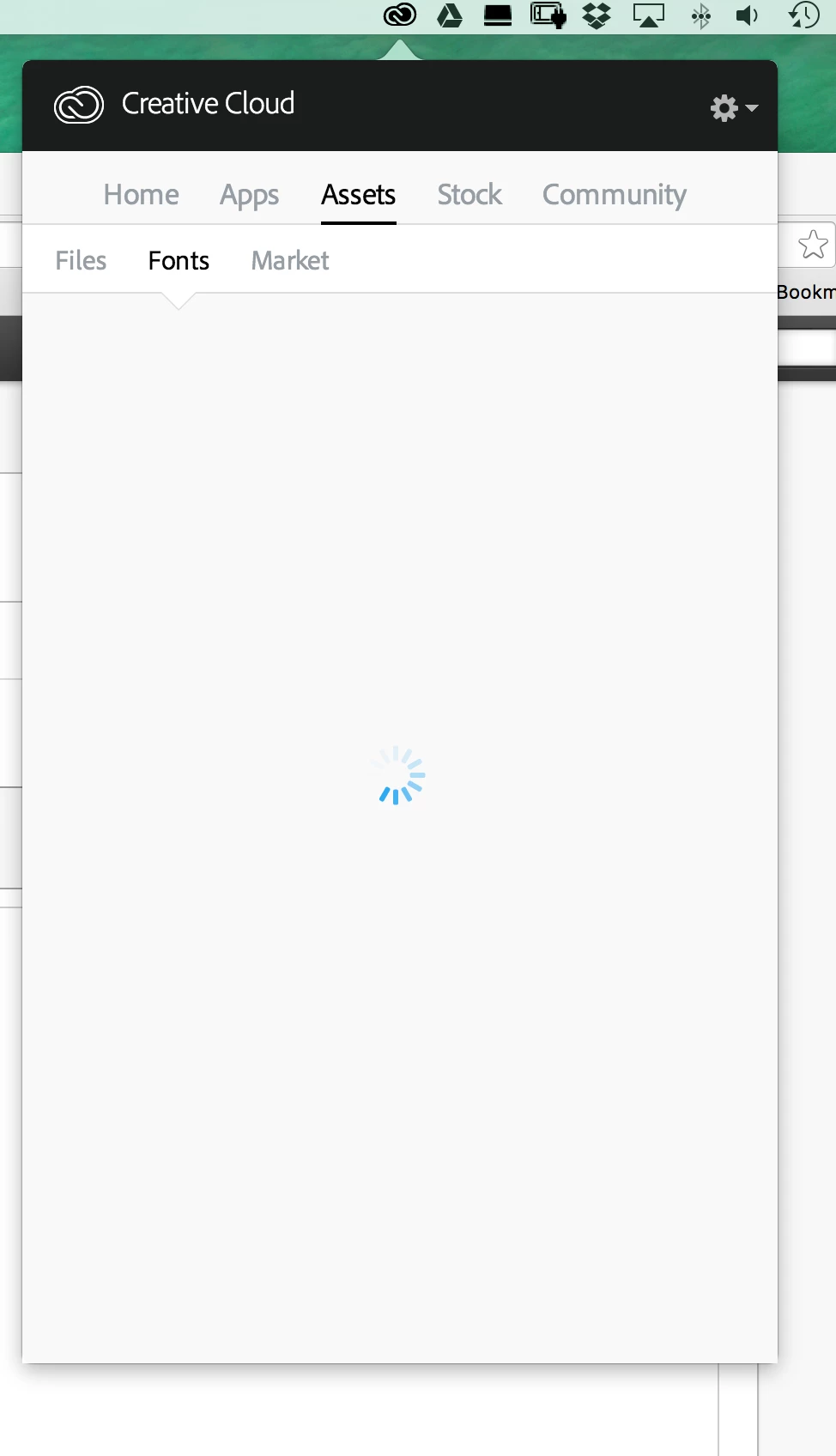
Font panel in CC App fails to load

  • October 16, 2015
  • 2 replies
  • 1565 views

Me and a few other work colleges are getting this same problem while using the CC App, so far we have all been unsuccessful with any solution on adobes website; the problem seems to be only for the "files" & "fonts" tab. Its extremely frustrating!

any help would be much appreciated?!

I have tried; with no success;

- Reinstalled CC App

- Have deleted fonts plugin folder in coresyncplugins

- Deleted OObe.dm file
This topic has been closed for replies.

2 replies

Pattie-F
Legend
October 19, 2015

Moving to Adobe Type forum

You can also ask Typekit questions here: Adobe Typekit Help center or the TypeKit support is available via email "support@typekit.com" and on twitter @Typekit.

If you are having trouble syncing fonts from Typekit, please try the troubleshooting steps found here:

sync troubleshooting guide. You can also see this thread where a similar issue has been resolved:

Re: Typekit fonts not working with Creative Cloud app

AkanchhaS8194121
Legend
October 16, 2015

Hi,

You may please Use the Adobe Creative Cloud Cleaner Tool to solve installation problems

After uninstalling the creative cloud please follow the steps mentioned bellow-

Remove the OOBE and AAMUpdater folders.

Mac OS:

  •    Quit all the Creative Cloud processes from activity monitor.
  • Navigate to   \User\<UserName>\Library\Application Support\Adobe*

  And /Library/Application Support/Adobe* 

          To access the hidden User Library folder, see Access hidden user             library files | Mac OS 10.7 and later.

  • Locate and remove the AAMUpdater and OOBE folders
  • Remove Adobe application manager and creative cloud desktop from> Utilities folder.
  • Re-download Creative cloud from -

  https://helpx.adobe.com/creative-cloud/help/install-apps.html 

Windows:

  • Quit all the Creative Cloud processes from task manager
  • Navigate to \Users\\AppData\Local\Adobe\

  And C:\Program Files (x86)\Common Files\Adobe 

C:\ProgramData\Adobe

https://helpx.adobe.com/creative-cloud/help/install-apps.html

Regards,

Akanchha