Resuelto
How do I find synced typekit fonts from InDesign?
I have the creative cloud, but when I download fonts from TypeKit
They don't appear in my applications, how do I find them?

I have the creative cloud, but when I download fonts from TypeKit
They don't appear in my applications, how do I find them?
Hi Amber,
I'm sorry that you ran into trouble with this! Once the fonts you have synced from Typekit are listed in your Creative Cloud desktop application (as shown below), they will automatically be added to the type menu in each of your desktop programs.
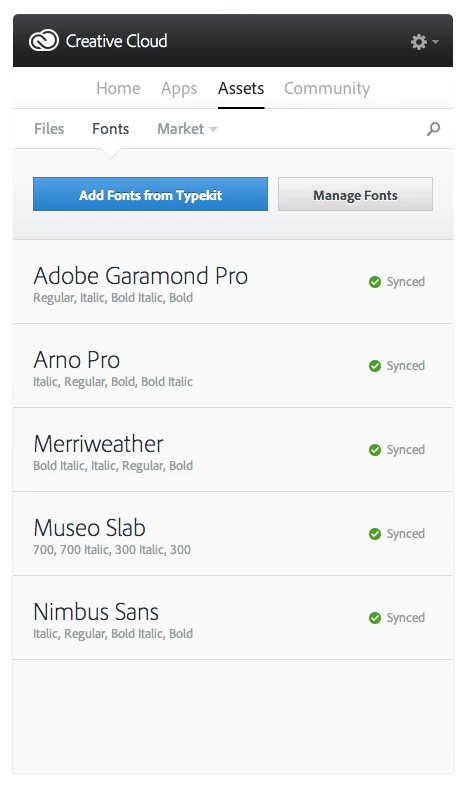
If the fonts aren't showing up, we'll need to take a look at the sync logs from your computer to see if there were any problems. Here are instructions on where to find the logs:
help.typekit.com/customer/portal/articles/1649149#logs
Attach the three or four most recent CoreSync-yyyy-MM-dd.log files along with a screenshot of the Fonts tab in Creative Cloud to an email to support@typekit.com. (Please don't send a zip file, as it may get flagged as spam.)
Thank you!
-- liz
Enter your E-mail address. We'll send you an e-mail with instructions to reset your password.


 AdChoices